
Studio
Material Swap
Apply texture, material or object from a reference image into your room.
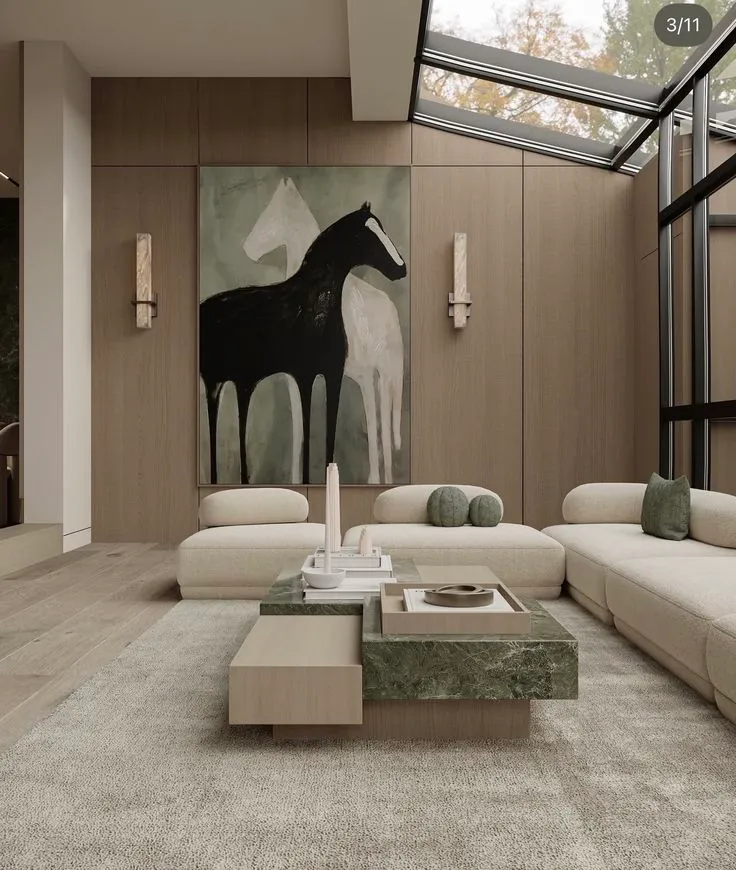
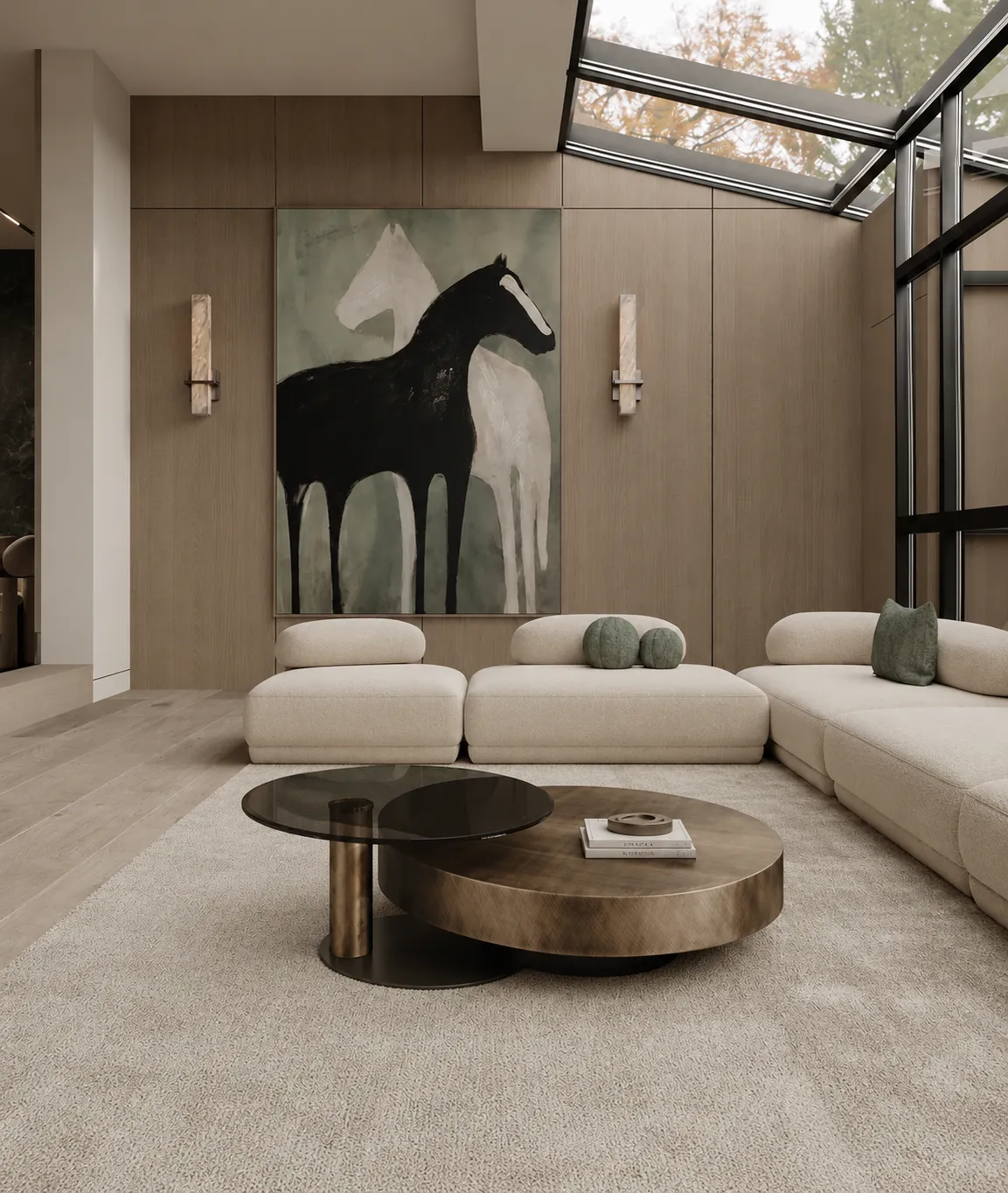
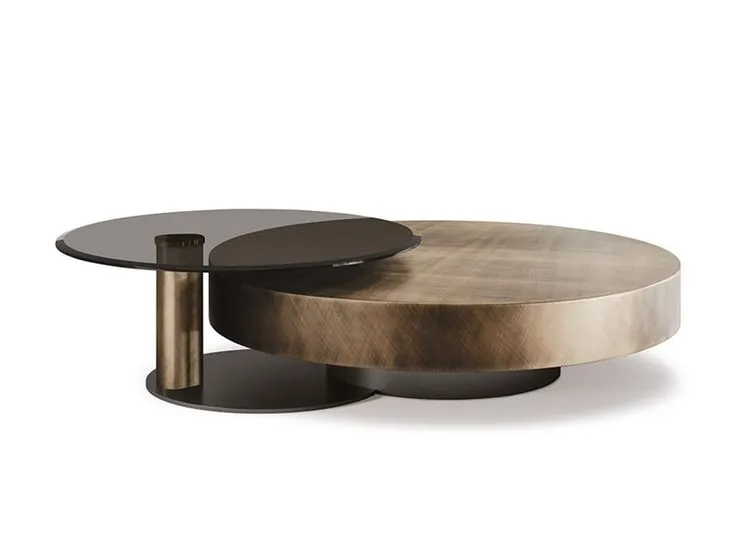
NEW TABLE
PROMPT
Results appear here
Upload an image and adjust settings on the left. Render variations will appear here.
Room image
Reference (material/object)
What do you want to swap?
NEW TABLE
PROMPT
Results appear here
Upload an image and adjust settings on the left. Render variations will appear here.
Swap materials without re-rendering
Material Swap changes the finishes in a render while keeping everything else identical. Oak floor to polished concrete. White render to charcoal brick. Marble counter to walnut. The lighting, geometry and camera stay exactly the same, so options are genuinely comparable side by side.
Material selection is where projects stall — because everybody is imagining a different thing. Putting twenty real options in front of a client, all in their own space, ends that conversation in one meeting.
How it works
- 1
Upload the render
Any interior or exterior render, or a photo of an existing space.
- 2
Pick what to change
Floors, walls, cladding, countertops, joinery, ceilings — target the surface you want to test.
- 3
Compare the options
Generate a range of finishes on the same view. Everything else is held constant, so the comparison is honest.
Who it's for
- —Material selection meetings that end in a decision, not a debate
- —Showing a client the same kitchen in five countertop finishes
- —Testing facade cladding options before pricing them
- —Producing a finishes board straight from the actual design
Frequently asked
How many materials can I test at once?+
You can generate a full set of options on the same view — the point is to compare, not to guess. Because the geometry, lighting and camera stay fixed, the only variable is the material.
Does it keep the lighting consistent?+
Yes. The scene, camera and lighting are preserved so the options are directly comparable. Only the surface finish changes.
Can I specify a real product or brand?+
Describe it in the prompt ("Carrara marble", "smoked oak", "corten steel") and it will be matched. Materia can also identify materials in a render and give you RAL, Pantone and real product references.