
Tool
Inpainting
Paint the area you want to change. Describe the replacement.
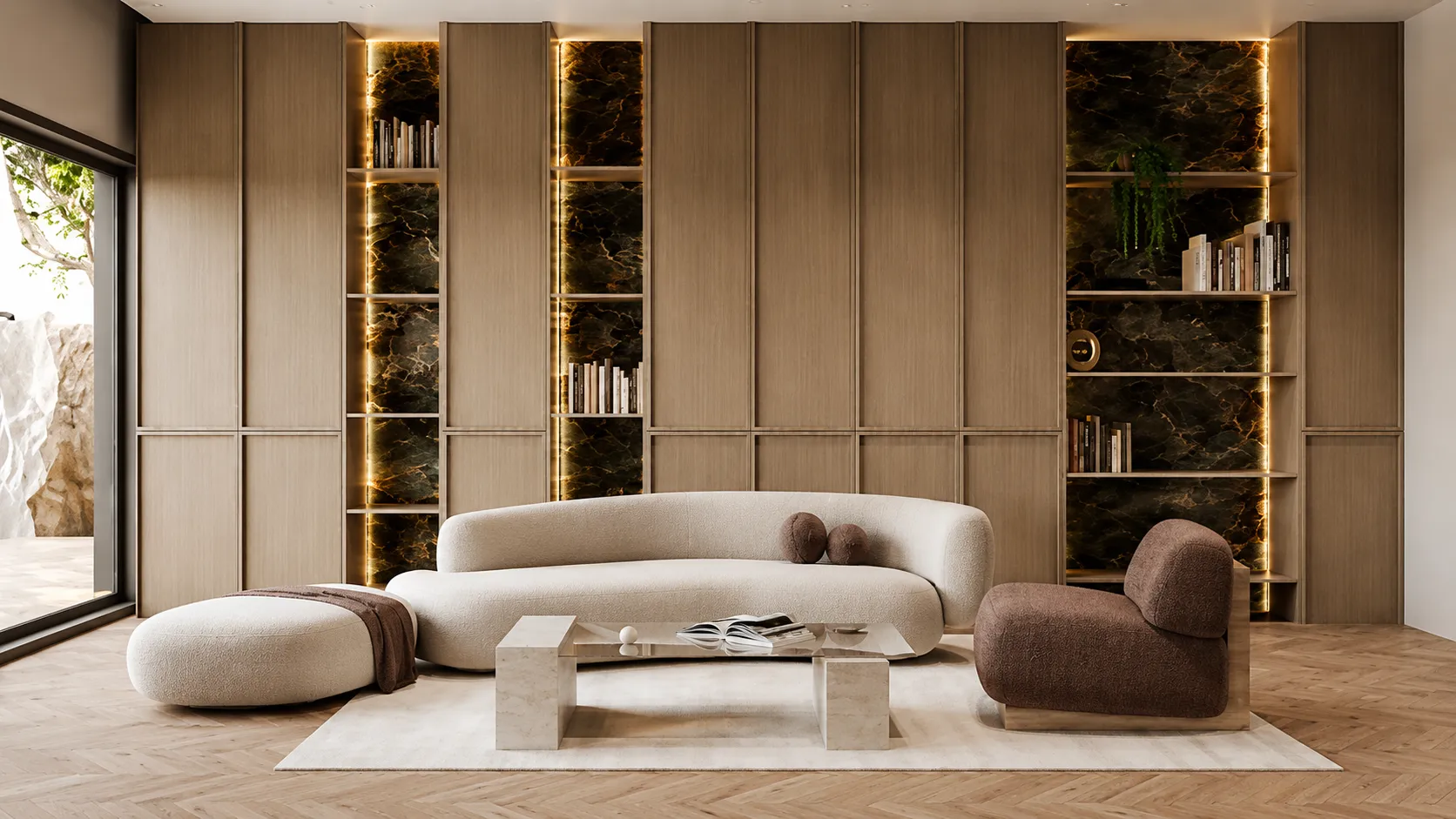
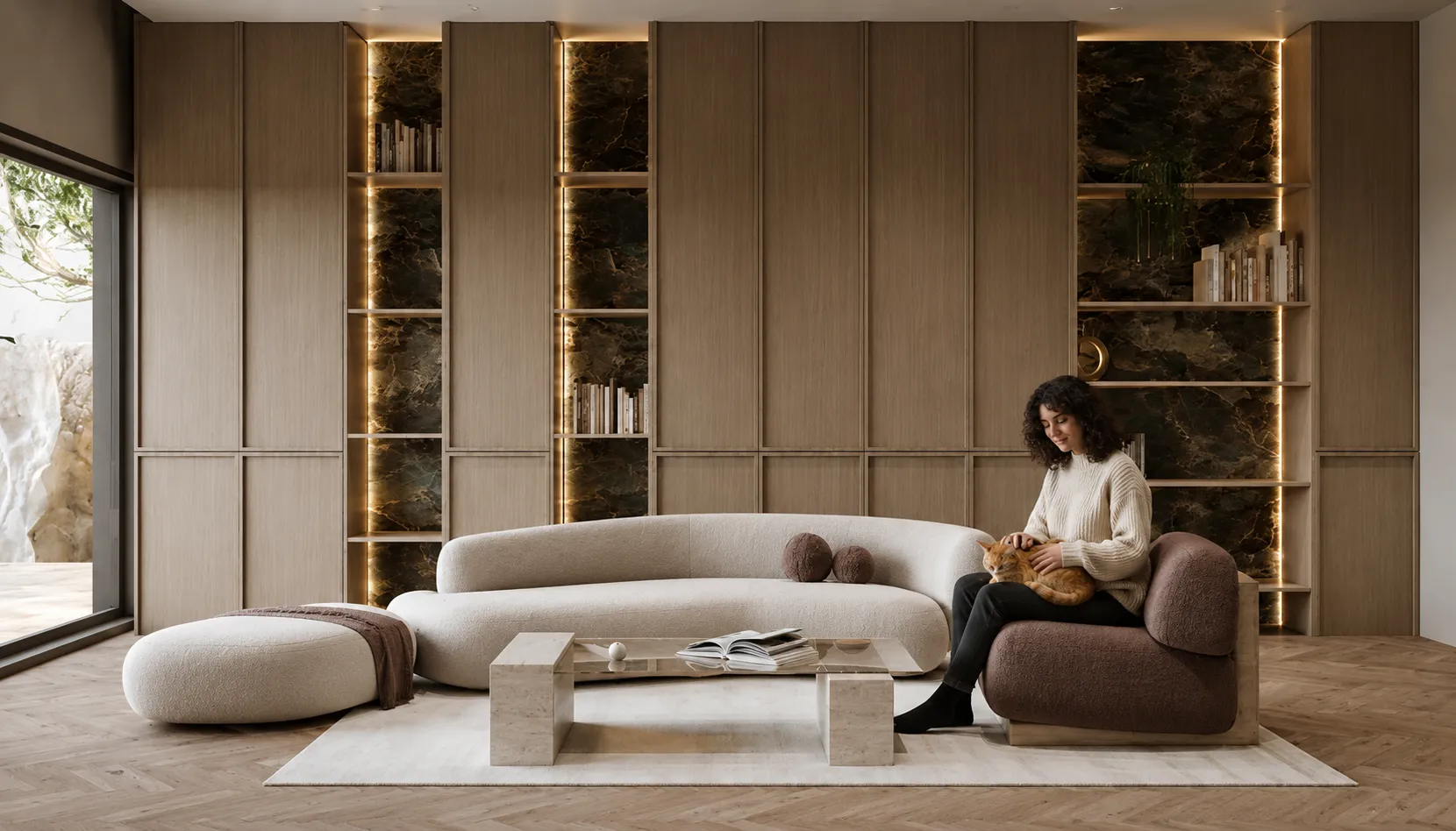
Results appear here
Upload your image, paint over the area to change, describe the replacement.
WRITE WHAT SHOULD BE THERE
Image
Replacement Prompt
Quick Prompts
How it works
- 1. Upload your image
- 2. Paint over the area to change
- 3. Describe the replacement
- 4. AI keeps everything else intact
Results appear here
Upload your image, paint over the area to change, describe the replacement.
WRITE WHAT SHOULD BE THERE
Edit one part of a render, keep the rest
Inpainting lets you fix a render without regenerating it. Brush over the area you want to change, describe what should be there instead, and only that region is rebuilt. Everything outside your brush stays pixel-identical.
Remove the parked car. Swap the sofa. Change the floor to oak. Add trees to a bare street. Delete the person in the corner. It is the difference between a render that is "almost right" and one you can actually send.
How it works
- 1
Upload the render
Any render or photo that is nearly right but has one thing wrong.
- 2
Brush the area
Paint over the region you want changed. Everything you do not brush is untouched.
- 3
Describe the fix
"Empty street, no cars." "A dark grey linen sofa." "Oak parquet floor." The masked area is rebuilt to match.
Who it's for
- —Removing cars, people and clutter from site photos
- —Swapping a single piece of furniture after client feedback
- —Fixing the one wall the client did not like without redoing the render
- —Adding greenery, sky or context to a bare scene
AI inpainting vs a full re-render vs manual retouching
| Approach | Input needed | Time to output | Best for |
|---|---|---|---|
| AI render editor (this tool) | An existing render plus a brushed area and a short description | Seconds, in the browser | Fixing one thing in a render that is otherwise right, without regenerating it |
| Full re-render (Interior/Exterior AI) | The source photo and a new style or prompt | Seconds | When more than one area needs to change, or the whole look is off, not just one detail |
| Manual retouching (Photoshop) | Editing skill and the source file | Minutes to hours per fix | Pixel-level control on a single image, at the cost of time and a learned tool |
Frequently asked
Does the rest of my image stay the same?+
Yes. Only the area you brush is regenerated. The unmasked parts of the image are preserved exactly, so you can make a targeted fix without risking the parts that already work.
Can it remove people and cars from photos?+
Yes — that is one of the most common uses. Brush over the object, describe the background that should be there ("empty asphalt road"), and it is filled in convincingly.
How large an area can I edit at once?+
Small, focused edits give the cleanest results. If you need to change most of the image, it is usually better to re-render it with Interior or Exterior AI instead.