

Archome AI Design Studio
Archome AI — AI Architectural Rendering, Interior & Exterior Design and Cinematic Video for Architects
Render in 30 Seconds.
Upload a sketch, render or room photo. For architects, designers and anyone redesigning a space. Premium results in ~30 seconds.
Present client-ready renders in ~30 seconds — not 3 days.
750K
Users
10M
Renders
180
Countries
“A great tool — showcasing wonderful projects in real time. Bravo.”
Trusted by professionals at
What you can make
Find inspiration.
Start creating.

 BeforeAfter
From sketch to photoreal.
Upload a hand sketch or SketchUp screenshot — get a finished, built photograph of the exact same design. Geometry, openings and camera stay yours.
Try Sketch to Render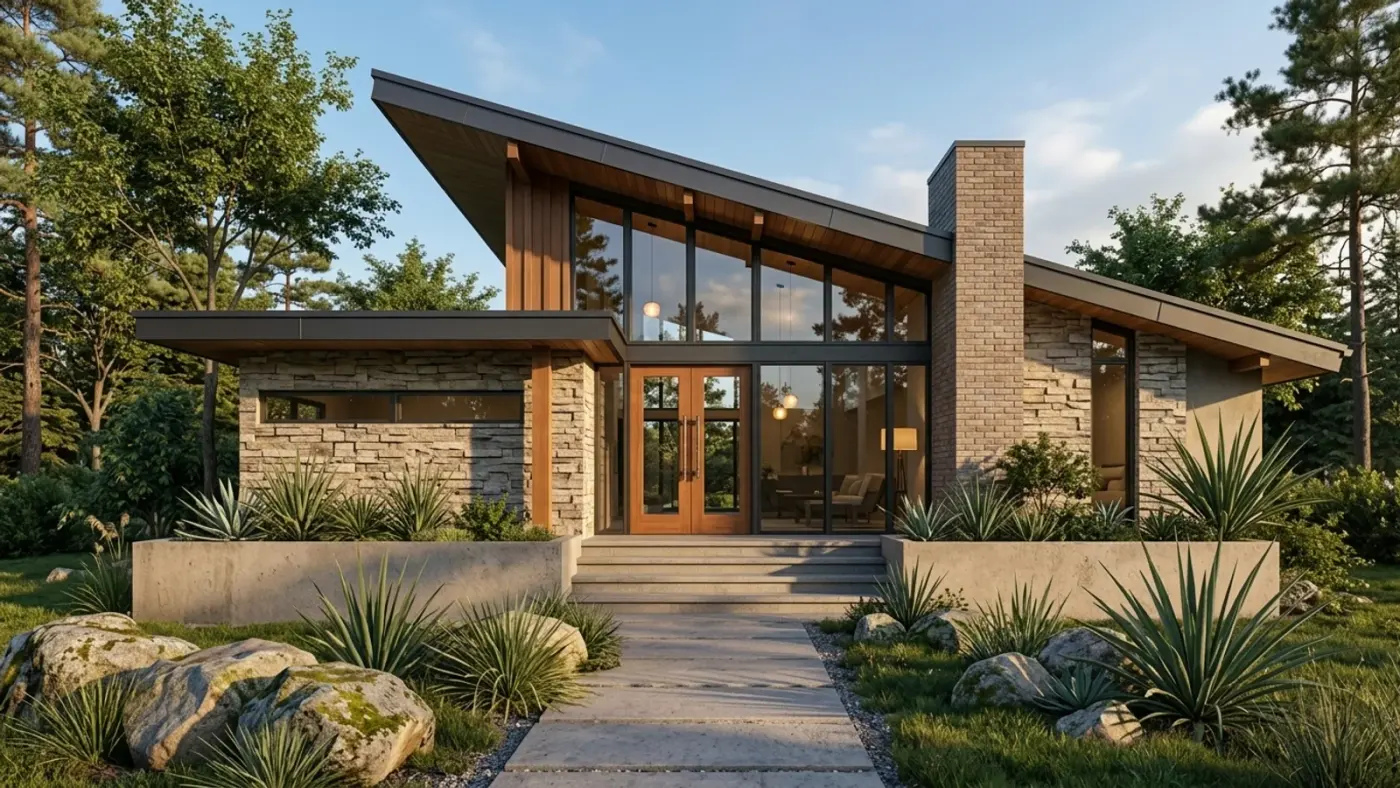
 BeforeAfter
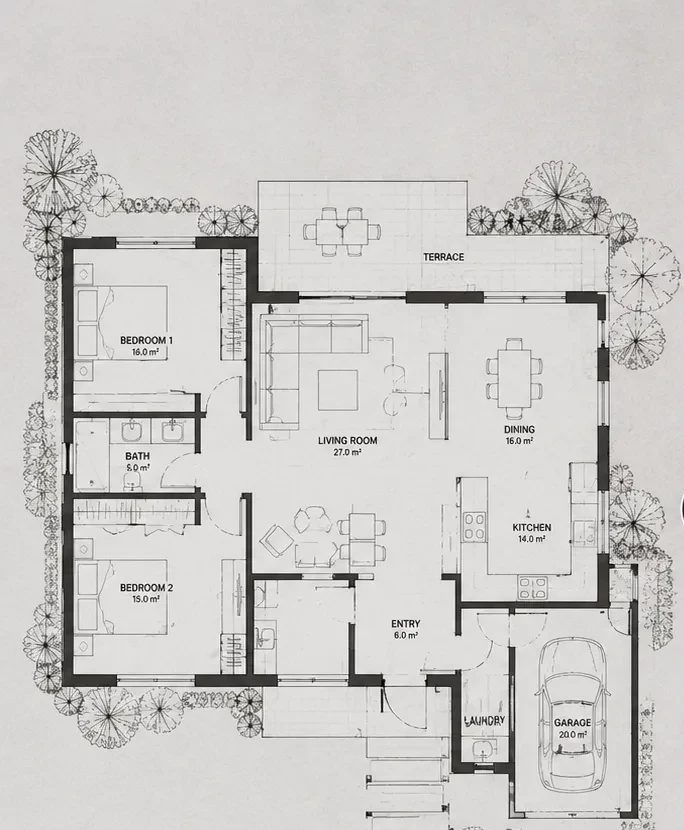
Plans become living 3D.
Drop in a 2D floor plan and ask for a dollhouse — every room furnished, labels and dimensions preserved. Then ask for any room, rendered from inside that exact plan.
Try Plan Mode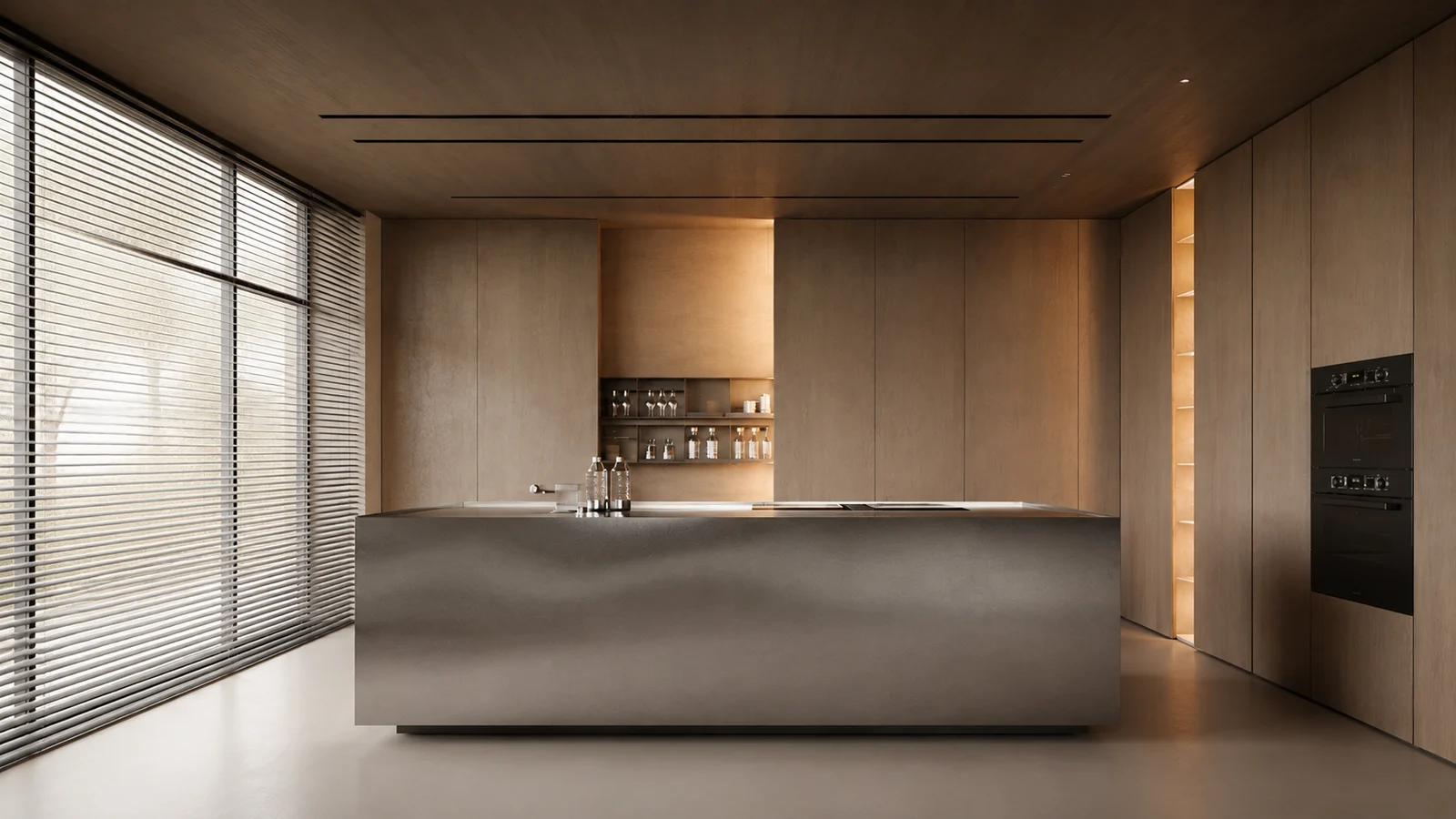
 BeforeAfter
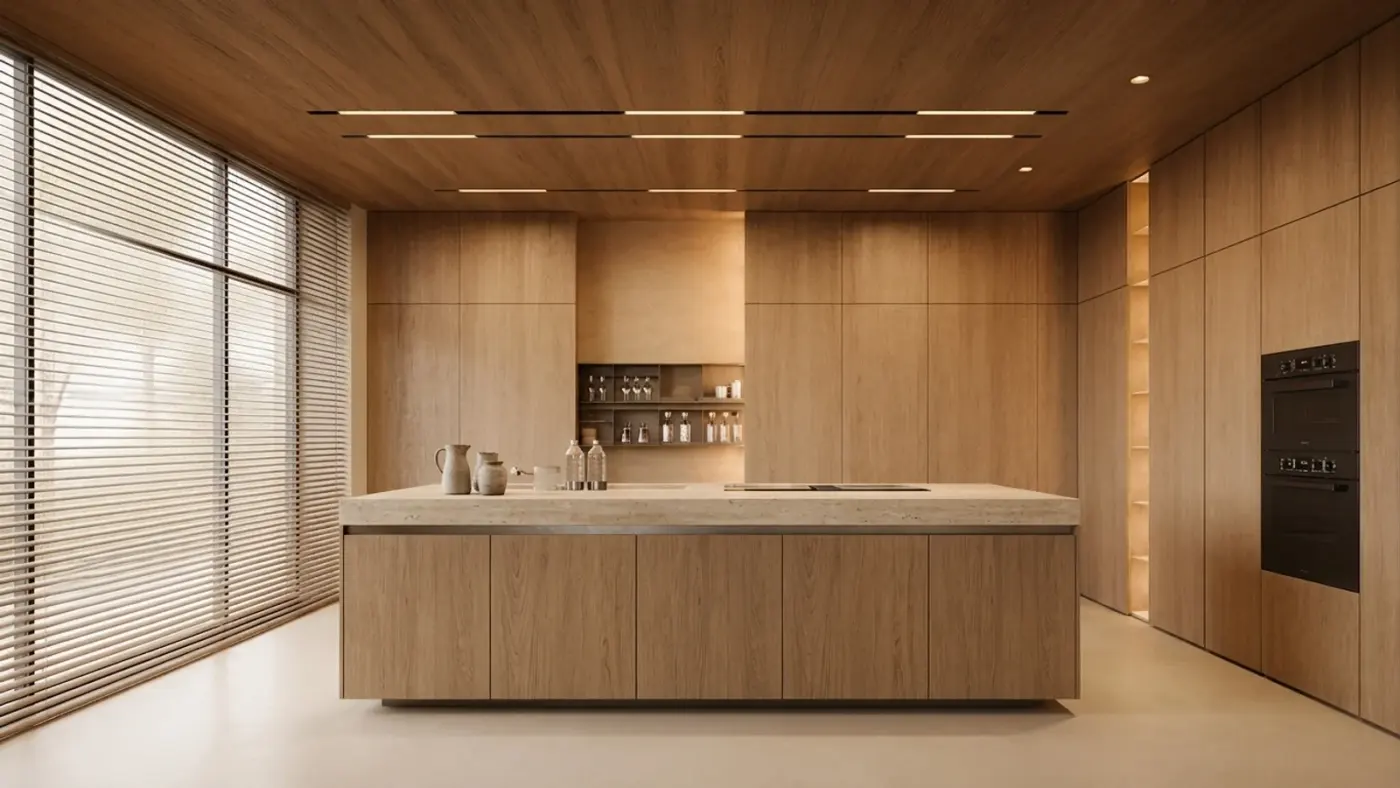
Endless variations, one click.
Test materials, lighting and styles in seconds — golden hour, winter, travertine, walnut. Your architecture never changes; only what you ask for does.
Explore variationsCinematic video flythroughs.
Turn a single render into a moving, client-ready shot. Perfect for presentations, listings and social.
Make a videoToolkit
Fourteen AI tools
for every stage of design.
From sketch to render, materials to video - all in one studio.
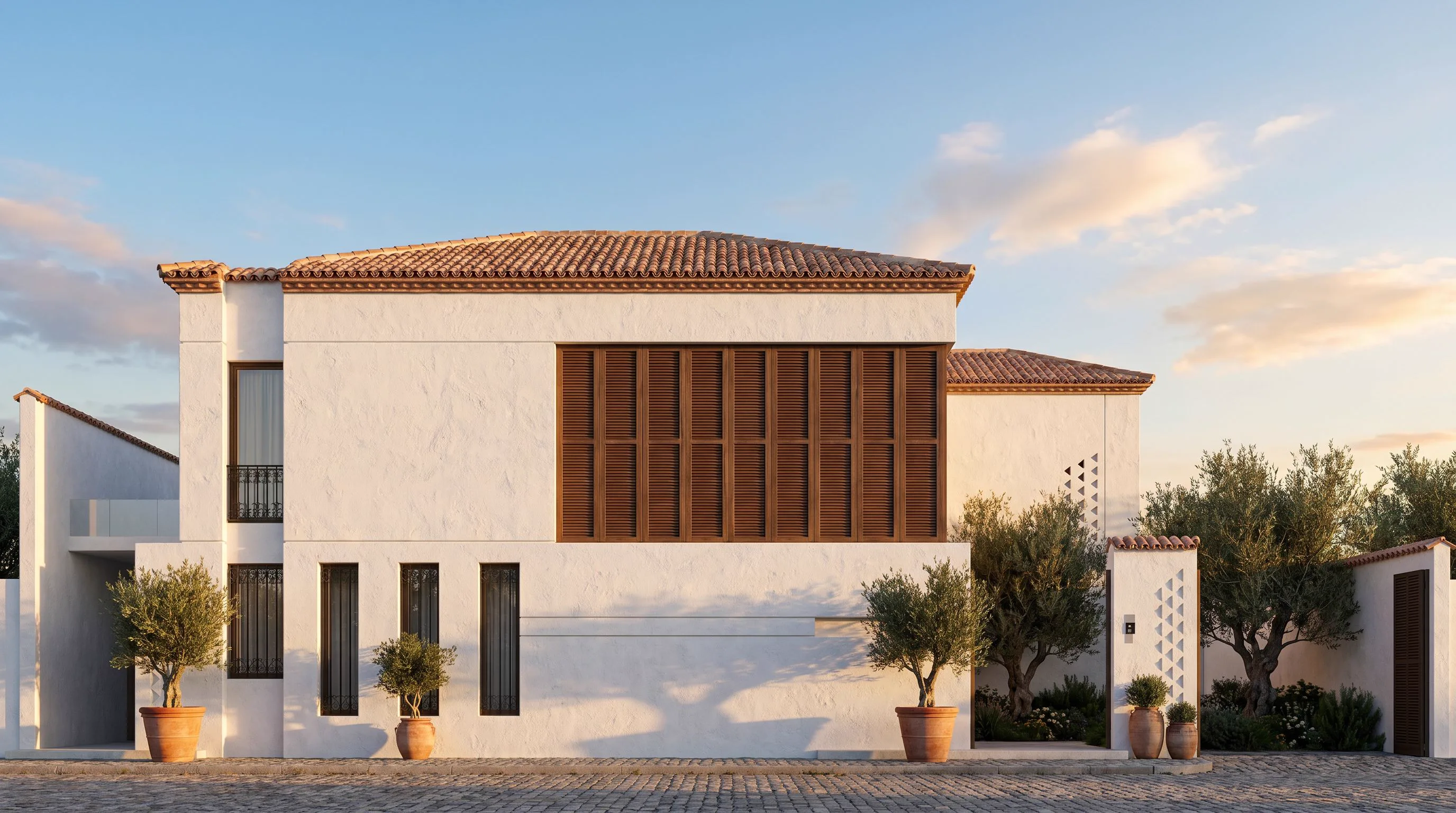
Archome Studio
Chat with AI to generate, edit and refine renders in natural language — upload a photo, sketch or plan and just say what you want.
Try Studio for free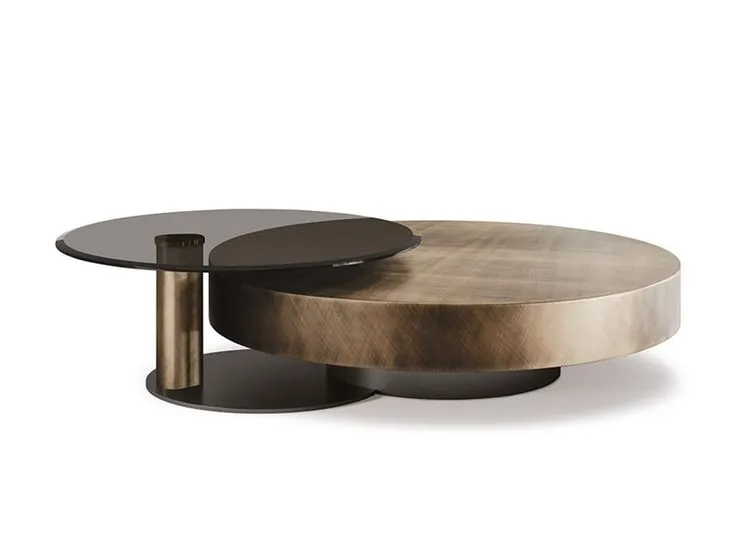
Materia
NEWIdentify every material in a photo — instant palette and sourcing list.
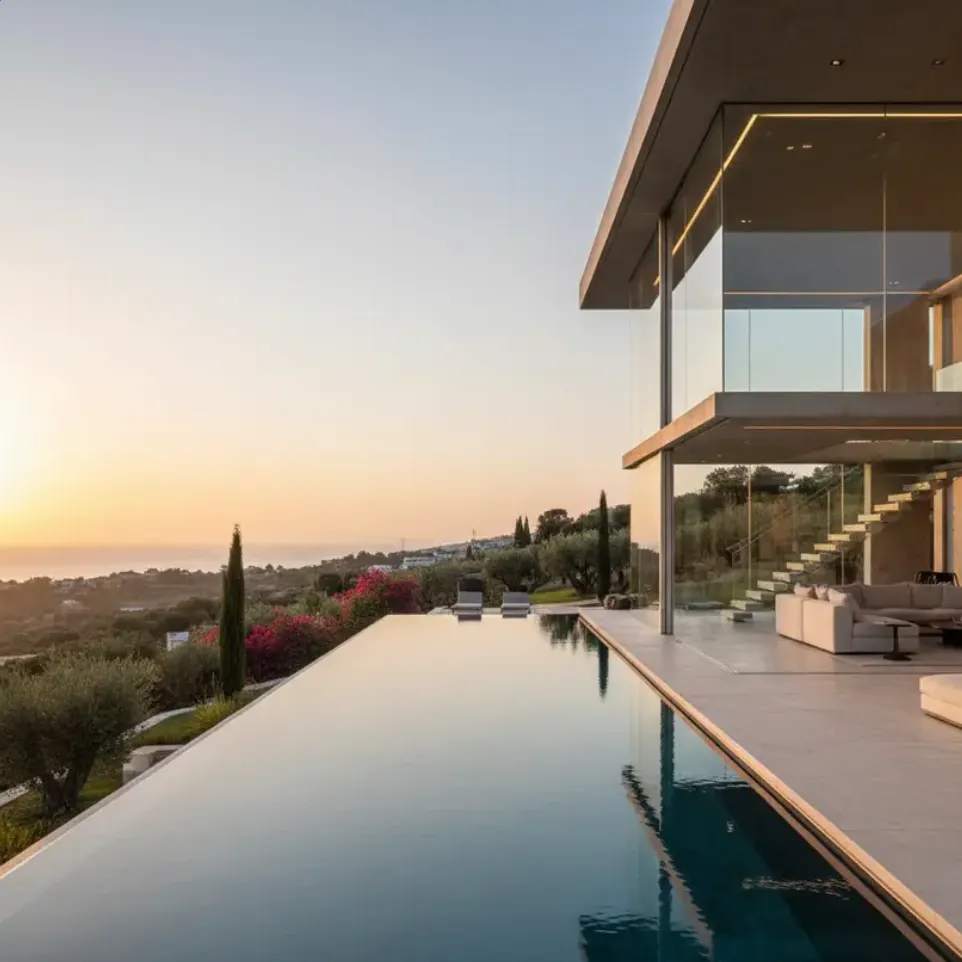
Imagine AI
10 creditsGenerate architectural scenes from text only.
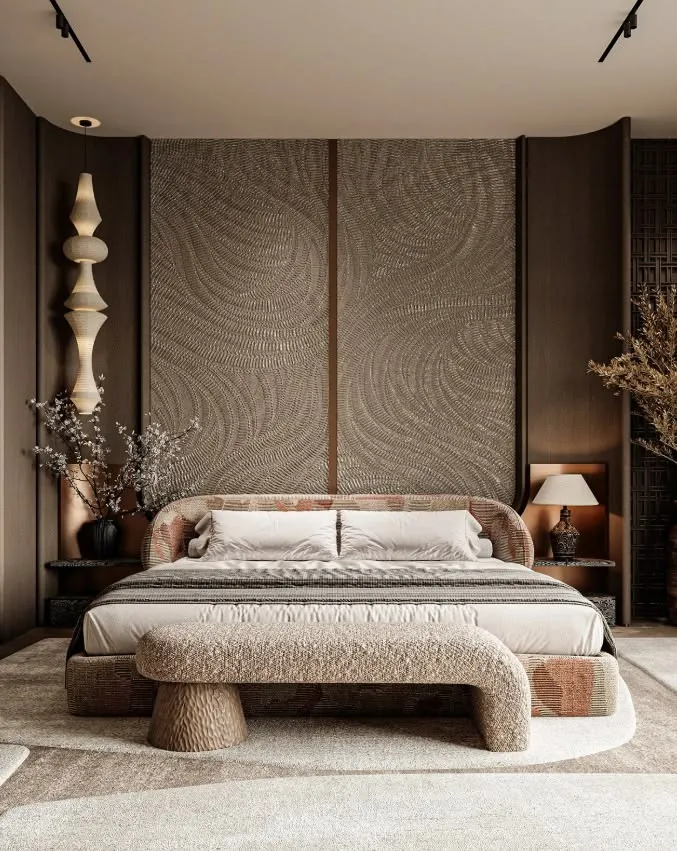
Interior AI
10 creditsReimagine any interior in 6 curated styles.
Plan & Render
60 + 30 creditsUpload or draw a plan — AI reads it into an editable 3D plan and renders it.
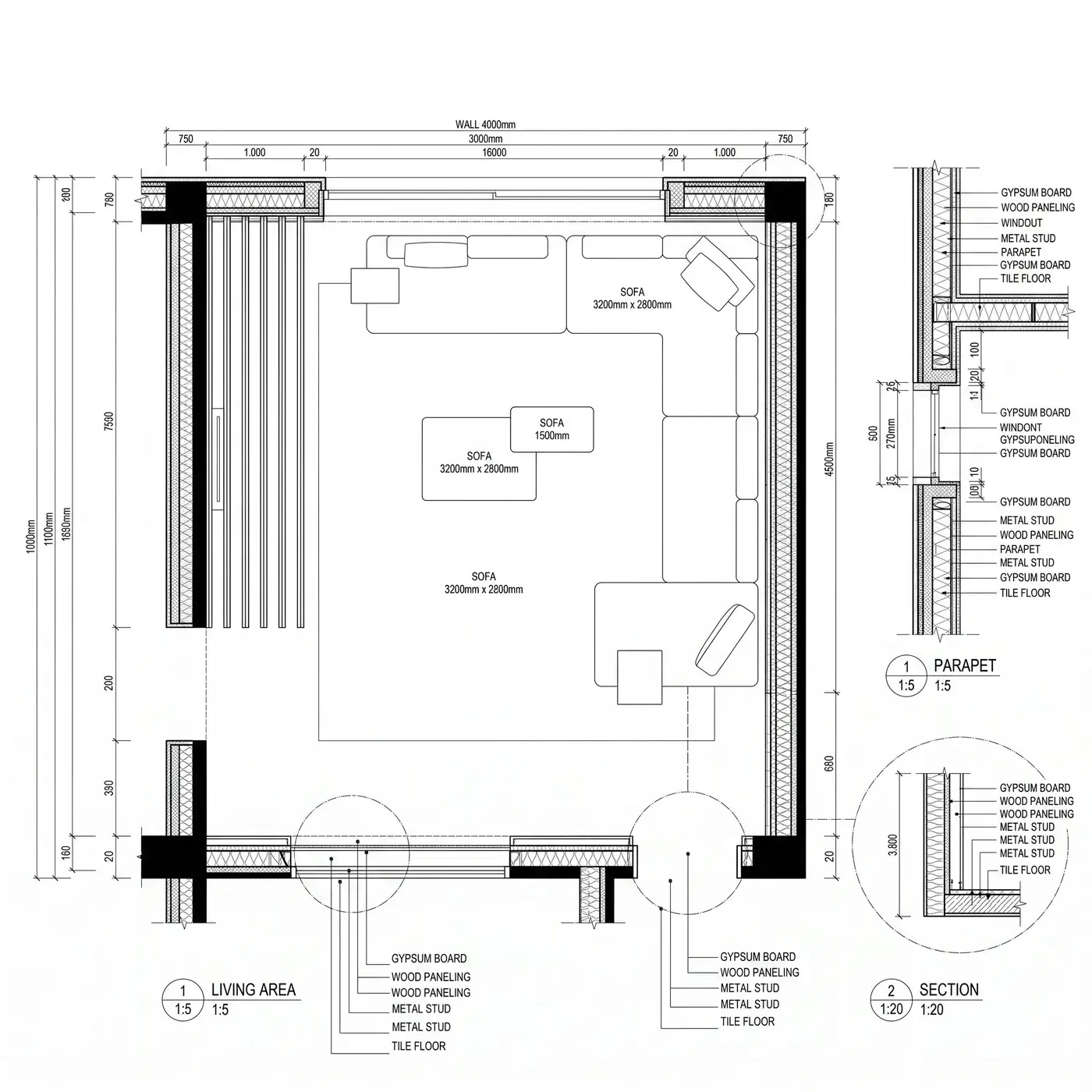
Detail AI
30 creditsConstruction details and section sheets from your design.
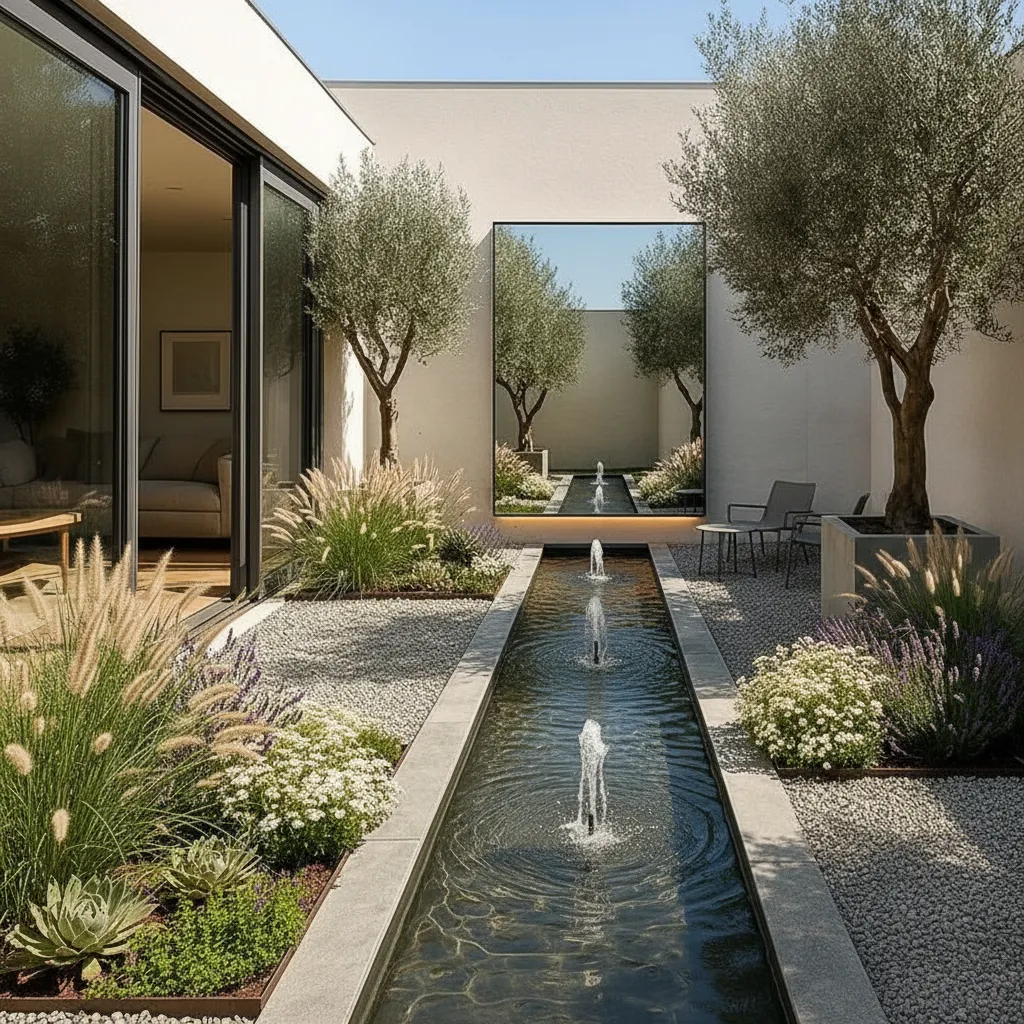
Landscape AI
15 creditsDesign gardens, courtyards and outdoor spaces.
Exterior AI
10 creditsRestyle facades, villas and urban towers.
Sketch to Render
15 creditsLines and CAD captures become photoreal.
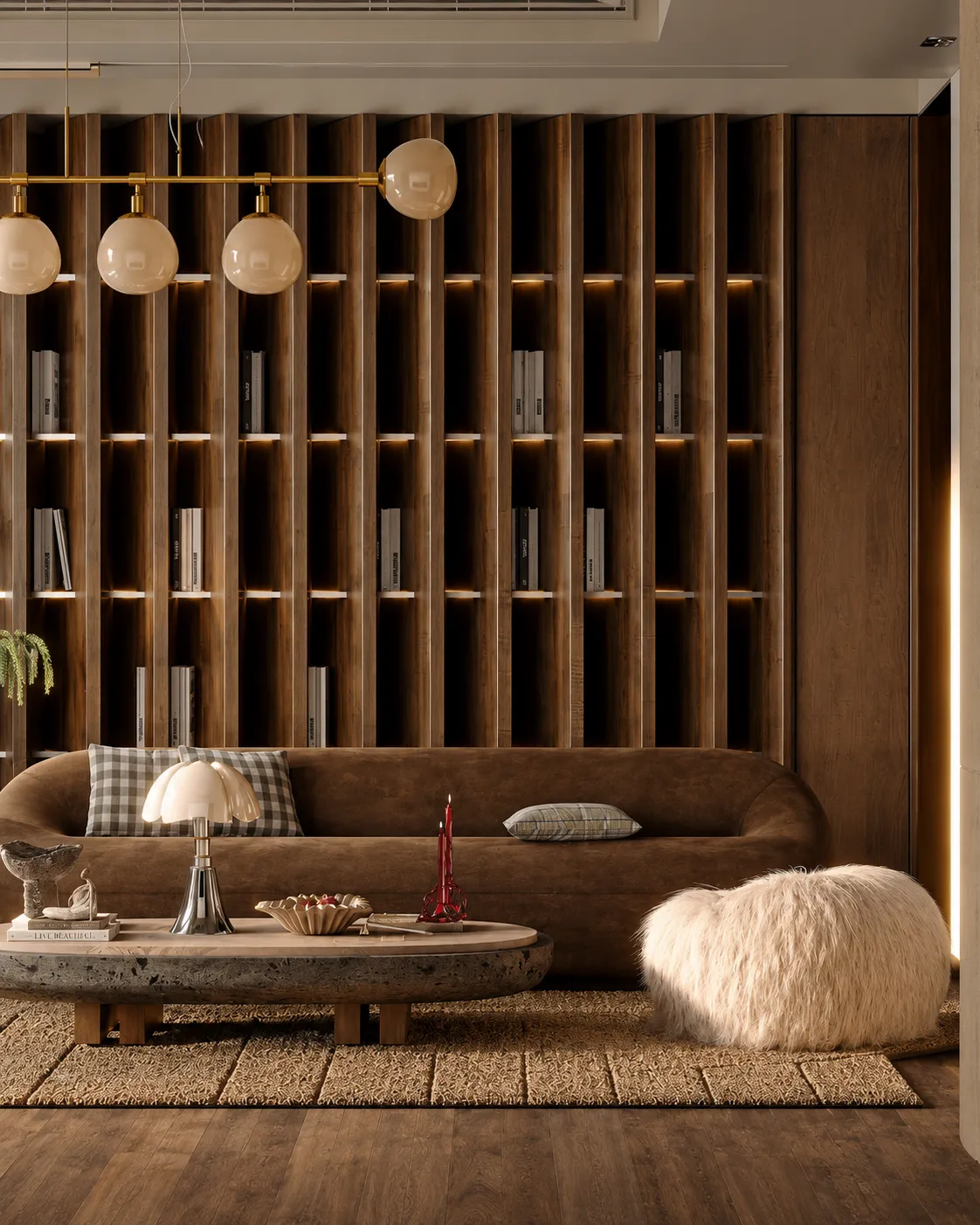
Render Enhancer
30 credits4x upscale with sharper lighting and detail.
Style Transfer
10 creditsBorrow materials and mood from any reference.
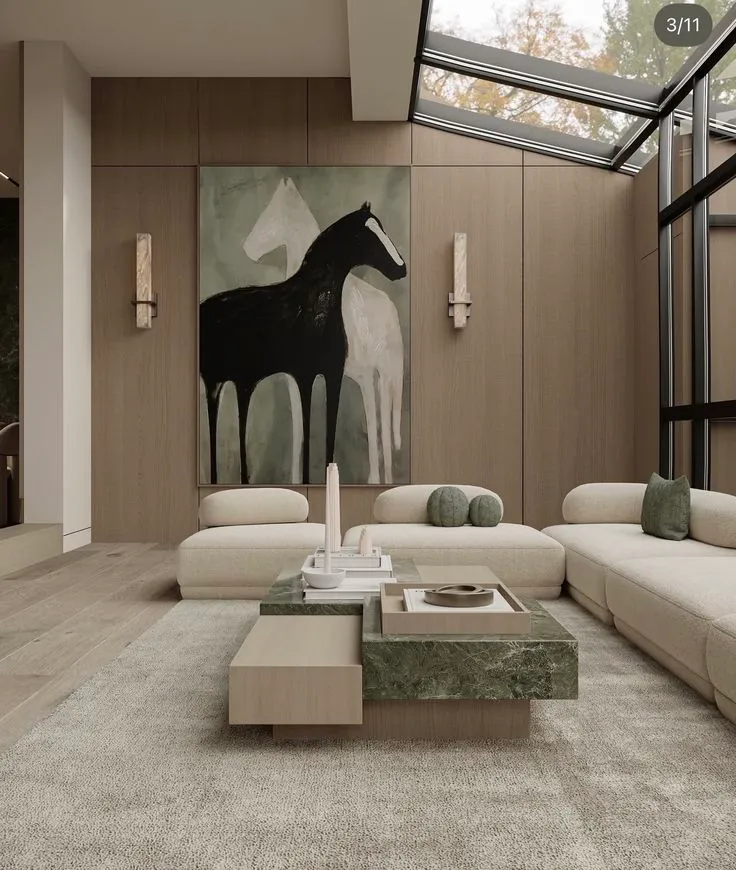
Inpainting
30 creditsEdit only the area you select. Nothing else.
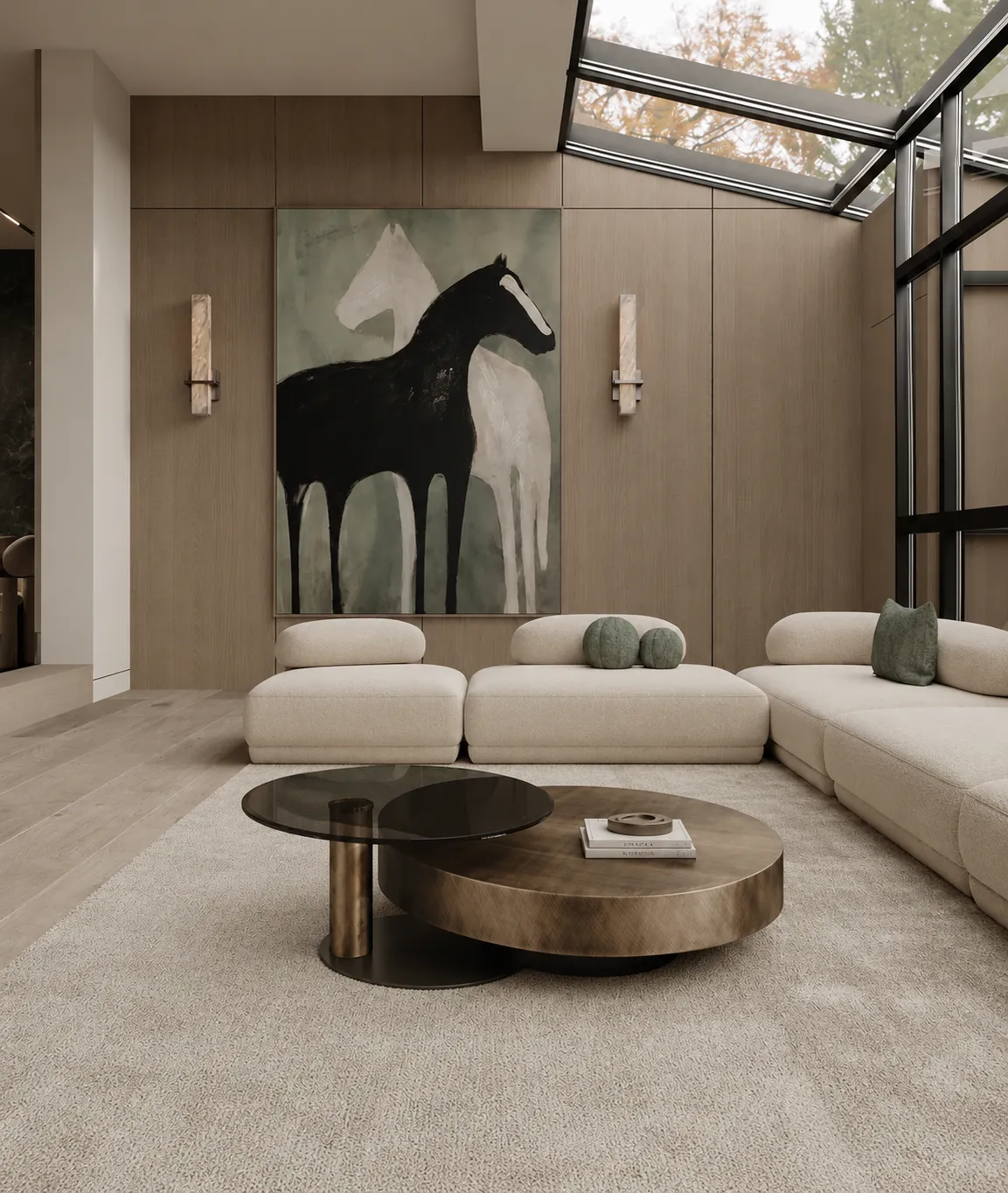
Material Swap
20 creditsSwap one material for another — floor, facade or furniture.
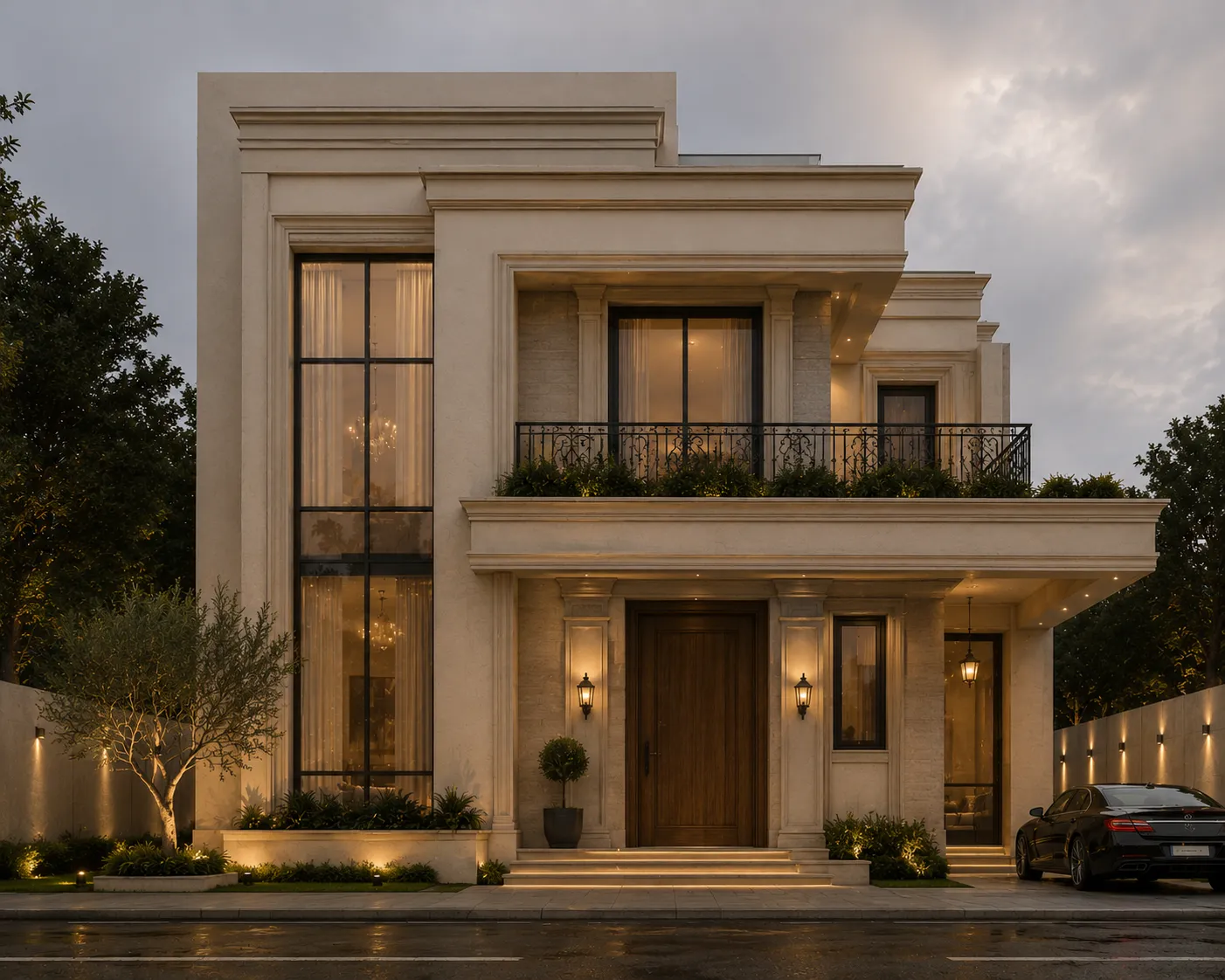
Video Creator
100-720 creditsCinematic walk-throughs.
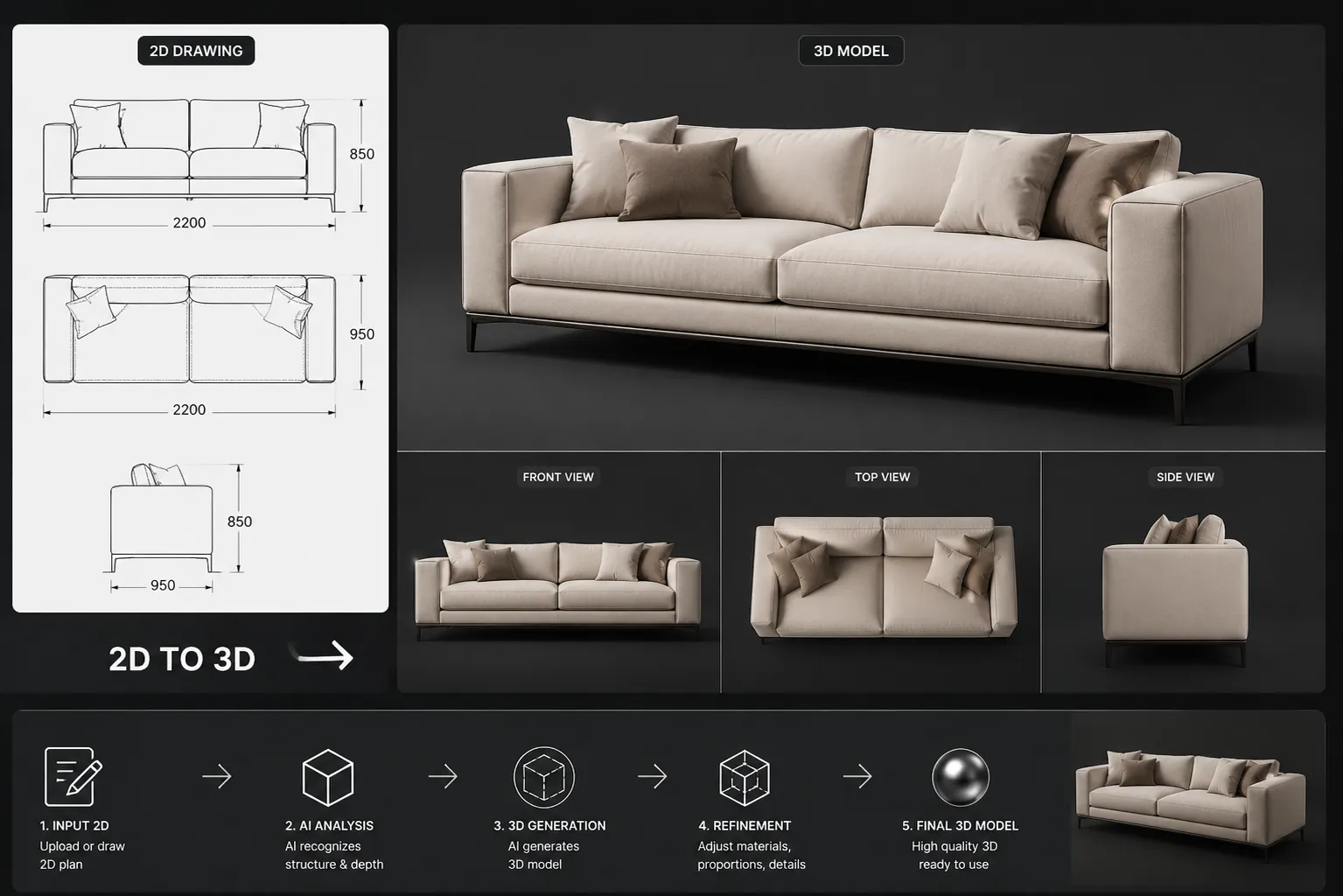
2D to 3D
300 creditsTurn a photo into a real 3D model (GLB).
Why Archome
Generic AI warps walls. Archome keeps your geometry.
Your walls stay straight
Generic image AI bends walls, melts edges and invents windows. Archome locks your structure — proportions, lines and perspective stay exactly as you drew them.
Real materials & light
Physically accurate textures, shadows and daylight — not painterly guesses.
~30 seconds, up to 4K
Presentation-ready renders in seconds, sharp enough for client boards and print.
Free to start
100 credits on signup, no credit card. Try it on a real project today.
How it works
From concept
to presentation.
Three steps. Cinematic results. No 3D software required.
01
Upload
Drop any photo, sketch or CAD screenshot.
02
Choose style
Pick from curated presets or write your own prompt.
03
Generate
Receive 4 cinematic alternatives in seconds.
Pricing
Simple plans. Studio-grade tools.
Start free.
Lite
- 100 Fast or 33 Ultra renders
- 10 video generations
- 4K upscaling
- Commercial license
Plus
- 300 Fast or 100 Ultra renders
- 30 video generations
- 4K upscaling
- Commercial license
Studio
- 1000 Fast or 333 Ultra renders
- 100 video generations
- 4K upscaling
- Brand kit
Enterprise
- 3000 Fast or 1000 Ultra renders
- 300 video generations
- Shared team credits (on request)
- Priority support
← Swipe →
Questions
Everything you want to know.
Each tool uses a fixed number of credits per generation. Interior AI costs 10 credits, Video Creator starts at 100. You get a one-time 100 free credits on signup.
More questions? info@archome.store
Ready when you are
Design the next decade
of architecture.
Get started free 100 FREE CREDITS NO CREDIT CARD REQUIRED