
Free AI image upscaler for renders
Upload a finished render and get it back at up to 4× resolution, sharper and print-ready, without changing the design. 100 free credits, no credit card.
Studio
Render Enhancer
Upgrade low-resolution outputs to 4K quality.
Image
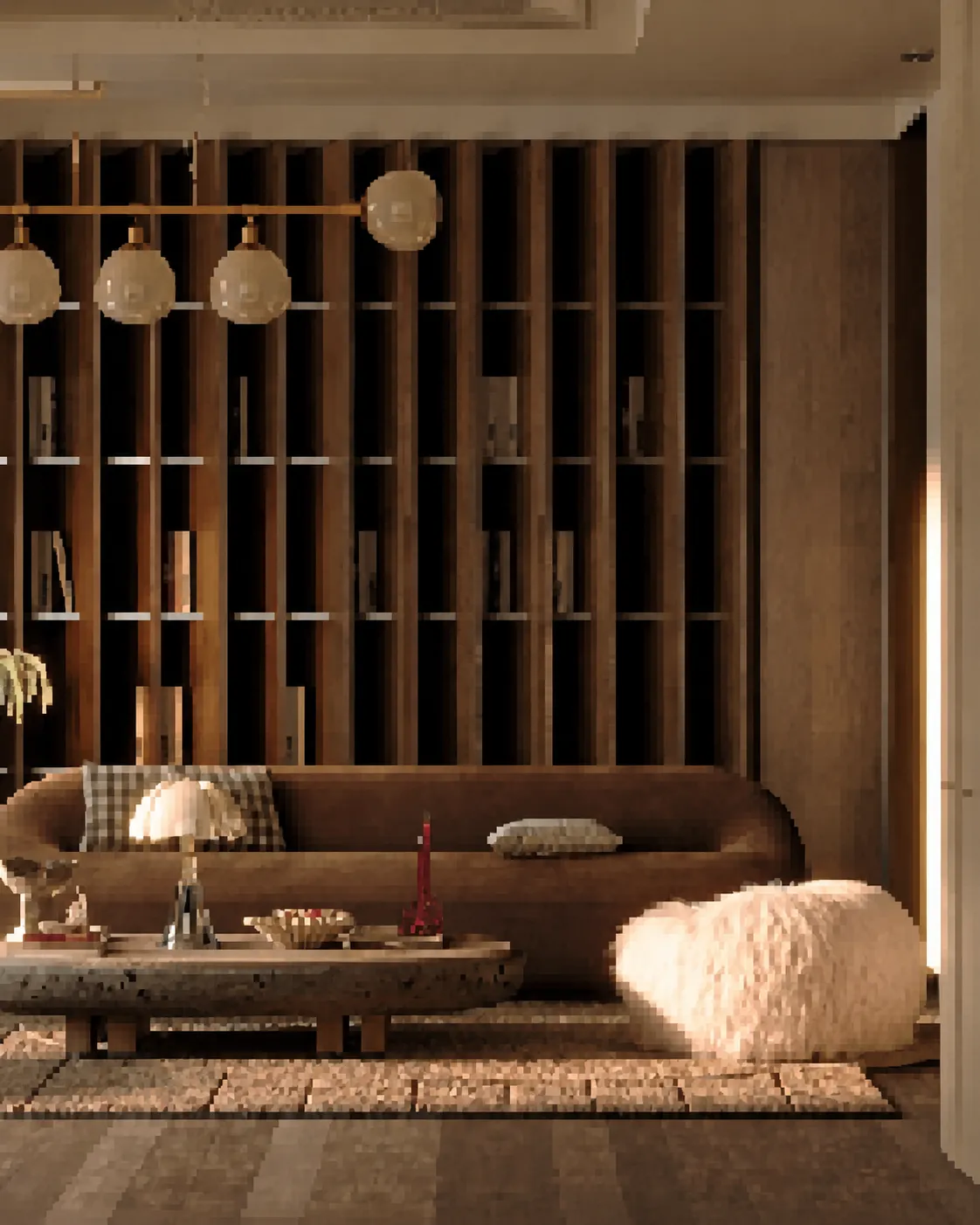
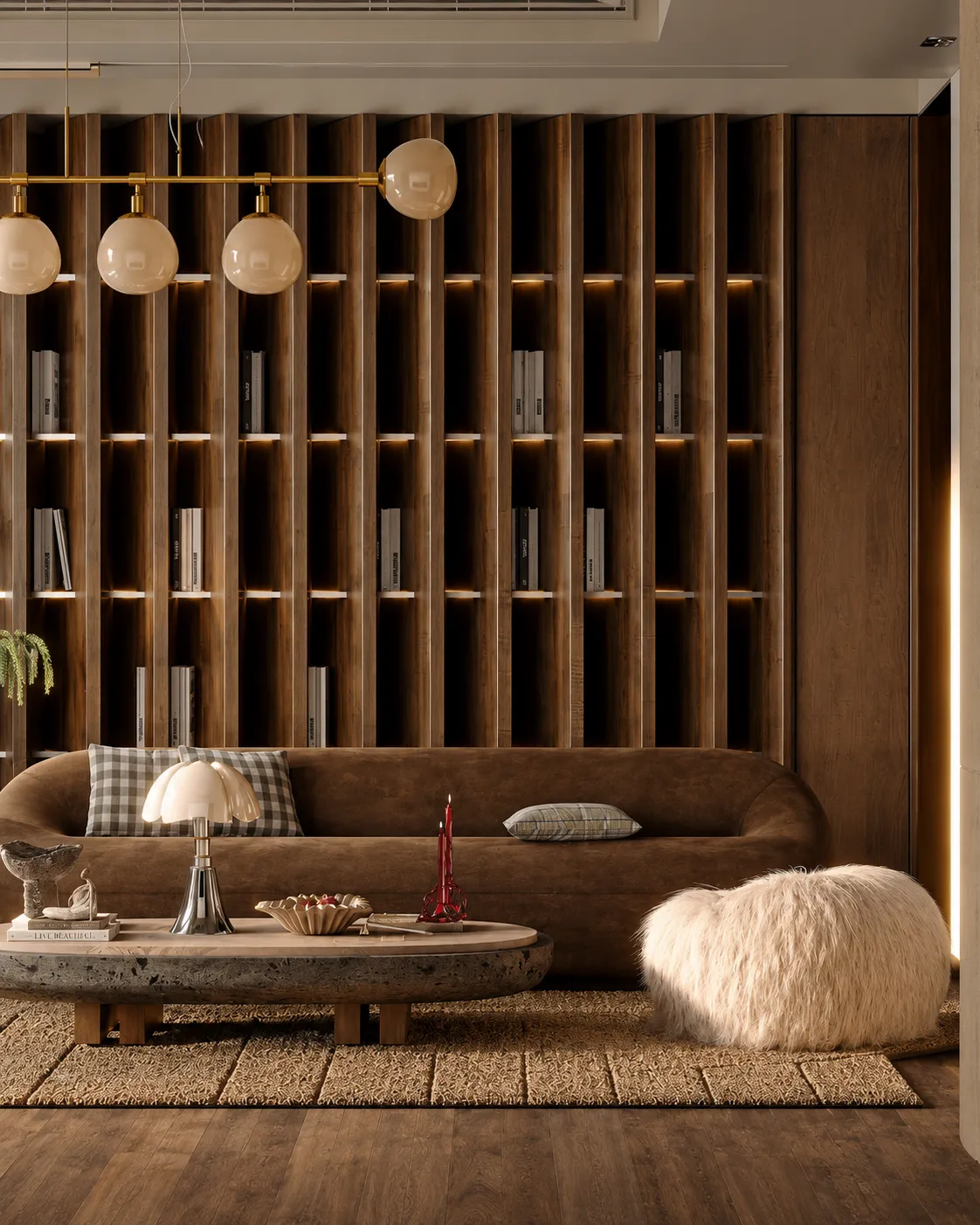
Results appear here
Upload an image and adjust settings on the left. Render variations will appear here.
The sharper the original, the better the result.
Engine
Automatic
The best engine is selected for you.
Render style
Geometry
Camera
Room type
Room style
Custom prompt
Upscale finished renders to 4K
Render Enhancer takes a render you already have and rebuilds it at up to 4× the resolution — sharpening geometry edges, material texture and lighting detail along the way. A 1024px draft becomes a crisp, print-ready image suitable for a board, a portfolio spread or a large client presentation.
Important: this is an upscaler, not a redesign tool. It makes an existing, finished render bigger and sharper — it will not turn a raw sketch or a grey SketchUp viewport into a render. For that, use Sketch → Render or Exterior AI first, then bring the result here.
How it works
- 1
Upload a finished render
It must already look like a render or photo. Low resolution is fine — that is the point. Raw line drawings are the wrong input.
- 2
Enhance
The image is rebuilt at up to 4× resolution with restored detail in materials, edges and lighting, staying faithful to the original.
- 3
Download at print quality
Get a high-resolution file ready for print, large-format boards or a portfolio.
Who it's for
- —Turning a low-res draft render into a print-ready presentation board
- —Rescuing an old render that is too small for a new use
- —Sharpening AI renders before sending them to a client
- —Preparing images for large-format competition panels
Frequently asked
What kind of image should I upload?+
A finished render or a photo. The Enhancer makes an existing image bigger and sharper — it stays faithful to what is already there. If you upload a raw sketch or an untextured 3D viewport, it will sharpen the sketch, not render it. Use Sketch → Render for that.
How much larger does it get?+
Up to 4× the original resolution, so a 1024px image comes back around 4096px — enough for print and large-format boards.
Will it change my design?+
No. The Enhancer is tuned for faithful upscaling: geometry, layout and proportions are preserved. It adds resolution and detail, it does not reimagine the image.
Does it work on photos too?+
Yes. Site photos, product shots and interior photography all upscale well.
Is the image upscaler free?+
Every new account gets a one-time 100-credit trial with no credit card. An upscale costs 30 credits, so the trial covers three upscales. After that, credits come from a paid plan or a one-time credit pack.
Can I upscale AI renders made with other tools?+
Yes. Any finished render or photo can be uploaded, whether it came from Archome, another AI tool, V-Ray, Lumion, Enscape or a camera. The upscaler only needs an image that already looks finished.