
AI Style Transfer for Architecture Renders
Apply the materials, mood and lighting of any reference image to your own render. Match a client’s moodboard in seconds. Free to start.
Studio
Style Transfer
Transfer the mood of a reference to another space.
Image
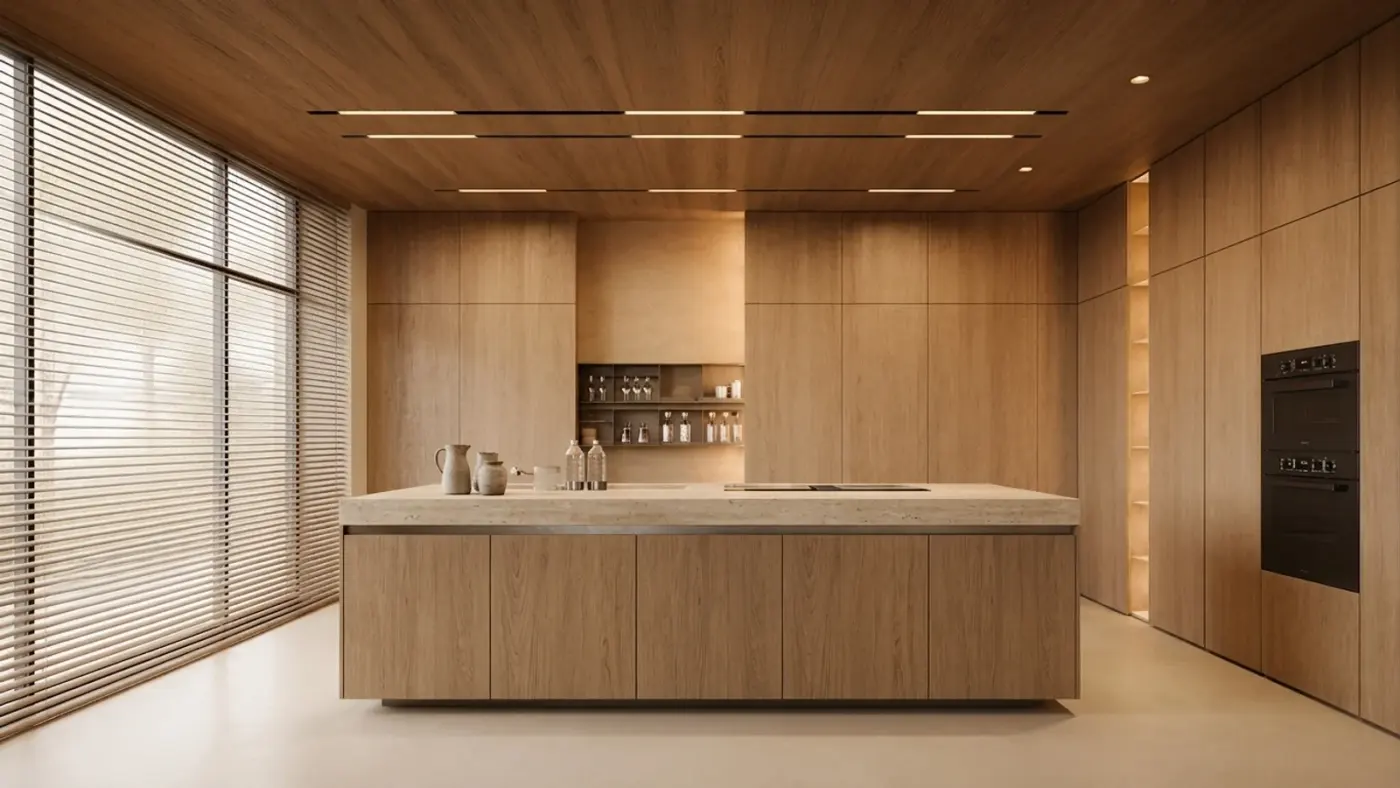
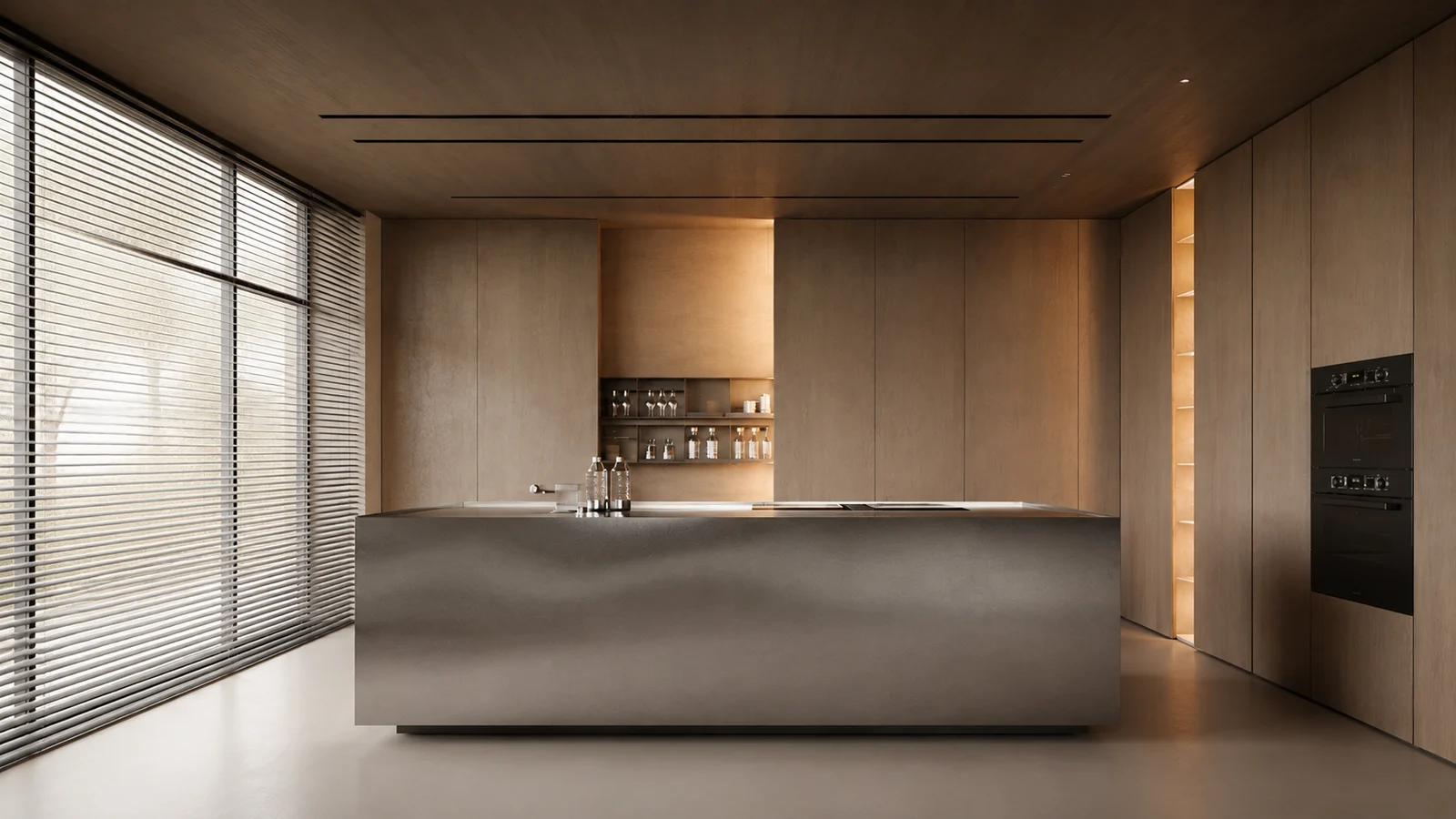
Results appear here
Upload an image and adjust settings on the left. Render variations will appear here.
A reference image with strong character works best.
Engine
Automatic
The best engine is selected for you.
Reference
Render style
Geometry
Camera
Output count
Room type
Room style
Custom prompt
Borrow a style from any reference image
Style Transfer takes two images: your render, and a reference you love. It applies the reference's materials, palette, mood and lighting to your design — without changing your geometry.
This is the answer to the most common client sentence in the business: "I want it to feel like this." Drop their Pinterest image in as the reference, drop your model in as the base, and show them their building in exactly that language, in seconds.
How it works
- 1
Upload your render
The design you want to restyle — a render, photo or viewport capture.
- 2
Upload a reference
The moodboard image, precedent photo or Pinterest pin whose look you want to borrow.
- 3
Transfer the style
Your geometry, their atmosphere. Materials, colour, lighting and mood carry across.
Who it's for
- —Matching a client's moodboard precisely instead of guessing
- —Testing your scheme in three different material languages
- —Keeping a coherent visual style across a whole project set
- —Turning a precedent study into a real design proposal
Frequently asked
What makes a good reference image?+
A clear image with a strong, readable atmosphere — distinct materials, obvious lighting, a defined palette. Interior photos, precedent shots and moodboard images all work well.
Does it change my building?+
No. Your geometry and composition stay put. Only the material and lighting language transfers from the reference.
Can I use a photo I found online as reference?+
For a private design study, yes. Just be aware that the output is a new image inspired by the reference's atmosphere — it is not a copy of the reference itself.
Is the AI style transfer tool free?+
Yes. Every account starts with a one-time 100-credit trial, no credit card required, which is enough to try style transfer on your own render and reference image before committing to a plan.