
AI Interior Design: Redesign Any Room in Seconds
6 min read
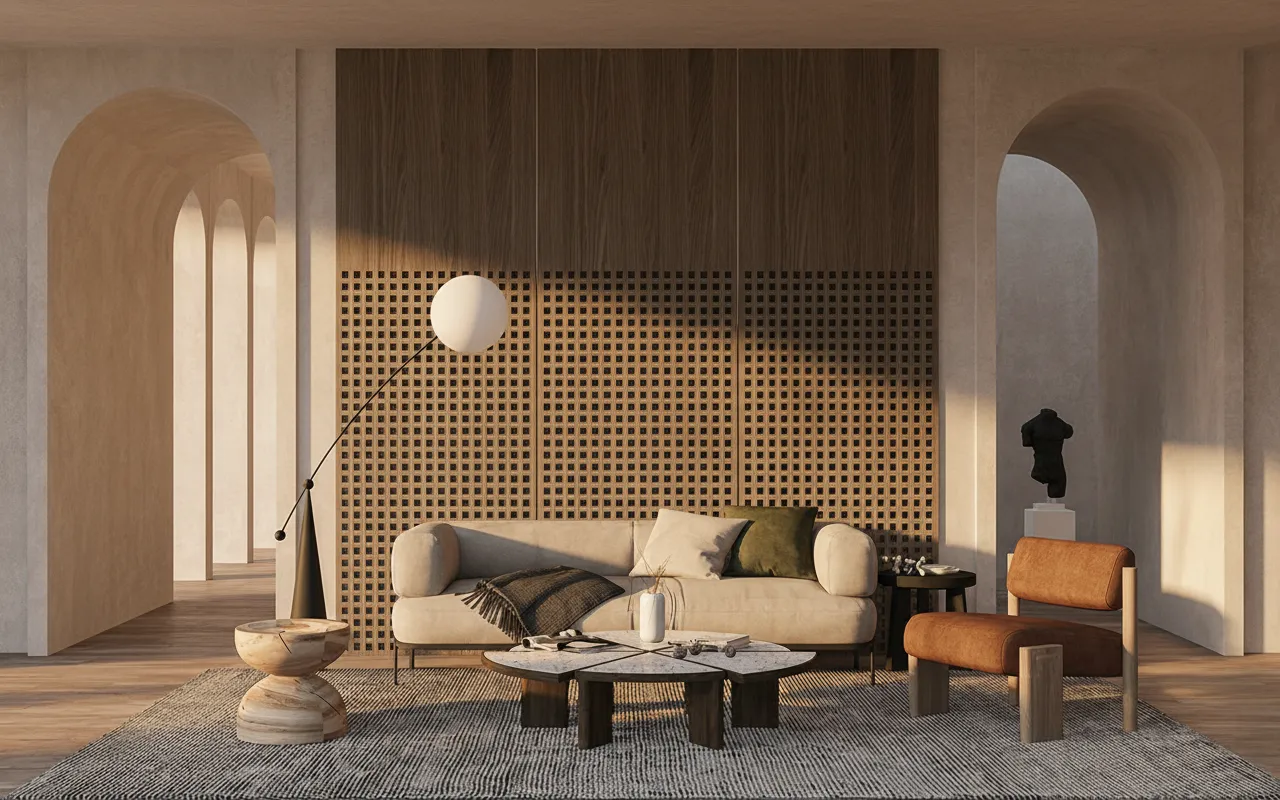
AI interior design turns a single room photo into a photorealistic redesign in seconds. Instead of mood-boarding for days or paying for a full 3D visualisation, you upload a photo, pick a style, and get presentation-ready images you can react to immediately.
How it works
The model reads the geometry of your room — walls, windows, perspective — and keeps it intact while reimagining the furniture, materials, colours and lighting in the style you choose. The result looks like a real photograph of the same space, redesigned.
Who it’s for
- Interior designers presenting concepts before any purchase or commitment.
- Real-estate agents virtually staging empty or dated rooms to sell faster.
- Homeowners testing styles before a renovation.
- Architects exploring material and lighting variations quickly.
Choosing a style that works
Curated presets — modern luxury, minimalist, Scandinavian, Japandi, classic — get you 80% of the way. For the rest, write a short prompt: the mood, the key materials, and the lighting. “Warm minimalist, oak floors, linen sofa, soft morning light” beats “make it nice” every time.
From photo to portfolio
- Upload a clear, well-lit photo of the room.
- Pick a style or describe your own.
- Generate four alternatives and pick the strongest.
- Need more resolution for print? Upscale it 4×.
Want to see your own room redesigned? Open Interior AI and upload a photo to start.