
Free AI Landscape Design Generator
Upload a photo of a garden, yard or empty plot and get a photoreal landscape design in about 30 seconds. 3 free renders, no credit card.
Studio
Landscape AI
Design gardens and landscaping.
Image
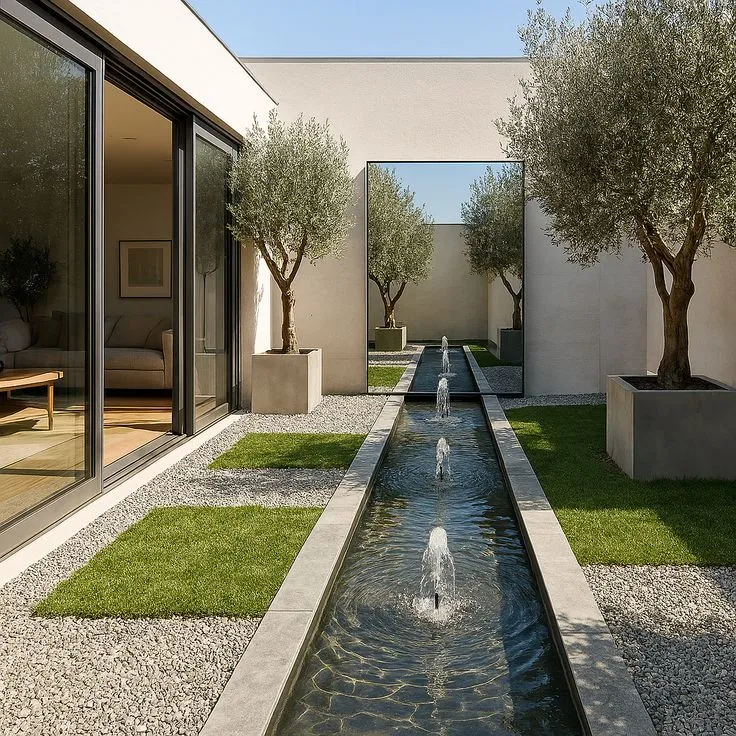
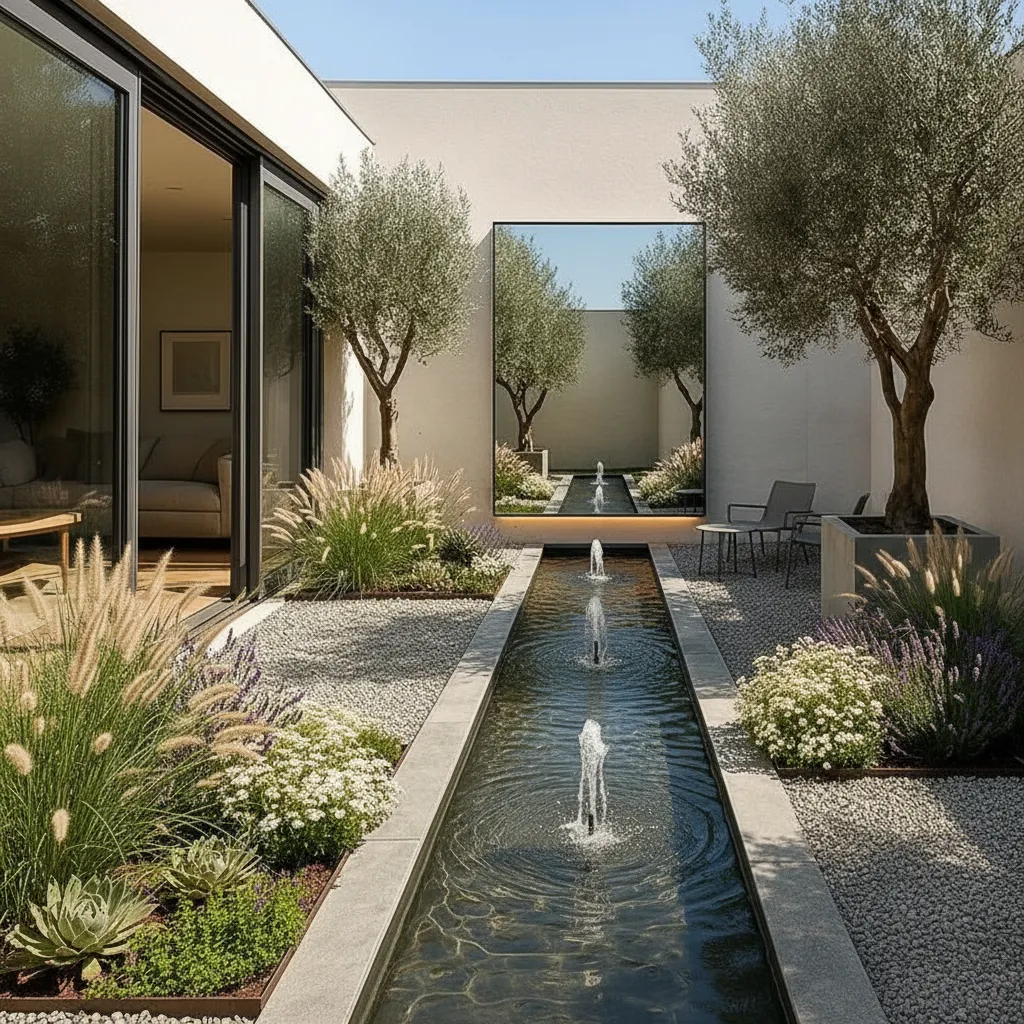
Results appear here
Upload an image and adjust settings on the left. Render variations will appear here.
A wide-angle photo of the lot or garden works best.
Engine
Automatic
The best engine is selected for you.
Quick style
Render style
Geometry
Camera
Output count
Room type
Room style
Custom prompt
AI landscape and garden design
Landscape AI turns an empty plot, a bare garden or a hard courtyard into a designed outdoor space. Upload the photo and get planting, trees, paths, terraces, water and lighting — placed realistically into your actual site.
The terrain, boundaries and buildings in your photo stay as they are. What appears is a landscape proposal for that exact site, which is far more persuasive to a client than a reference image of somebody else's garden.
How it works
- 1
Upload the site
An empty plot, a tired garden, a bare courtyard or a terrace — a phone photo is fine.
- 2
Set the direction
Mediterranean, Japanese, wild meadow, minimal — choose a style or describe the planting and materials you want.
- 3
See it planted
Photorealistic landscape design placed into your real site, ready to present.
Who it's for
- —Landscape architects presenting to clients before survey work
- —Homeowners deciding what to do with a bare garden
- —Developers showing the outdoor space of a scheme
- —Hotels and restaurants planning courtyards and terraces
Frequently asked
Does it use realistic plants?+
Yes — planting is placed at realistic scale and density for the space. Name the climate or planting style in your prompt ("drought-tolerant Mediterranean planting") for a closer match to what will actually grow there.
Can it design around an existing building?+
Yes. The building, boundaries and terrain in your photo are preserved; the landscape is designed around them.
Can I use it for a real construction project?+
It is a design and presentation tool, not a planting schedule. Use it to agree a direction with the client fast, then produce the technical documentation as usual.
Is the AI landscape design tool free?+
Yes. Every account starts with a one-time 100-credit trial; it does not renew. Every free render costs 30 credits, so that is enough for three landscape designs in total. No credit card is required to start.
Does it work for front yards, backyards and courtyards?+
Yes. Front yards, backyards, courtyards, roof terraces and empty plots all work as long as the photo shows the ground you want designed. One space per photo gives cleaner results than a wide shot covering several areas.
Can I describe the planting I want?+
Yes. Pick a style or write it in plain words, for example "low-maintenance gravel garden, olive trees, warm path lighting". Written prompts and styles can be combined.