
Bathroom remodel AI
Upload a photo of your bathroom and see it remodelled — tiles, vanity, fixtures and lighting — as a photoreal image in about 30 seconds. Free to try.
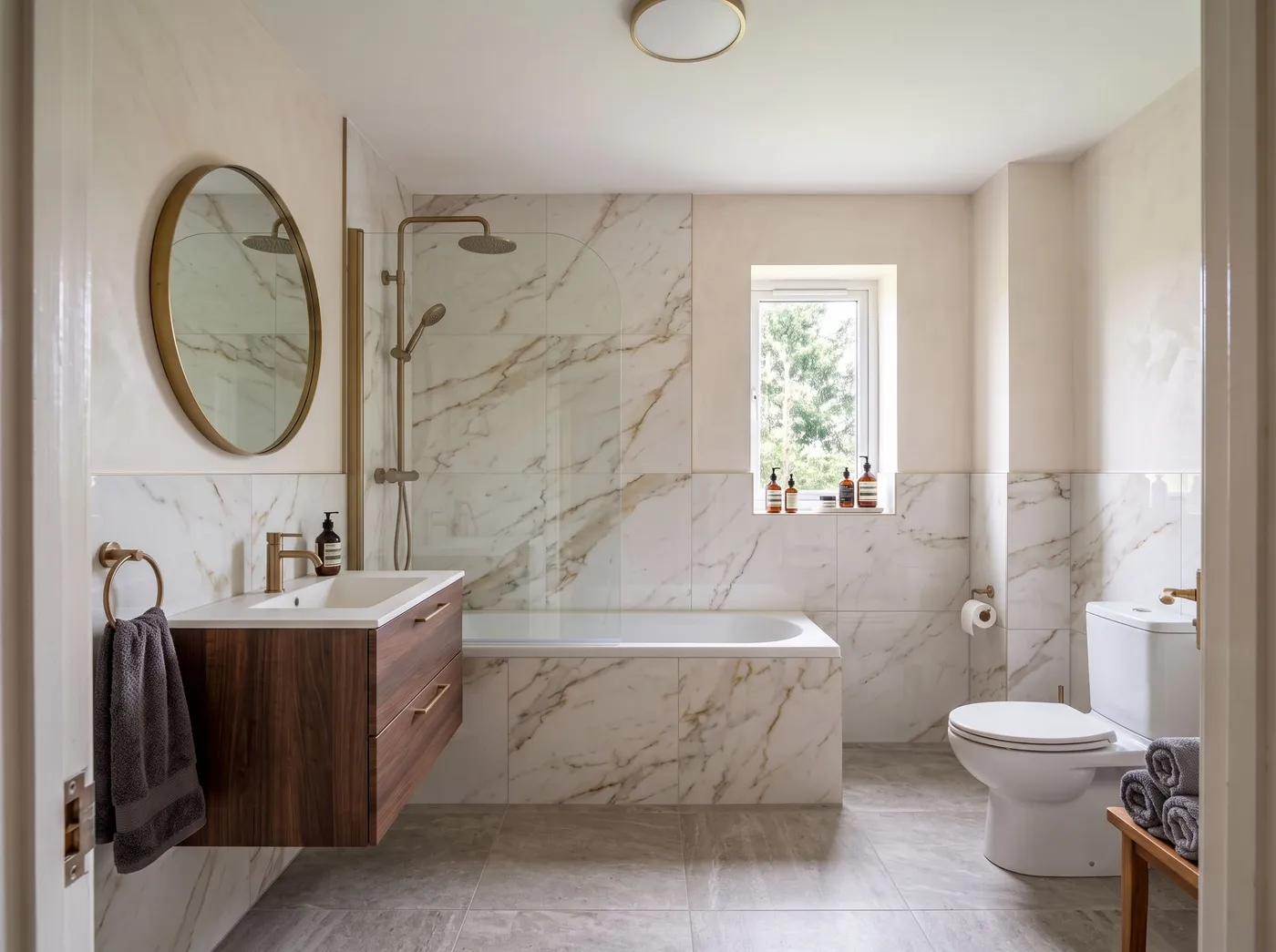
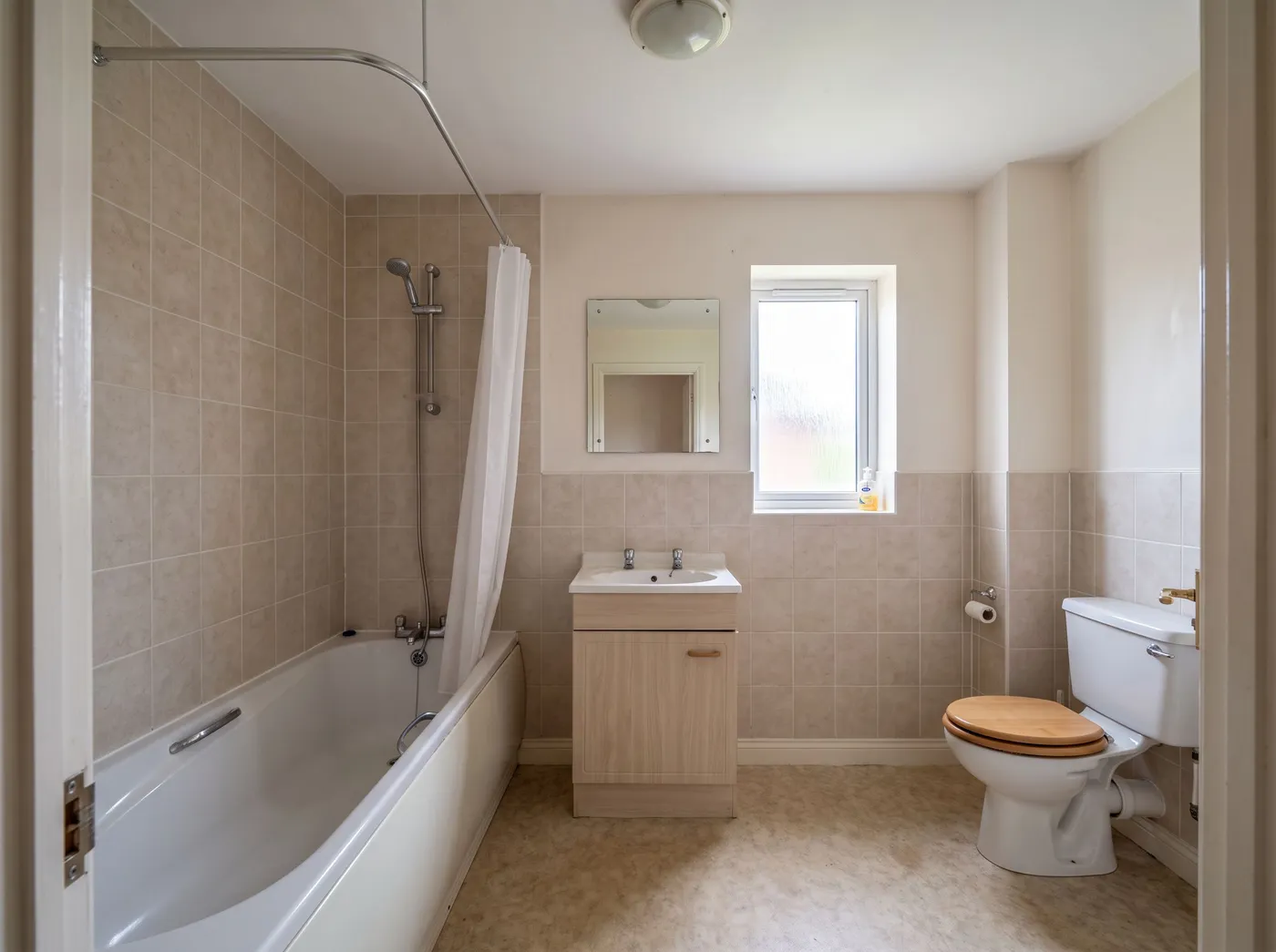
Free to try · plans from $29/mo · See plans
- About 30 seconds per render
- No credit card to start
- Commercial licence on paid plans
See the new bathroom in your own room first
Bathrooms are small rooms with expensive decisions: tile, vanity, brassware, glass. Bathroom remodel AI shows those decisions in your actual bathroom — upload a photo, choose a direction, and get a photoreal remodelled version back in about thirty seconds.
It runs on [Interior AI](/tools/interior) with the room type set to Bathroom. Treat the result as a visual brief: fixture sizes and positions are not measured, so check the layout against your photo before you take it to a fitter.
How it works
- 1
Upload your bathroom
Shoot from the doorway or a corner, with the lights on. Small rooms benefit from a wide-angle phone lens.
- 2
Set the direction
Room type Bathroom, then a style or your own words: "large-format grey stone tiles, floating oak vanity, walk-in shower, brushed brass".
- 3
Compare options
The remodelled bathroom arrives in about 30 seconds. Try a few directions before you order samples.
Who it's for
- —Homeowners choosing tiles and fixtures before a renovation
- —Bathroom fitters and contractors showing clients the finished room at quote stage
- —Landlords planning a refresh of a rental bathroom
- —Agents showing buyers the potential of a dated bathroom
What you can change
Wall and floor tiles, vanity and storage, shower and bath finishes, taps and brassware, mirrors and lighting, and the overall style. To change only one surface — just the floor tile, say — use material swap.
There is no bathroom before-and-after sample on this page yet; the example shown is the same Interior AI engine on a bedroom. Bathrooms run through exactly the same tool.
Frequently asked
Is the bathroom remodel AI free?+
Yes, to start. A new account gets a one-time 100-credit trial with no credit card, which covers three renders.
Does it keep my bathroom layout?+
The photo guides the result, but exact layout and fixture positions are not guaranteed. Compare each result with your original photo.
Can it tell me what the remodel costs?+
No. It produces a photoreal concept, not a quote or a fixture schedule.
Does it work on very small bathrooms?+
Yes, as long as the photo shows enough of the room — at least one full wall and some floor. Very tight, close-up shots give the model less to work with.
Can I use the images commercially?+
Yes. Paid plans include a commercial licence for client presentations and marketing.