
Virtual renovation AI for real estate listings
Upload a photo of a dated facade or room and get a photoreal renovated version in about 30 seconds, so buyers can see the potential. Free to try.
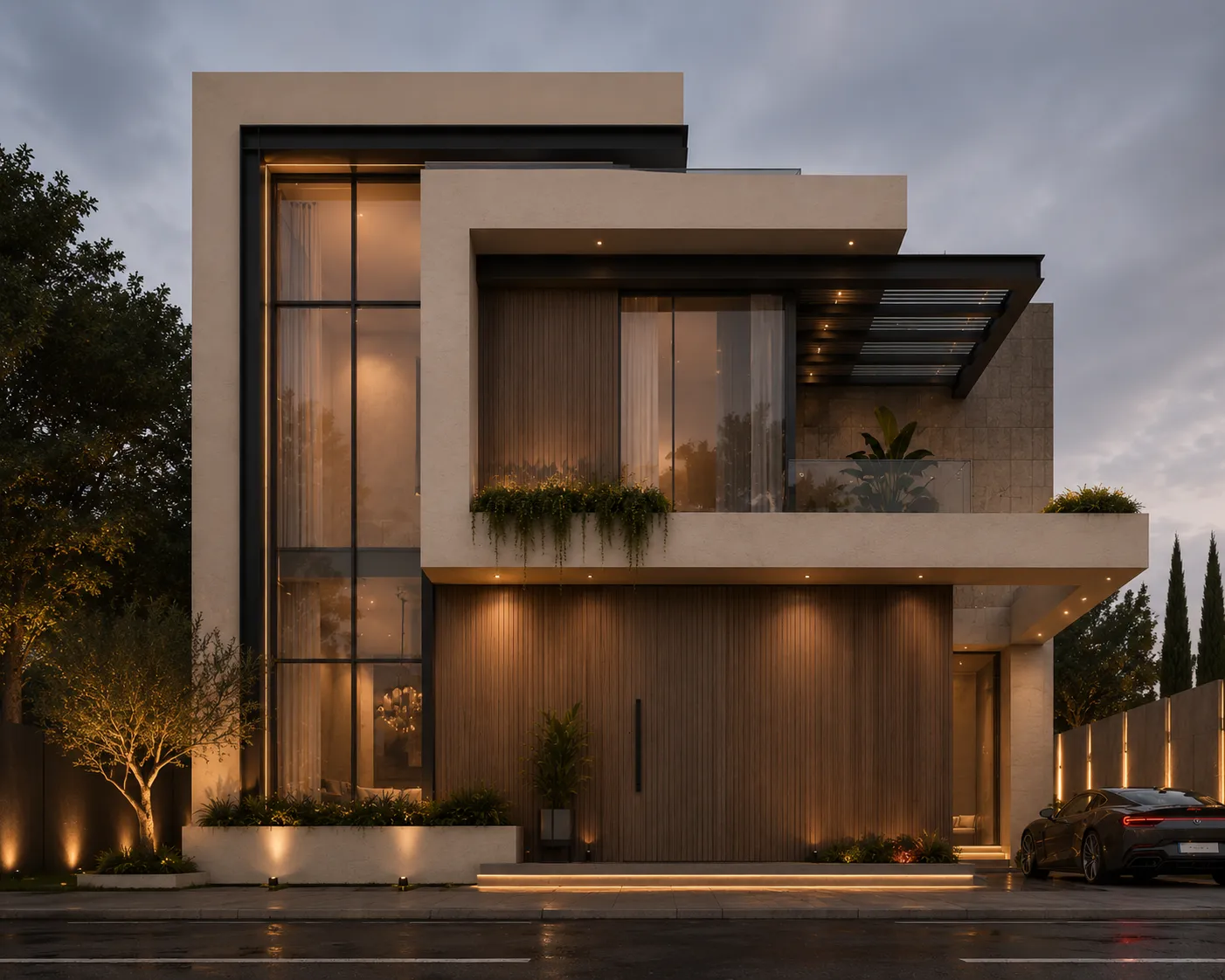
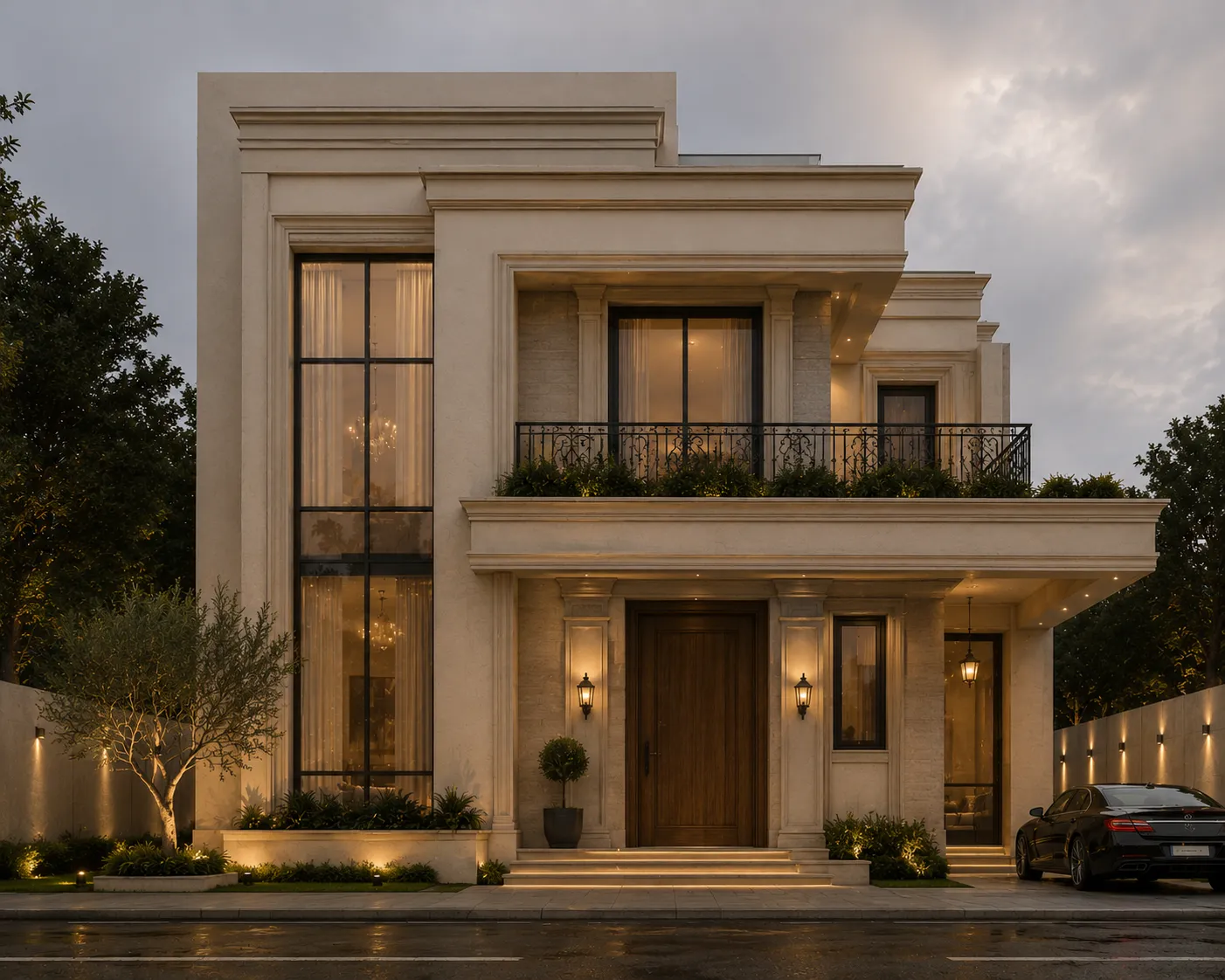
Free to try · plans from $29/mo · See plans
- About 30 seconds per render
- Commercial licence on paid plans
- Label concepts in listings
Show buyers what a dated property could become
Fixer-uppers sell on potential, and potential is hard to see in a photo of tired cladding or a 1990s kitchen. Virtual renovation puts the "after" next to the "before": the same property, re-finished as a photoreal concept, so a buyer can picture the result before they picture the work.
Facades run through [Exterior AI](/tools/exterior): the building type and composition are kept, and the finishes are upgraded. Interiors run through [Interior AI](/tools/interior): the room is redesigned from your photo. Both are concept images — they show a direction, not a quote or a construction drawing.
How it works
- 1
Upload the listing photo
A straight-on facade shot or a corner shot of a room. The photo opens in the renovation tool.
- 2
Choose a direction
Pick a style or describe it: "white render, black window frames, timber entrance canopy". For rooms, set the room type and style.
- 3
Present the before and after
The renovated concept arrives in about 30 seconds. Show it next to the original photo, labelled as a concept.
Who it's for
- —Agents marketing fixer-uppers and estate sales
- —House flippers pitching a project to buyers or lenders
- —Investors comparing renovation directions before getting quotes
- —Developers pre-selling a refurbishment
What changes and what is kept
Exterior AI keeps the building type and the camera, and upgrades surfaces: cladding, render, joinery, glazing and paving, relit with one consistent sun. Exterior results also come with one-tap quick fixes — day to dusk, blue sky and a greener lawn — applied to the renovated image.
AI can still move a detail it should not: a window proportion, a roofline, a door. Compare every result with the original before you publish it, and regenerate rather than list an image that misstates the property.
How to present a renovation concept honestly
Always show the real photo first and the concept next to it, captioned "Virtual renovation concept — not the current condition." A renovated image presented as the property's current state is misrepresentation, whatever the listing platform.
For occupied rooms, restage the room with virtual staging.
Frequently asked
Is a virtually renovated photo allowed in a listing?+
As a clearly labelled concept shown alongside the real photo, generally yes; as the main image of the property's current condition, no. Check your MLS or portal rules, and caption it "Virtual renovation concept".
Does it keep the same house?+
It keeps the building type, composition and camera, and changes finishes by design. Details such as window proportions can drift, so compare each result with the original before you use it.
Can it renovate interiors too?+
Yes, through Interior AI: upload the room, set the room type and style, and you get a redesigned version of that room.
Does it estimate the renovation cost?+
No. It produces a concept image, not a bill of quantities or a contractor quote.
Is it free?+
Yes, to start. A new account gets a one-time 100-credit trial with no credit card, enough for three renders. Paid plans add more credits and a commercial licence.