Collov AI Alternative — Built for Architects
Built for the person who has to defend the drawing, not just like the picture.
Last updated: 26 October 2026
What Collov AI is
Collov AI is in the AI interior design and virtual staging space and, as of October 2026, sells mainly to real estate agents — its Standard plan is $19 for 60 photos, with API access on the Enterprise plan.
That is a listing-photo problem. It is not the same as producing visuals a practice will put in front of a client alongside a drawing set.
Where Archome AI differs
Archome AI is built for professional output: the render must match the design that was drawn. Geometry, openings and camera stay fixed, so the image can sit next to a plan without contradicting it.
Around that sit the things a practice needs — sketch-to-render, exteriors, plan rendering, material identification with RAL and Pantone references, 3D export, video, CAD plugins and an API.
What Archome AI produces
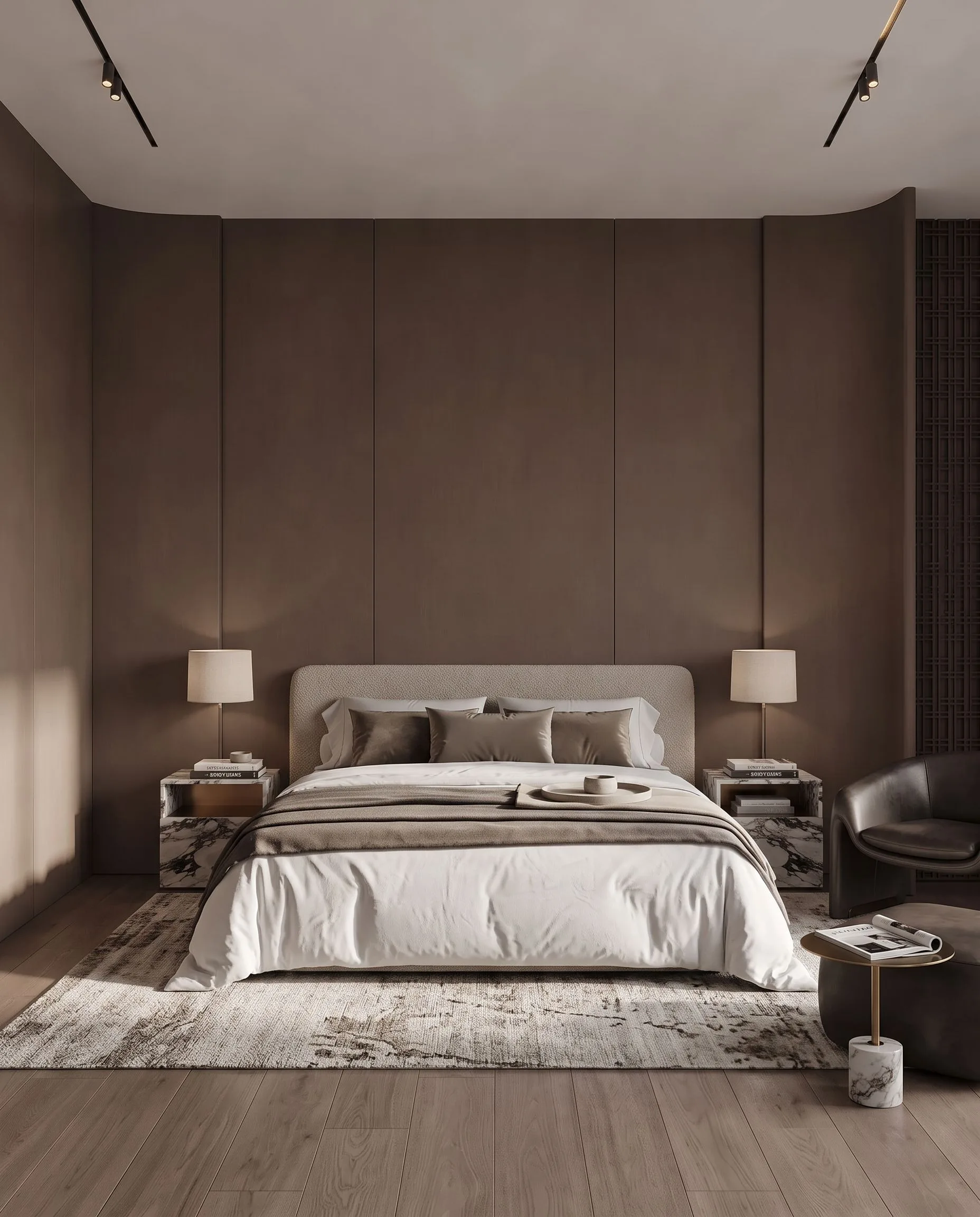
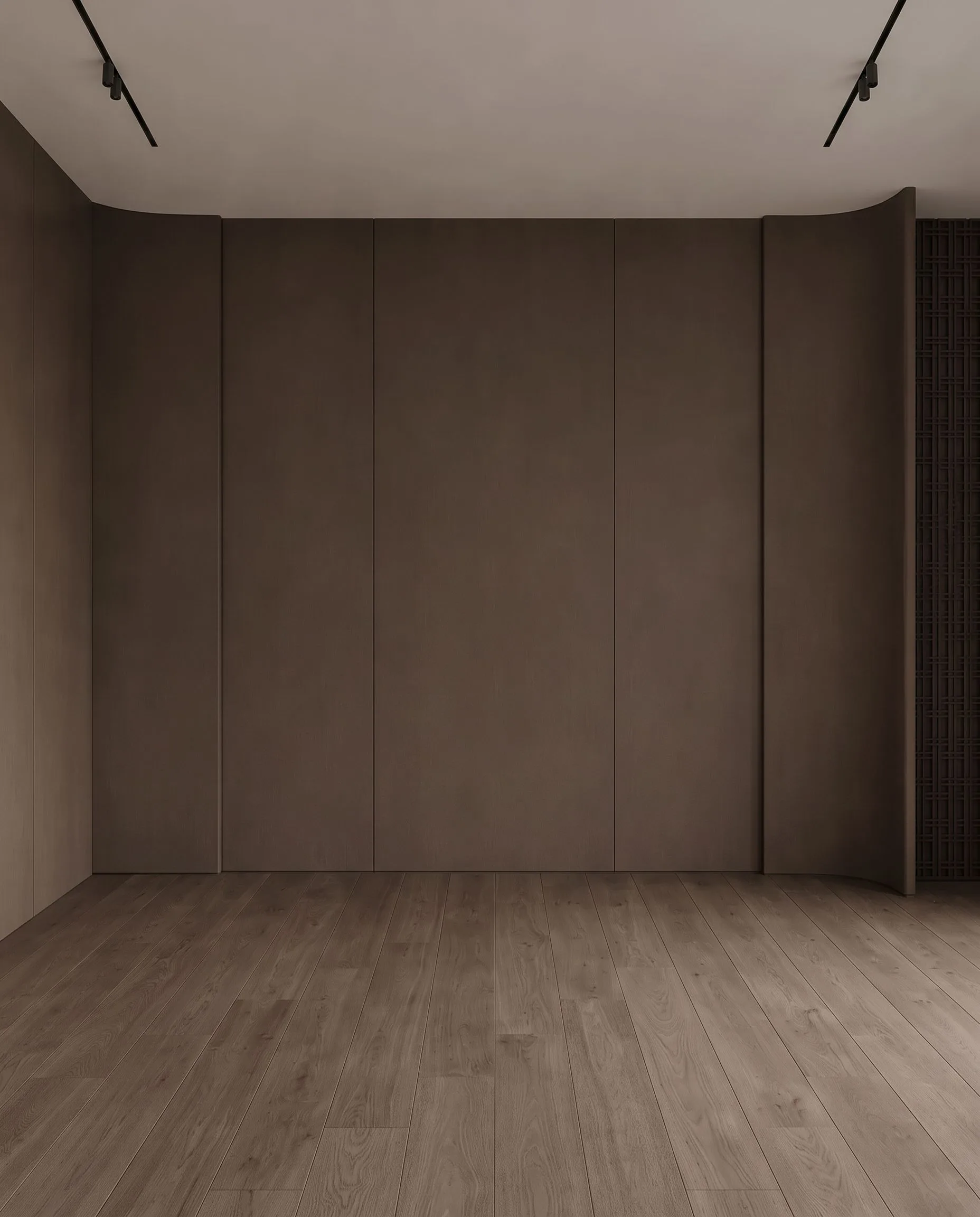
An empty bedroom, virtually staged with Archome. Demonstration image \u2014 drag the handle to compare.
Side by side
| Collov AI | Archome AI | |
|---|---|---|
| Primary audience | Real estate agents (virtual staging) | Architects, interior designers, developers, real estate |
| Geometry fidelity | Style-led | Preserved — the render matches the drawing |
| Material specification | Not a focus | Materia returns material types with RAL/Pantone references |
| Design-phase inputs | Photos | Photos, sketches, CAD exports, viewport captures, floor plans |
| Automation | API on the Enterprise plan | REST API and free CAD plugins |
Pricing and features change — check Collov AI's own site for their current plans. This page compares how the two approaches work, not this week's price list.
Choose Collov AI if
- —You are a real estate agent who only needs listing photos staged and prefers per-photo plan pricing
Choose Archome AI if
- —The image has to be consistent with a drawing you will defend
- —You need material references you can pass to a supplier
- —You render from CAD or 3D viewports, not only from photos
Compare them on your own project
Upload one photo, sketch or viewport capture and see what comes back. 100 free credits once at signup, no credit card.
Frequently asked
What does "geometry preserved" mean in practice?+
If your room has three windows and a 2.7 m ceiling, the render has three windows and that ceiling. General image models routinely change both, which makes their output unusable next to a drawing.
Can I get material codes from a render?+
Materia analyses a render and returns material types and colour references including RAL and Pantone approximations. They are AI estimates for specification conversations, not certified matches.
Is Archome AI free to try against Collov AI?+
There is a trial, not a free tier. A new account gets 100 credits once, with no card. Every free render costs 30 credits and runs on the Fast engine (Ultra is for paid plans), so the trial is three renders in total and it does not renew — enough to judge output on your own project rather than on marketing samples. Anything you publish — an MLS listing, a portal, a client presentation, marketing — needs a paid plan, which carries the commercial licence.
Can I use the renders commercially?+
On any paid plan, yes — files carry a full commercial licence. Free-plan renders are intended for evaluation and personal use.
What should I actually compare?+
Run the same input through both tools and zoom in on the parts that matter: did the window count change, is the wall line still straight, are the proportions still yours? Marketing pages do not settle this — a side-by-side on your own photo does.
Keep reading
Looking for a profession-specific breakdown? See Archome for real estate agents, real estate photographers, landlords and house flippers and remodelers — or the plain-english guide to choosing AI rendering software.
Collov AI is a trademark of its respective owner. Archome AI is not affiliated with, endorsed by or sponsored by Collov AI. Competitor details are based on their public pages as of the date above.