
AI Rendering for Architects: 2026 Workflow Guide
7 min read
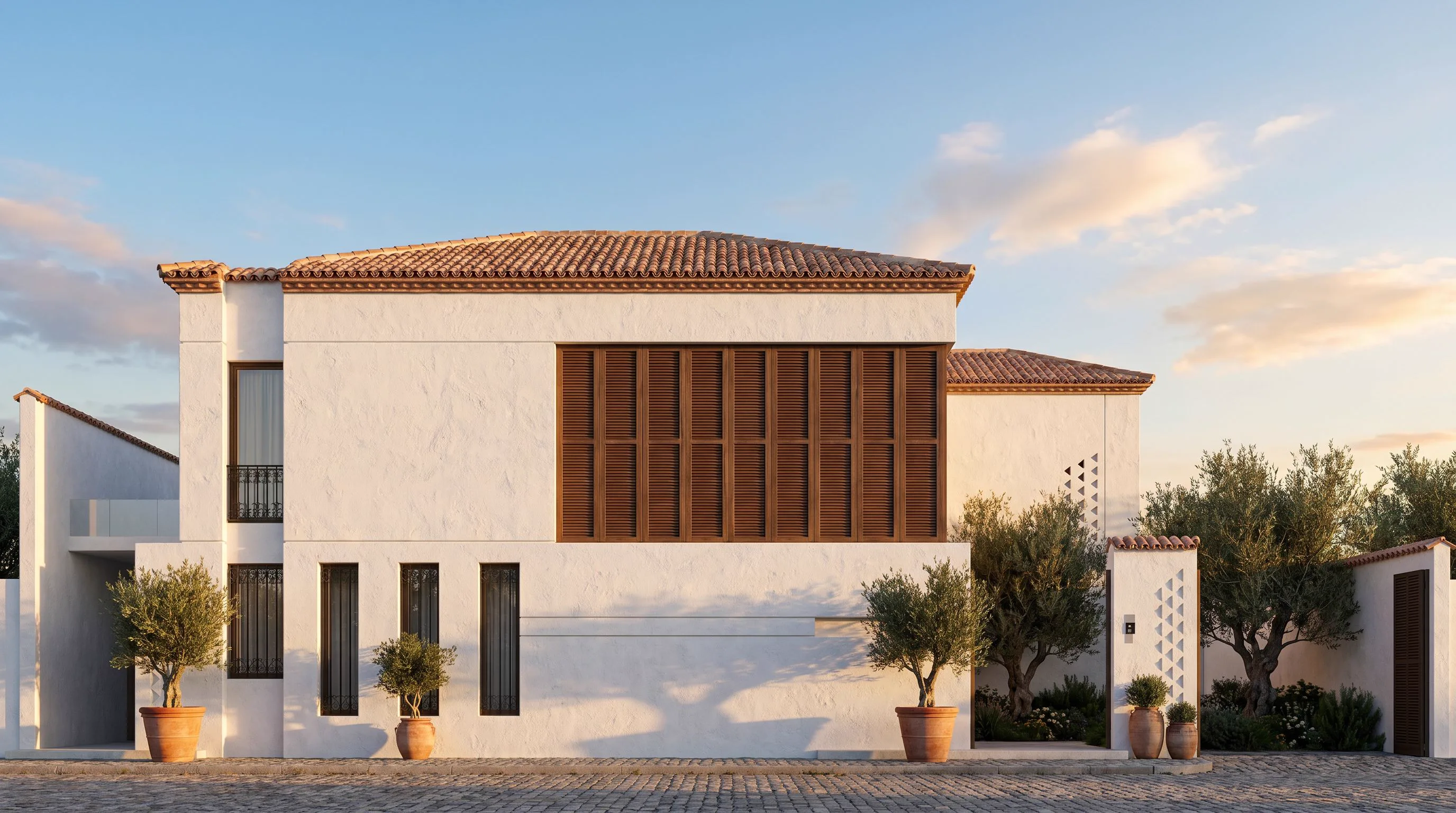
AI rendering isn’t here to replace your design judgement — it’s here to remove the hours between an idea and an image you can show. Used well, it speeds up the early, exploratory phases where speed matters most, and frees your detailed 3D work for the direction you actually commit to.
Where AI fits in the workflow
- Concept: turn a sketch into a render to communicate intent in seconds.
- Interior studies: reimagine a space across styles with Interior AI.
- Facade options: restyle a building photo with Exterior AI to compare materials and mood.
- Presentation: add motion with a cinematic walkthrough for pitches and social.
Keeping control of the design
The trick is to feed the AI structure — a sketch, a massing render, a real photo — so it enhances your composition instead of inventing a new one. The more specific your inputs (materials, lighting, references), the more the output reflects your intent rather than a generic style.
What AI is great at — and what it isn’t
AI excels at fast visual exploration, material and lighting variations, and turning rough inputs into shareable images. It is not a substitute for accurate construction documentation or precise dimensional modelling. Treat it as the world’s fastest concept artist, not your BIM model.
A simple, repeatable process
- Start from a real input (sketch, render, or photo).
- Write a specific prompt: style, materials, lighting, time of day.
- Generate several options and shortlist.
- Upscale the winner for print, or animate it for a pitch.
See the full toolkit and try any tool free: explore the AI tools.