
Interior AI Alternatives: What Changed by 2026
· 6 min read
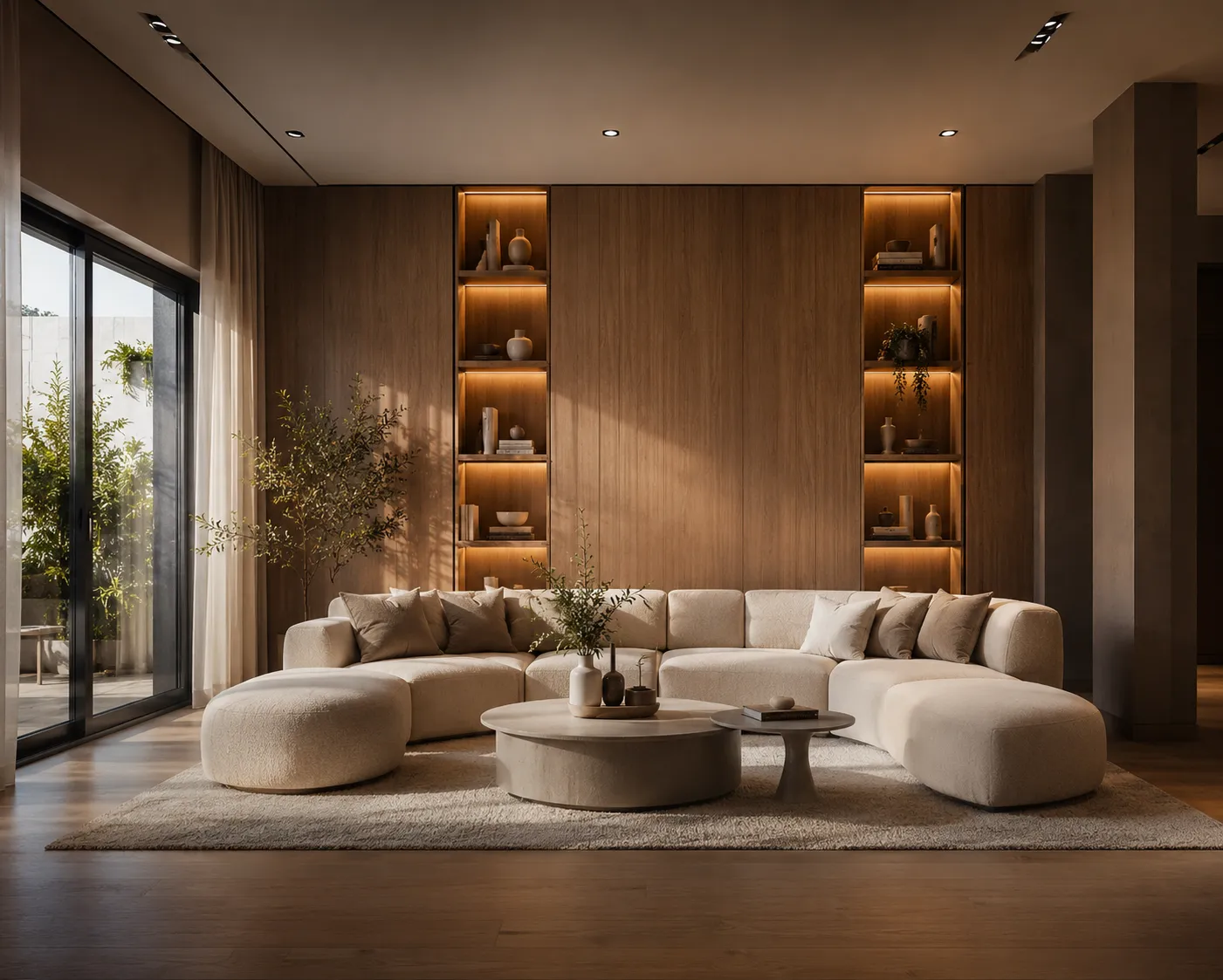
Interior AI (interiorai.com) deserves a place in the history of this category. Launched by Pieter Levels in the early Stable Diffusion era, it was one of the first products to prove the core idea: photograph a real room, keep its geometry with ControlNet, and reimagine everything else. Thousands of designers had their "oh, this is real" moment on that site. Respect where it's due — and a clear-eyed look at where the category has moved since.
What made it a pioneer
- It shipped first. One photo in, a restyled room out, before most people had heard of ControlNet.
- A genuinely wide style list. Dozens of presets, from Japandi to cyberpunk, that made exploration fun.
- Geometry preservation. The ControlNet approach kept walls and windows where they belong — the thing that separated it from toy image generators.
Where it shows its age
- The rendering aesthetic. Early-SD output has a recognisable look in 2026: slightly plastic textures, mushy fabric, furniture legs that don't quite land on the floor. It reads as "AI image" at a glance — fine for ideation, risky in a client deck.
- Interior only. No exterior or facade work, no sketch-to-render, no video, no 3D. A design practice touches all of those in a normal month.
- Preset-first steering. Style lists are great until the client's brief isn't on the list.
What a 2026 stack looks like
The underlying image models improved dramatically after the SD 1.5 generation — current models (Archome runs nano-banana and Seedream-class models) hold geometry and produce photography-grade materials and light, so the output survives scrutiny at full-screen. Around that core, the workflow widened: Interior AI for the one-photo restyle with free-text prompts, exterior and facade tools for the rest of the building, and Video Creator to turn an approved render into a walkthrough clip — the deliverable that didn't exist as an option in the pioneer era.
Honest comparison
| Interior AI | Archome | |
| Core restyle | Yes — the original | Yes, current-generation models |
| Render realism | Early-SD aesthetic | Photography-grade materials and light |
| Beyond interiors | — | Exterior, sketch, plan, video, 3D, 4K enhancer |
| Steering | Style presets | Presets + free-text prompts + masked edits |
| Integrations | — | SketchUp plugin, API |
How to test the difference fairly
Don't compare marketing pages — compare outputs. Pick one photo of a real room with some awkwardness in it: mixed lighting, a radiator, a sofa at an angle. Run it through both tools with the same brief, then zoom to 100% and look at the failure points where early-SD models struggle: fabric texture, wood grain continuity, where furniture meets the floor, reflections in glass. On a phone thumbnail the two generations look similar; at presentation size, the gap is the whole story. That's the honest test, and it takes five minutes.
Verdict
Interior AI is still a perfectly pleasant way to play with room styles, and it earned the traffic it gets. But the honest 2026 picture is that the model-quality bar and the workflow bar both moved: renders need to pass as photographs, and interiors are only a quarter of the job. If you're comparing options seriously, the 2026 tool roundup covers the whole field — or skip ahead and run your own room photo through a current-generation model. First renders are free; the difference is visible in one generation.