
ChatGPT for Interior Design: Ideas to Renders
· 5 min read
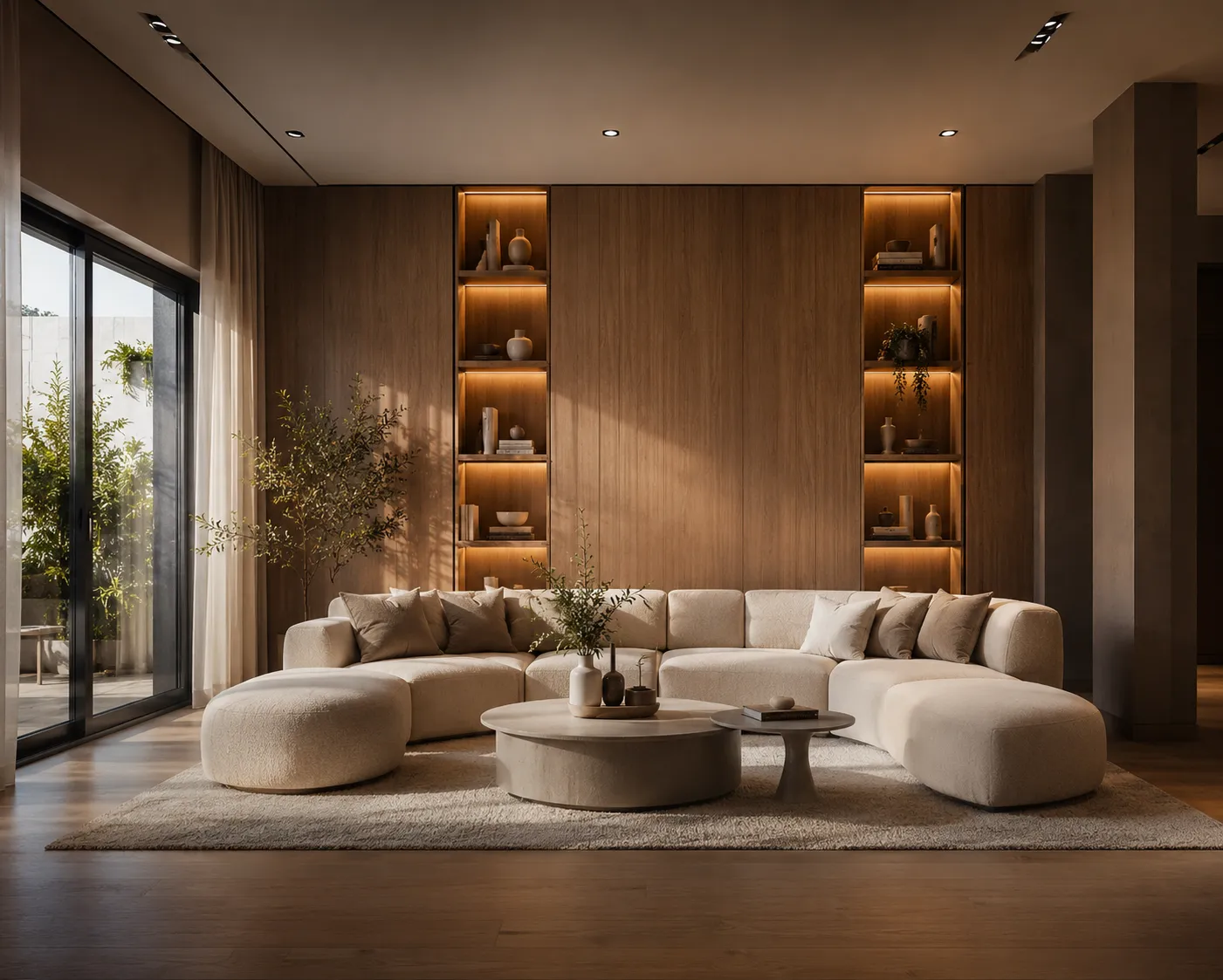
Ask ChatGPT to redesign your living room and it will give you a genuinely good answer: palettes, layout suggestions, furniture picks, lighting advice. What it can't do is show you. The strongest 2026 workflow pairs the two — ChatGPT for thinking, a rendering AI for seeing.
Step 1 — brief ChatGPT properly
Give it the real constraints: room dimensions, window orientation, what stays, budget, who uses the room. Ask for two or three distinct directions rather than one — say, “warm minimal”, “soft mid-century”, “quiet luxury” — each with materials, colours and one hero piece.
Step 2 — turn each direction into a render prompt
Ask ChatGPT: “Summarise direction 2 as a one-sentence visual description of the finished room — materials, colours, lighting, mood.” That sentence is a ready-made prompt for an image model.
Step 3 — render it on your actual room
Upload a photo of the room to Interior AI, paste the description, and generate. The AI keeps your architecture — walls, windows, proportions — and applies the concept. Each direction takes about 30 seconds, so you can see all three before deciding.
Step 4 — refine the winner
- Swap just the floor or one wall finish with Material Swap.
- Fix a single detail — replace the artwork, add plants — with Inpainting.
- Need print quality? Enhance to 4K.
Why this beats either tool alone
ChatGPT reasons about function and taste but hallucinates spatially; image models render beautifully but don't push back on bad ideas. The loop — reason, render, react — is how designers actually work, just compressed from weeks to an afternoon.
The same split applies to every general-purpose model: they are useful for thinking and unreliable for showing your actual space, because none of them preserve the room you photographed. Midjourney for architecture makes the same case on the visual side — beautiful output, no fidelity to your geometry — and lands on the same two-tool answer.
Got a ChatGPT concept in your clipboard right now? Open Interior AI, upload the room, and see it — first renders are free.