
Enscape & Lumion Alternatives: AI Renders (2026)
· Updated · 6 min read
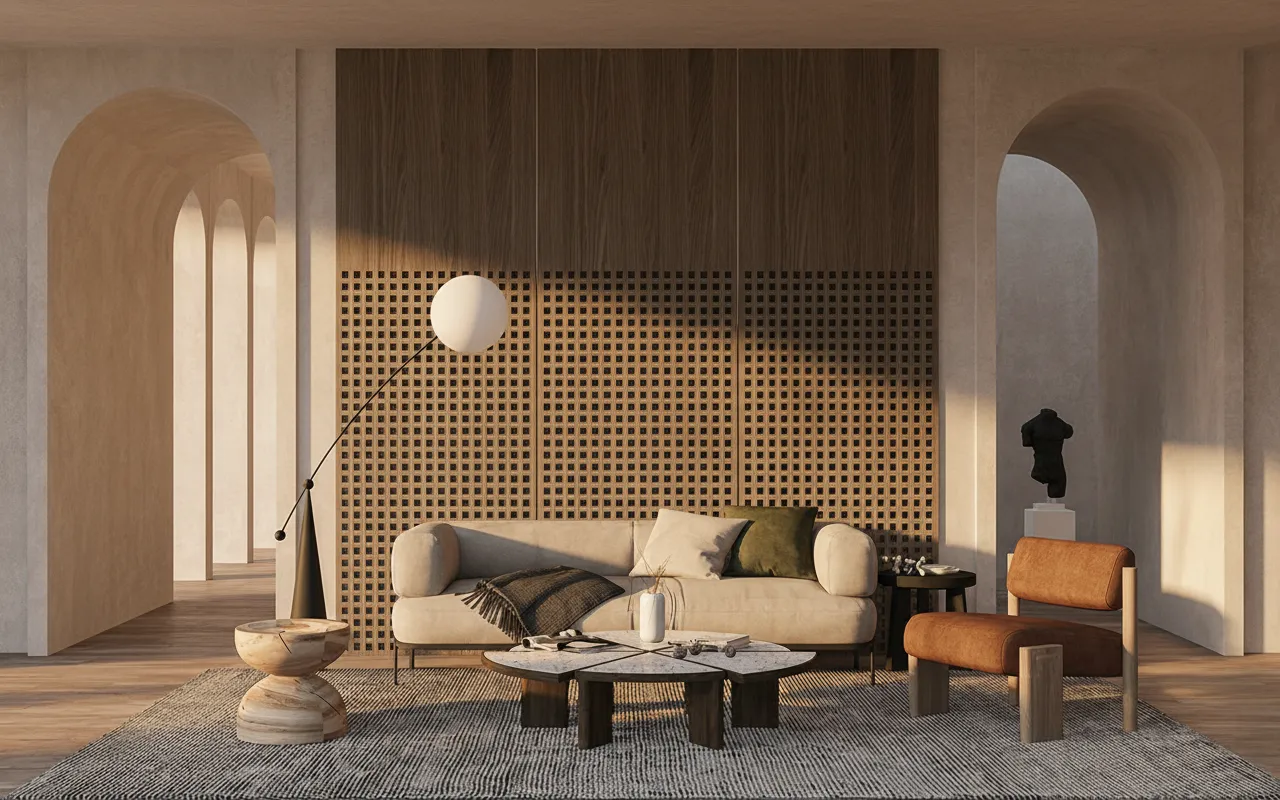
Enscape, Lumion and Twinmotion are excellent tools. They're also a commitment: a licence, a serious GPU, material libraries, lighting setup, and a scene that has to be "ready" before it looks like anything. For final visualization, that investment pays off. For the other 80% of the time — when you just need to show a client a direction — it's a lot of machine for a small job.
Where AI rendering actually fits
AI doesn't replace your render engine. It replaces the hours before you open it. Screenshot your model (SketchUp, Revit, Rhino, Blender — any viewport), drop it into an AI renderer, and get a photorealistic version in about 30 seconds: materials, light, depth, sky, context. No scene prep.
Honest comparison
| Enscape / Lumion | AI rendering | |
| Setup | Materials, lights, assets | Upload a screenshot |
| Time to first image | Hours (scene prep) | ~30 seconds |
| Hardware | Strong GPU required | Any browser, any laptop |
| Cost | Per-seat licence | Free tier / credits |
| Control | Total (every light, every material) | Prompt-level (AI improvises detail) |
| Best for | Final, spec-accurate visuals | Concept, options, client direction |
The realistic workflow (most studios end up here)
- Concept stage: AI. Test five directions in an hour, show the client, kill four.
- Approved direction: Enscape/Lumion. Build it properly, spec-accurate, for the presentation set.
You stop burning GPU hours on ideas that get rejected. That's the whole point.
What you give up
Control. Enscape renders exactly your model — every fixture you specified, every material you assigned. AI improvises details it can't see. For a tender document or a construction visual, that's disqualifying. For "here's the mood we're going for", it's irrelevant.
Try it against your own model
Export a viewport from your current project, drop it into Sketch to Render, and compare it with your last Enscape pass. Thirty seconds, no licence, no install. If it saves you an afternoon of scene prep once a week, it's already earned its place. (Working in SketchUp, Revit or 3ds Max? There are step-by-step guides for each.) The same GPU-free trade-off applies to D5 Render — see the D5 Render alternative for that specific comparison.
Looking specifically at Enscape — the live link to your model, the GPU it wants, and exactly when that trade-off is worth it? The full breakdown is in Enscape alternative: renders without the plugin.