
Architecture Competition Boards: Fast AI Renders
· 6 min read
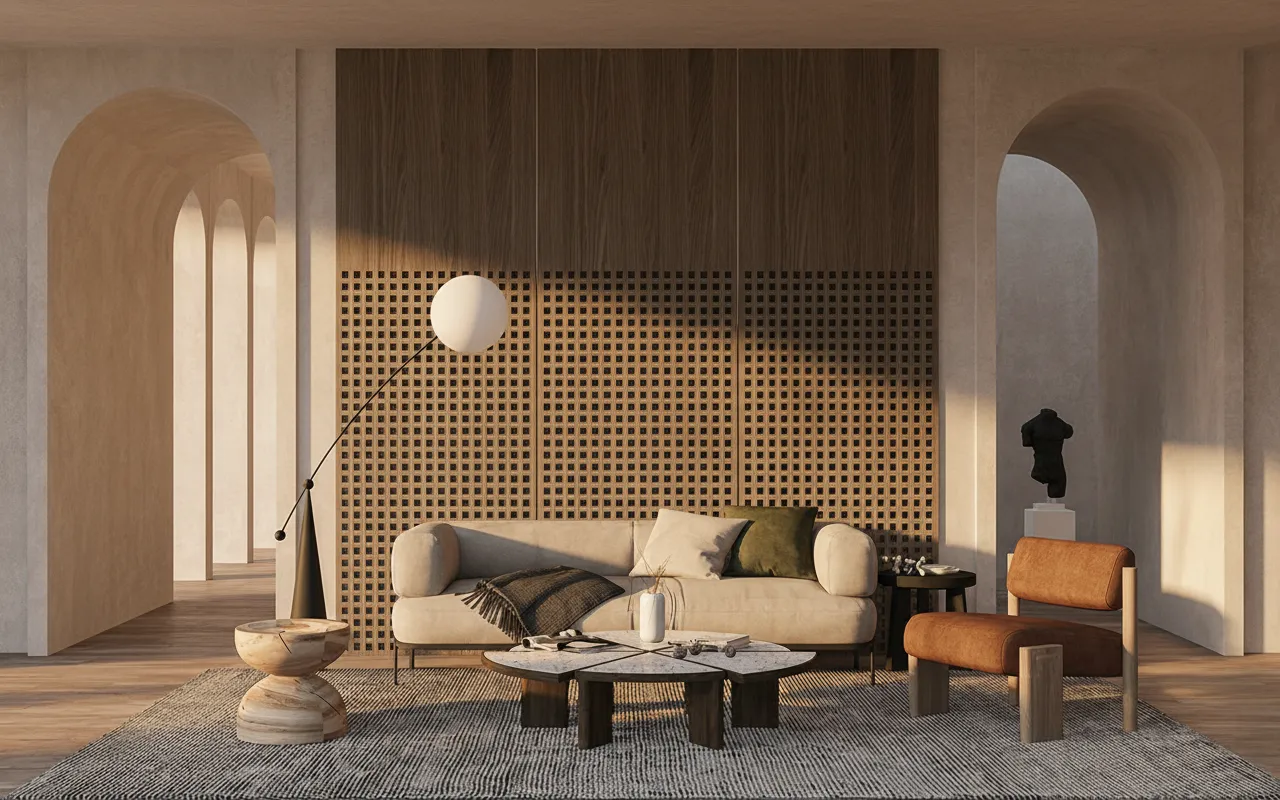
A competition board rarely fails because the design was weak. It fails because the last three nights went into fighting a render engine instead of finishing the drawings, and the hero image that was supposed to carry the board got finished at 4am looking rushed. A D5 Render alternative that skips the GPU and the scene build changes that math: a viewport capture from whatever you modelled in goes in, and a photoreal image comes back in about 30 seconds.
The usual bottleneck on a deadline is not render quality, it's setup. D5, Enscape and Lumion all want a capable RTX card and a scene that's already assembled — materials assigned, lights placed — before the first useful frame exists. On a laptop without that card, or on a model that's still a white box three days out, that setup time is the whole problem. Working straight from a screenshot removes the step: upload the capture, describe the finish in a sentence, and the geometry, proportions and camera you already composed stay exactly where you put them.
That matters more for a competition board than for almost any other use case, because a board usually needs several different images doing different jobs — a dramatic hero shot, a few clean option studies, maybe a looser concept sketch for the narrative panel — and there usually isn't time to build and re-light a full scene for each one. Submitting a single rushed render because that's all the clock allowed is a worse outcome than most juries will say out loud, but it's the one everyone recognizes.
Matching the render style to the board, not just the deadline
A competition board is a set of images each doing a specific job, and Sketch to Render covers that range from the same captured view instead of forcing one look on every panel. Photoreal gives the board its anchor image — the shot a juror looks at from across the room. Twilight turns the same view into the atmosphere shot: warm interior light against a blue-hour sky, which reads as considered rather than literal. Studio Render keeps the same geometry in flat, neutral light that's easier to judge material and massing decisions against. Concept Paint pushes the same capture toward a looser, painterly treatment for the narrative panel, where a photoreal finish would look out of place next to hand-drawn overlays.
From viewport capture to board-ready image
- Frame the view in your own modelling software. Rhino, SketchUp, Revit, ArchiCAD, 3ds Max or Blender — a plain screenshot or exported image of the viewport is all the tool needs, clay or white-model views included.
- Pick the panel's job before the style. Decide whether this view is the hero shot, a comparison study or the narrative panel, then choose Photoreal, Studio Render, Twilight or Concept Paint to match.
- Describe materials and mood in one sentence. "Board-formed concrete, oak screening, warm interior light, dusk sky" tells the render what to build without touching a material library.
- Generate a few variations before committing. The same brief produces slightly different lighting and material balance each run, and comparing three or four is faster than hoping the first one lands.
- Check the view against your model. Camera angle and massing carry through from the capture, so a quick side-by-side confirms nothing drifted before it goes on the board.
Where this actually saves the week before a deadline
The clearest win is on the model that's still unfinished three days out — massing is right but facade materials aren't locked, so a full real-time scene would need re-lighting every time they change. Working from captures gives every material option its own render without touching a scene file. It also removes the hardware excuse: because rendering runs in the cloud, a laptop without a dedicated GPU renders identically to a workstation, which matters most on university machines during crit week.
Who this is for
Studio teams and students assembling a board against a hard submission date, where the render has to serve the design rather than the other way round. Anyone whose model lives in software other than the one their renderer prefers — the input is just an image, so the modelling tool underneath never matters.
Frequently asked
Do I need an RTX graphics card? No. Rendering runs in the cloud, so a laptop without a dedicated GPU works the same as a desktop workstation — the upload happens from whatever browser is open.
Will it change my model's geometry or camera angle? No. The render is generated from your captured view, so massing, proportions and camera position carry through unchanged; only materials, light and surrounding context are added.
Can I use these renders on a submitted board commercially or for a studio portfolio? Yes, on any paid plan — paid plans include a commercial licence. A new account's one-time 100 credits are for testing the workflow first.
Can a whole studio team share one render budget for a competition sprint? Every plan is a single account; a shared credit pool for a team is set up on the Enterprise tier, on request.
Stop losing the night before a deadline to scene setup. Upload a viewport capture and see it photoreal in about 30 seconds — free to try.