
HomeDesigns AI Alternative for Architects (2026)
· 6 min read
By Ömer Koç, Architect · Founder of Archome AI
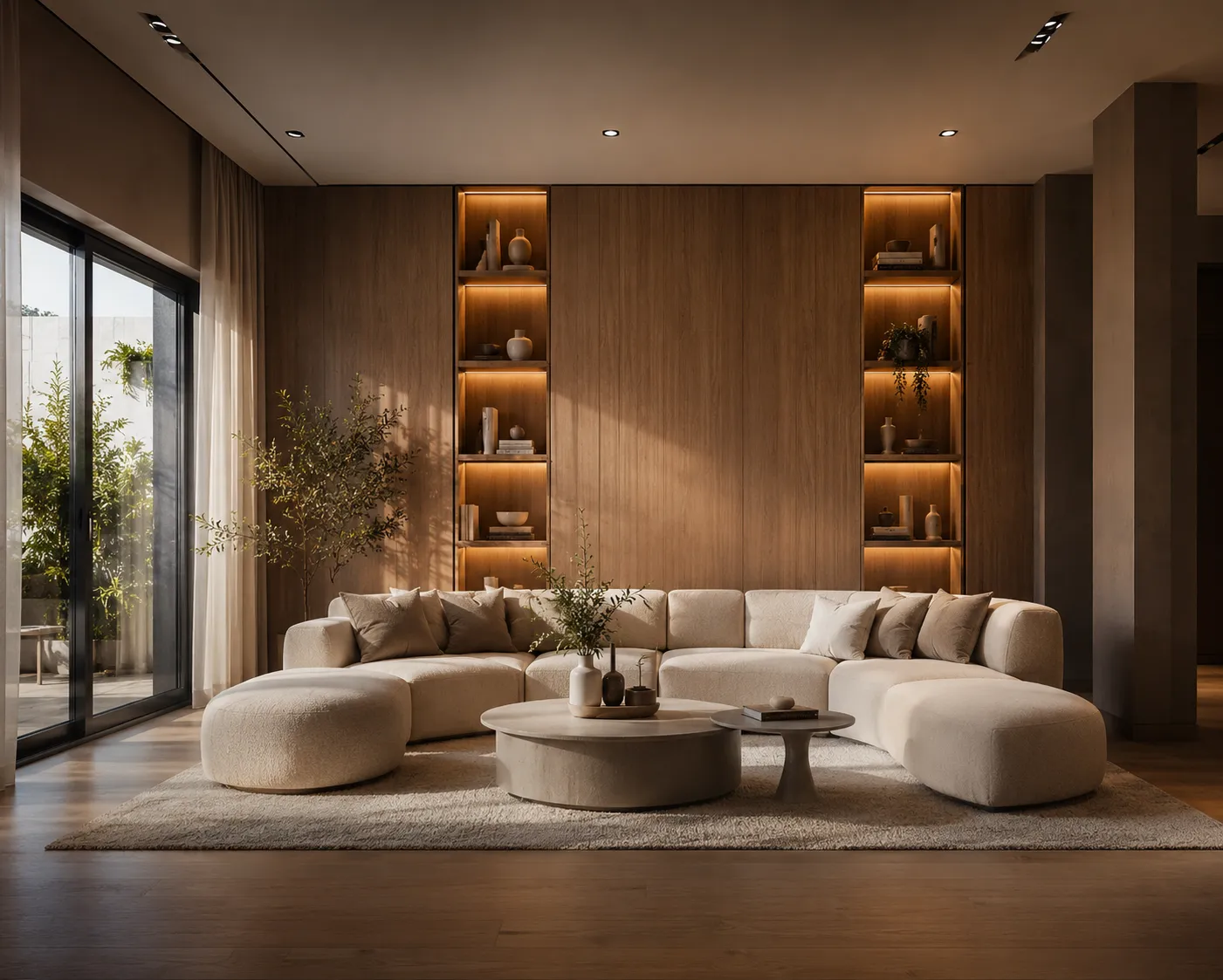
HomeDesigns AI built a real following by making room and yard restyling fast, cheap and wide in scope — interiors, exteriors, gardens and patios in one product. If you're weighing it against a dedicated architecture rendering tool, here's a straight look at where it earns its popularity and where an architecture practice hits a ceiling.
What HomeDesigns AI gets right
- Broad scope for a consumer tool. Most one-photo restyling apps stop at interiors. HomeDesigns AI covers exteriors and landscaping too, unusual at that price point.
- Large style library. 80+ presets — mid-century modern, Japandi, industrial, coastal, maximalist and more — make exploration fast with no design vocabulary needed.
- Speed. Upload a photo, pick a style, get a render in under 30 seconds.
- Targeted edits. Texture Swap and Color Swap modes adjust a single material instead of regenerating the whole scene, and a Creative Redesign mode explores layout beyond a straight style swap.
Where it shows the ceiling
- Photo restyling, not project delivery. It reimagines a photo of a finished space — no hand sketch, SketchUp viewport, Revit export or floor plan as input.
- No video or 3D output. A restyled still image is the end of the pipeline; no walkthrough clip, no 3D model generation.
- No CAD or BIM integration. No plugin into the software architects already work in, so getting a project view in means exporting a screenshot first.
- Free tier is thin for iteration. Three credits every 24 hours is enough to try the product, not enough to run a client through several directions in one sitting.
Honest comparison
| HomeDesigns AI | Archome | |
| Core input | Room/yard photo | Photo, sketch, SketchUp/Rhino/3ds Max viewport, floor plan |
| Coverage | Interior, exterior, garden/patio | 14 tools: interior, exterior, sketch, plan, video, 3D, editing |
| Video / 3D output | — | Yes — walkthrough video and 3D generation |
| Targeted edits | Texture/color swap | Material swap, masked inpainting, style transfer |
| CAD/BIM plugin | — | SketchUp, Rhino and 3ds Max plugins |
| Free tier | 3 credits / 24h | 100 credits at signup |
| Max output | Standard resolution | 4K via Enhancer |
Who should pick which
If you're a homeowner or a small landlord who wants to see a room or a front yard in a different style before committing to a repaint or a furniture order, HomeDesigns AI's speed and preset library do the job well and cheaply. It was built for that use case and it delivers on it.
If you're running an architecture or interior design practice, the gap shows up fast: real projects start from a sketch or a plan, not a finished photo, and the deliverable set includes walkthroughs and 3D, not just a still. Interior AI and Exterior AI cover the same restyling use case from a browser, geometry preserved either way; Landscape AI handles the outdoor scope HomeDesigns AI also targets, but starting from your actual site rather than a generic preset.
Verdict
HomeDesigns AI is a well-built consumer restyling tool with more range than most of its category — worth using for exactly that job. For architecture and interior design practices whose inputs are sketches and plans rather than finished photos, and whose deliverables include video and 3D, a geometry-preserving, browser-based toolkit built for that workflow is the better fit. Try Archome free — 100 credits to start, no credit card required.
FAQ
Is HomeDesigns AI good for interior design? Yes, for restyling a photo of an existing room or yard into a different aesthetic — it's fast, has a wide style library and covers interiors, exteriors and landscaping in one product.
Can HomeDesigns AI render from a sketch or floor plan? No — it works from a photo of a finished space. Architecture-specific tools that accept sketches, CAD viewports and floor plans as input are built for the earlier stages of a design process.
Does HomeDesigns AI produce video or 3D output? No, its output is a restyled still image. Tools that add video walkthroughs and 3D model generation cover deliverables a restyling app doesn't address.
What's a good HomeDesigns AI alternative for architecture practices? Look for a tool that preserves your project's actual geometry from a sketch, viewport or plan rather than only restyling a photo, and that covers video and 4K output alongside interior and exterior rendering.
Is there a free way to compare them? Yes — Archome AI includes 100 free credits to start with no credit card, enough to run the same room or facade through both tools and compare results directly.