
AI Basement Design: Redesign From a Photo
· 5 min read
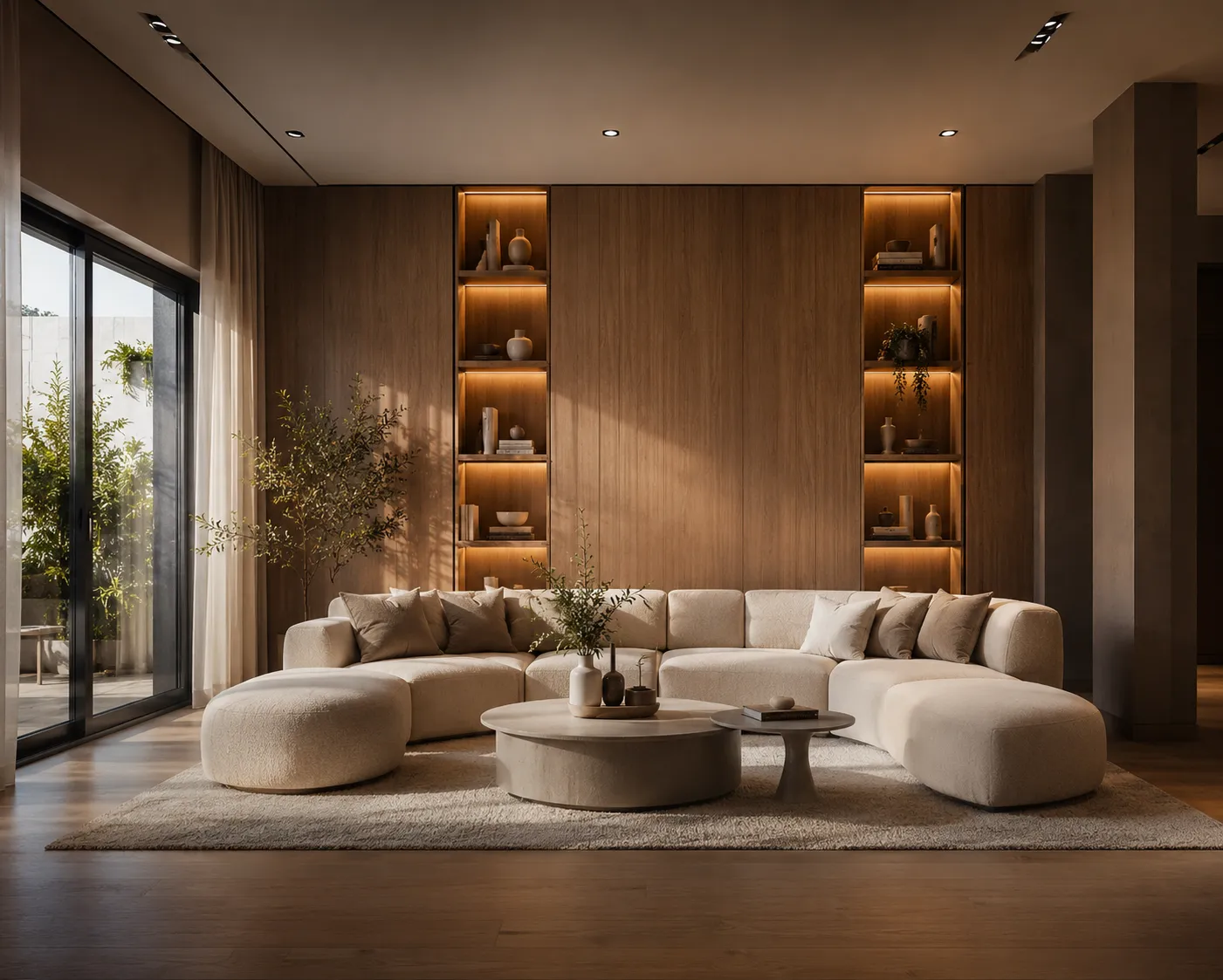
A basement is the room homeowners put off the longest — low ceilings, little or no daylight, and a layout that rarely started as "living space" on the original plans. It is also one of the hardest rooms to picture finished from a photo of bare concrete and exposed pipes. AI closes that gap: upload a photo of the basement as it is, and see it redesigned as a finished room — same walls, same low ceiling, same layout — in about 30 seconds, before any framing or flooring gets bought.
How it works
- Photograph the basement from a corner with as much of the room in frame as possible, lights on, camera level.
- Upload it to Interior AI.
- Pick a style or describe one — the mood you want, plus the specific materials and finishes.
- Generate a few directions and compare them against the photo you started with.
Basement-specific prompts worth trying
- Family room: "finished basement family room, light oak-look flooring, white walls, large modular sofa, recessed lighting, warm evening light" — the default upgrade for an unfinished space.
- Home theater: "basement home theater, dark charcoal walls, low sectional seating, ambient LED wall lighting, projector screen" — plays to the lack of windows instead of fighting it.
- Home gym: "basement home gym, rubber flooring, mirrored wall, black equipment, bright even lighting" — useful for deciding on flooring and mirror placement before installing either.
- Guest suite: "basement guest bedroom, warm neutral tones, area rug, wall sconces instead of a ceiling fixture, cozy reading corner".
Run two or three of these on the same photo before deciding — a basement's function is usually the real open question, not just its color palette. (Still getting a feel for prompting rooms in general? The AI interior design guide covers the basics.)
Designing around a basement's real constraints
Low ceilings and little natural light are the two problems every basement redesign has to solve, so tell the AI about them directly instead of hoping a generic style prompt handles it:
- Low ceiling: ask for "low-profile recessed lighting instead of pendants" and "furniture with visibly low backs" — both read as intentional rather than a workaround.
- No windows: ask for "layered lighting — recessed, wall sconces and a floor lamp" rather than a single overhead source, and lighter wall colors to bounce what light there is.
- Exposed pipes or ductwork: ask the AI to show them "painted matte black against a dark ceiling" — often cheaper and faster than boxing them in, and it renders convincingly.
- Moisture-prone flooring: prompt for "luxury vinyl plank" or "polished concrete" by name rather than "wood floor" — materials that actually belong in a basement.
Frequently asked
Does it keep my actual room? Yes — the walls, support columns, ceiling height and window positions (or lack of them) stay exactly as photographed. Only the finishes, furniture and lighting change.
Can it work on a completely unfinished basement? Yes, and it is arguably the most useful case — seeing bare concrete and studs as a finished room makes the renovation decision concrete instead of abstract. The same logic applies to any empty room; see the furnishing an empty room with AI guide for more on that workflow.
What if the ceiling is really low? The render keeps your real proportions, so if the ceiling reads as low in the photo, it reads as low in the result — the point is to design around that honestly, not to fake extra height.
What it won't do
The AI won't raise the ceiling, add a window, or solve a real moisture or code problem — those are structural and require an actual contractor. What it will do is answer the question most homeowners are actually stuck on: what should this space become, and roughly how should it look, before committing to a full renovation budget. The same photo-to-render approach also works well for other tight, awkward spaces — see the small apartment design guide for the layout side of that problem.
Upload a photo of your basement and see it finished in three directions — first renders are free.