
AI Wall Paint Visualizer: See a Color First
· 5 min read
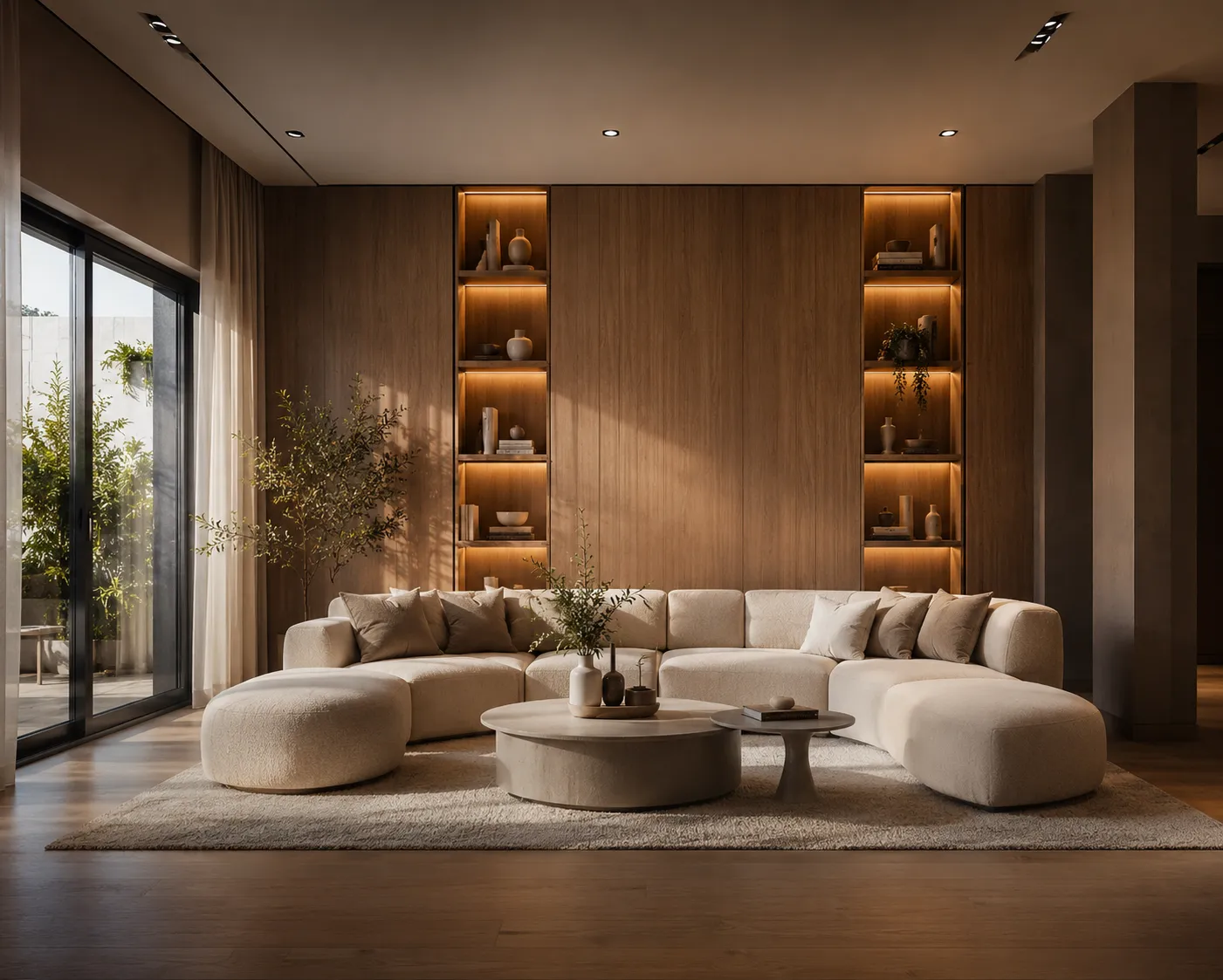
Paint swatches lie a little. A two-inch chip under hardware-store fluorescents looks nothing like a full wall under your own light at seven in the evening. An AI wall paint visualizer closes that gap: upload a photo of your actual room or facade, describe the color, and see the real wall repainted in about 30 seconds — before a single can gets opened.
How an AI paint visualizer works
The model reads the geometry of your photo — walls, trim, windows, the shadows already falling across the room — and holds all of it fixed while it recolors only the surface you describe. Instead of a flat swatch, you see the color under your room's real light: morning sun through your actual window, or the shade from the tree outside your own porch.
Three steps to a repainted wall
- Photograph the wall or facade straight-on, the whole surface in frame, with the lights on or daylight visible.
- Upload it to Interior AI for a room, or Exterior AI for a facade, and describe the color, undertone and finish.
- Generate a few options at once and compare them side by side before you decide on anything.
What to write instead of "paint it blue"
Paint reads completely differently depending on undertone and sheen — name both, not just the hue:
- Color: "warm greige", "sage green", "deep navy", "soft terracotta"
- Finish: "matte", "eggshell", "satin", "high-gloss trim"
- Accents: "white trim", "black window frames", "natural wood door"
Change only the color, nothing else
A full redesign is great for inspiration, but the real decision-making tool is a single-variable comparison. Material Swap changes only the wall color or siding while your furniture, floor and landscaping stay pixel-identical — so you're comparing two paint colors, not two different rooms. That matters most when you're down to a final two or three and every other variable needs to stay constant to judge fairly.
Interior walls vs. exterior facades
Indoors, the same wall reads differently across a north-facing bedroom and a south-facing living room — test the actual room, not a generic reference. Outdoors, a facade color interacts with roofline, trim, landscaping and neighboring buildings in ways a paint fan deck can't show; see our facade design guide for restyling a whole exterior, not just a color swap.
Take it to the paint store with confidence
Generate two or three finalists, upscale the strongest one, and bring the image (not just a color name) to your paint counter. A specialist can match undertone and sheen far more accurately from a photo of your actual wall than from a description over the phone.
One honest limit
The AI shows you the color and mood convincingly — it doesn't guarantee an exact match to a specific paint brand's code, since screens and photos both shift color slightly. Treat it as a shortlist tool: narrow dozens of options down to two or three, then confirm the final pick with a real sample on your wall before painting the whole room.
Ready to preview your own wall? Open Material Swap and test a color on your actual room or facade — your first renders are free.