
House Facade Design AI: Before & After
· 5 min read
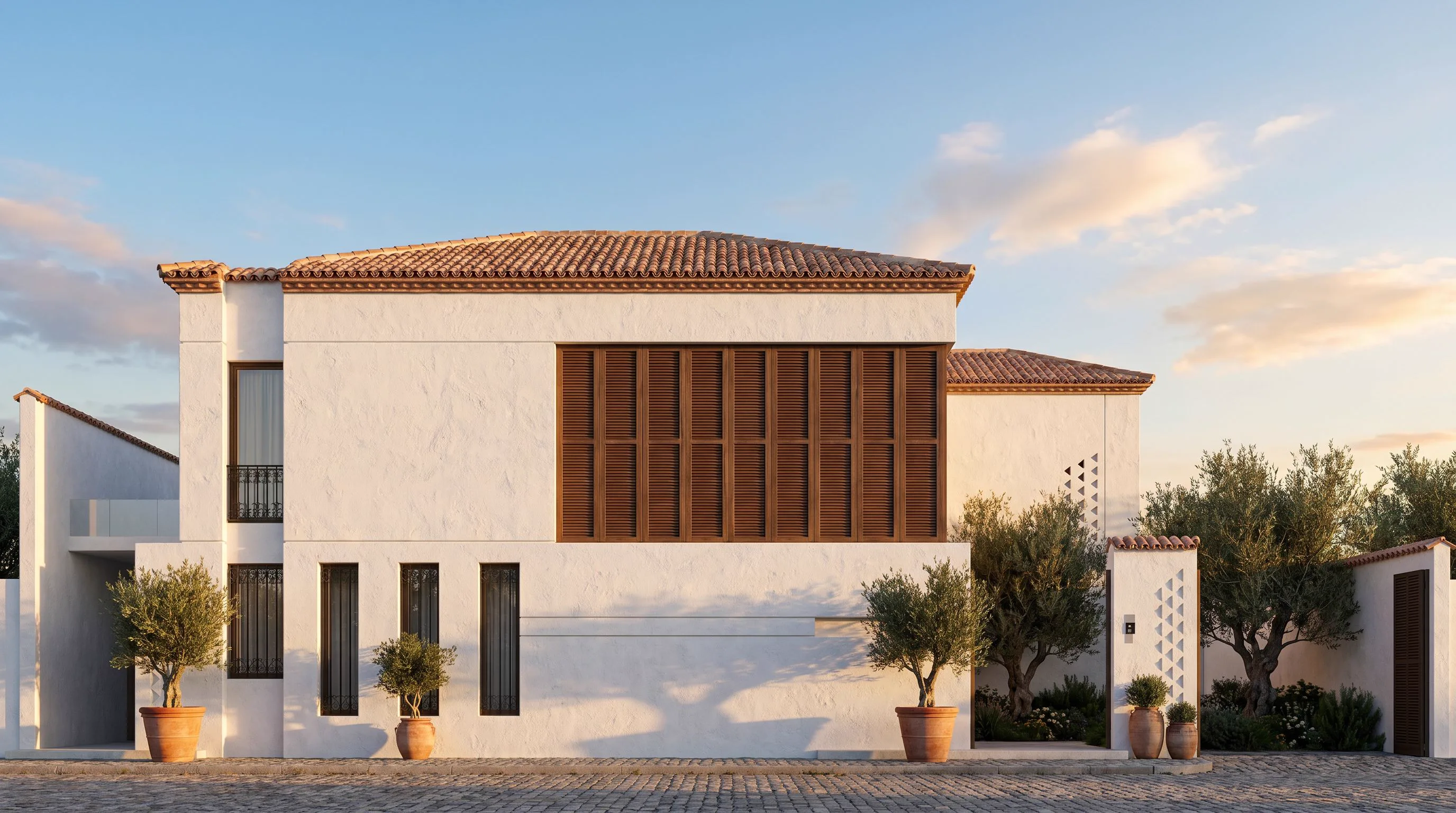
A house facade is the first thing anyone sees, and it is usually the hardest thing to change your mind about. Repainting, re-cladding or swapping a roofline is expensive and slow to reverse, so most homeowners and agents end up guessing from paint swatches and material samples. AI facade design removes the guesswork: upload one photo of the house and see it repainted, re-clad or restyled in seconds, before a single order goes in.
How it works on a single-family home
Unlike a full 3D renovation model, this workflow needs nothing but a photo. The AI reads the actual structure of the house — roofline, window and door openings, proportions — and keeps that geometry fixed while it changes everything applied on top: siding or render color, cladding material, trim, roof color, and the landscaping right in front of it. The output looks like a real photo of the same house, not a generic stock render.
Who this is for
- Homeowners deciding between paint colors or a re-siding job before calling a contractor.
- Real-estate agents showing a dated house's renovation potential to a buyer.
- Architects and designers presenting two or three facade directions in one client meeting.
- Contractors giving a homeowner a preview before a repaint or re-clad quote.
Getting a usable result
- Take (or upload) a straight-on daytime photo of the house — avoid a steep angle, it confuses the proportions.
- Pick a facade style, or describe one: "white lime render, black steel window frames, standing-seam metal roof".
- Generate a few options and compare them side by side rather than committing to the first result.
- Name colors and materials specifically. "Warm off-white render, natural cedar accents, charcoal roof" beats "make it modern" every time.
What actually changes vs what stays put
The roofline, window placement, door position and overall massing of the house stay exactly where they are — that is what makes the result useful rather than just pretty. What changes is the surface: paint or render color, cladding material (brick, timber, stucco, stone), trim and window frame color, roof material, and often the planting and paving directly around the entrance. Think of it as restyling the skin of the house, not redesigning the house.
Common facade directions worth testing
- Modern minimal — flat render in a light neutral, black or bronze window frames, simple landscaping.
- Modern farmhouse — board-and-batten siding, white or black trim, a gabled roof kept as-is.
- Mediterranean — warm stucco, terracotta roof tones, arched details if the house already has them.
- Classic repaint — same materials, new color scheme only, for the lowest-cost test.
Mistakes that make a facade render less useful
The most common one is shooting from too far off to the side — a three-quarter angle makes it harder for the AI to read the true proportions of the openings, and the result can look subtly warped. The second is describing style words instead of materials: "modern" and "elegant" tell the model very little, while "smooth white render, aluminium window frames, flat roof edge" gives it something concrete to work with. The third is skipping comparisons — always generate a small batch and pick between them rather than accepting the first pass, since even a well-written prompt produces meaningfully different results each time.
Where this fits with a bigger renovation
A facade rarely stands alone. If the front yard or entry planting needs work too, our guide on AI garden design covers redesigning the landscape in the same style. And if the house is part of a larger exterior project — a full villa, a multi-unit building, or a commercial facade — the broader workflow is covered in AI exterior design, which the same tool handles as well. If a clean, materials-led contemporary look is the direction you're after rather than a style sweep across several options, our contemporary house exterior guide walks through that specific palette in more depth.
Ready to see your own house repainted or re-clad before you commit to it? Open Exterior AI and upload a photo of the front of the house — your first renders are free.