
AI Minimalist Interior Design Guide
· 5 min read
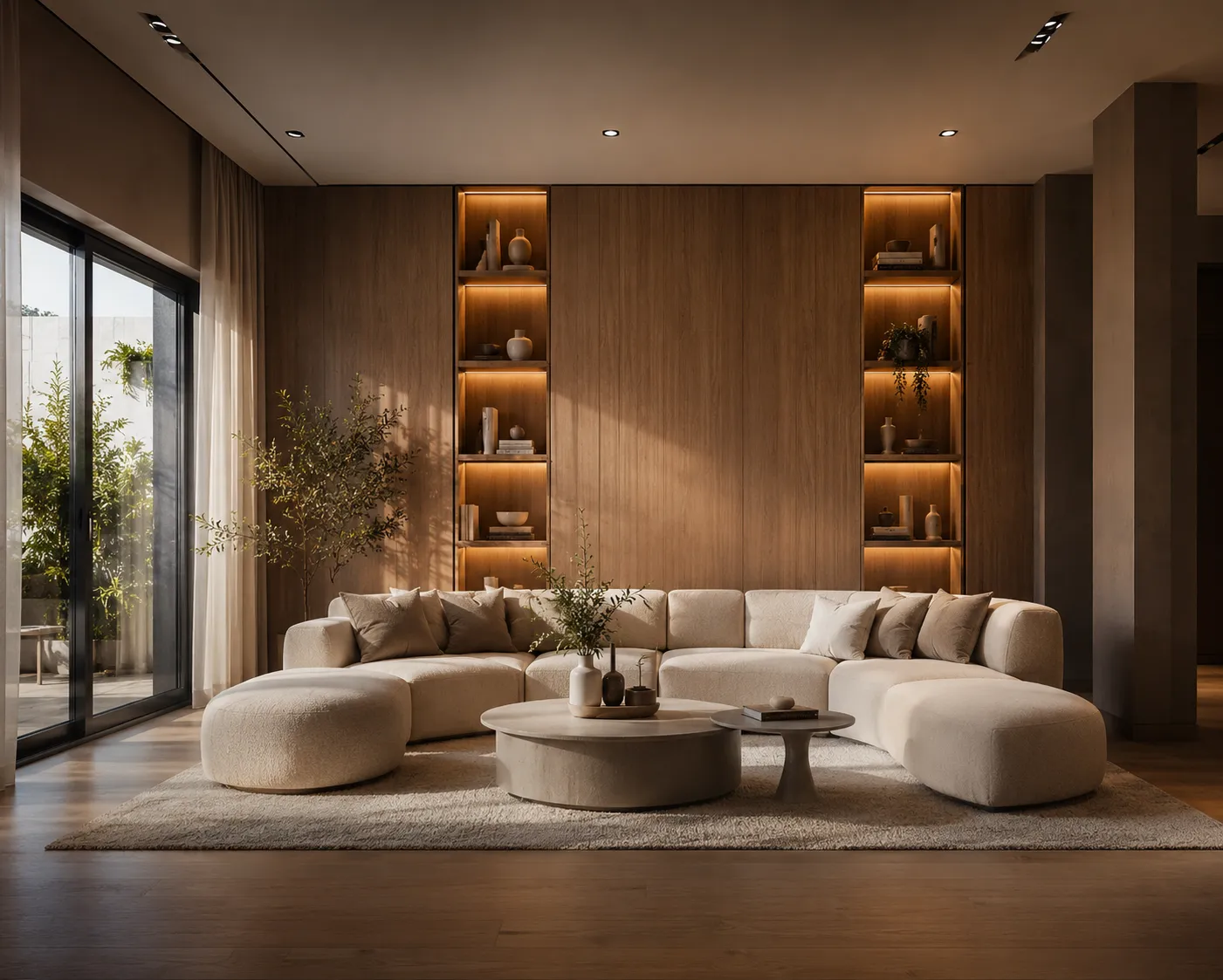
Minimalist is the style most people think they want and then get wrong in practice — a room that's merely empty reads as unfinished, not calm. The actual style is precise: fewer objects, but each one chosen deliberately, with clean lines, a tight color range and enough negative space to let the architecture itself do the talking. Getting that balance right on paper is one thing; trusting it in your own room is another. AI closes that gap — upload a photo of the space you have and see it redesigned in the style properly, with your real walls, windows and proportions intact.
What makes a room read as minimalist
The palette stays restrained — whites, greys, black accents, one warm material like light wood or stone to keep it from feeling clinical. Furniture is kept to what's functional: a sofa, a low table, maybe one sculptural chair, each with clean geometric lines rather than ornate detailing. Surfaces stay clear on purpose — no stacks of objects, no shelves crowded with decor — because the style depends on negative space reading as intentional rather than incomplete. Lighting tends toward simple fixtures and diffused natural light rather than layered lamps and warm accent bulbs, which keeps the eye moving across the room instead of settling on any one object.
How the AI keeps your real room
The model reads the geometry already in your photo — wall lines, window and door positions, ceiling height — and holds that fixed while it replaces materials, furniture, color and lighting. Because your actual proportions don't change, you're judging whether a low-profile sofa and a cleared floor genuinely work in your room's dimensions, not a staged photo shot in a much larger space.
From photo to a redesign you trust
- Upload a clear, well-lit photo of the room, shot from a corner so most of the space is visible.
- Describe the direction: "Minimalist style, white walls, light oak floor, low sofa, single sculptural chair, no clutter, soft diffused daylight".
- Generate a batch of alternatives — small wording changes shift how much is left empty and which single material carries the warmth.
- Found a version that works? Upscale it to check the clean-line detailing before you shop.
Prompt details that separate real minimalist from generic "modern"
The two get confused constantly. A bare "modern" prompt often returns a room that's merely trendy — mixed metals, several accent colors, decorative clutter — rather than genuinely minimal. Naming restraint explicitly helps: "one accent color only, no visible clutter, clean geometric furniture, matte finishes" pulls the result toward true minimalism. It also helps to name the one warm material you want to keep the room from feeling sterile — "light oak accent", "one stone surface" — since an unqualified minimalist prompt tends to default to all-white and all-grey, which can tip cold rather than calm.
Common mistakes
The most frequent one is asking for "empty" instead of "minimal" — an empty room reads as unstaged, while a minimalist room still has a few carefully chosen pieces doing real work. The second is skipping material language entirely, which leaves surfaces flat and glossy instead of textured and warm. The third is treating one generation as final — run several variations and compare, since how much negative space is left and which single accent color appears shift meaningfully between outputs even from a similar prompt.
Where this fits with the rest of the room
Minimalist shares real ground with its warmer cousins — see the AI Scandinavian interior design guide and the AI Japandi interior design guide if you want more wood tone and texture without losing the restraint. The style's clear floors and low furniture also make it one of the strongest options for a compact footprint; the small apartment design guide covers that angle directly. Once you've settled on the one accent material, Material Swap lets you test alternatives — oak, stone, walnut — without touching anything else in the render.
Ready to see your own room in minimalist style? Open Interior AI and upload a photo — your first renders are free.