
RoomGPT Alternatives: When You Need More (2026)
· 6 min read
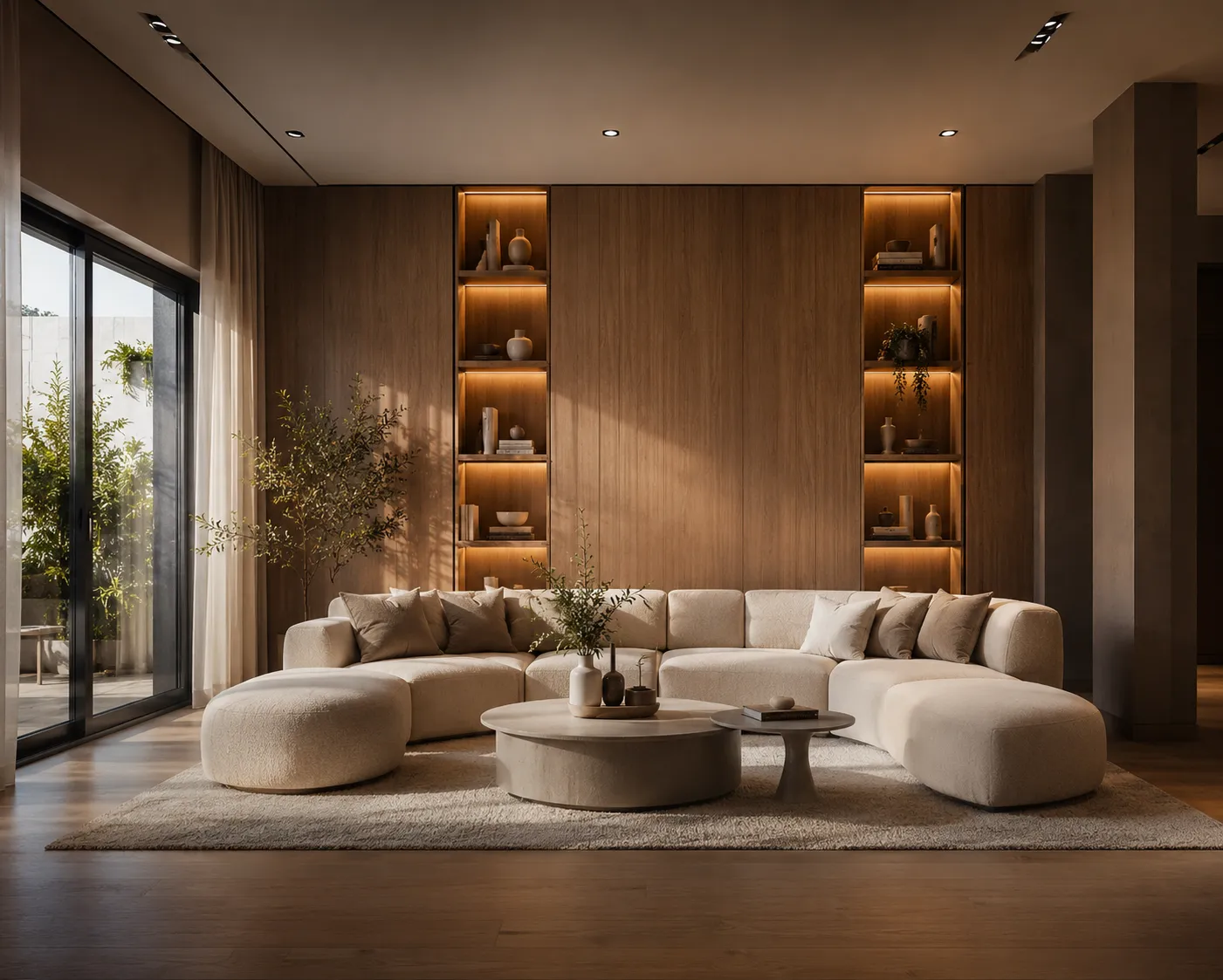
RoomGPT earned its popularity honestly. Upload a photo of your room, pick a theme, and a few seconds later you're looking at a restyled version — free, no learning curve, no design vocabulary required. For a lot of people it was the first proof that AI interior design actually works. If that's you and you're wondering whether to stick with it or move on, here's a straight answer: it depends entirely on what the images are for.
What RoomGPT gets right
- Free and instant. The fastest possible way to see your room in a different style. No tutorial needed.
- Zero intimidation. A homeowner who has never opened design software gets a usable result on the first try.
- Honest scope. It does one thing — restyle a room photo — and doesn't pretend otherwise.
Where you'll hit the walls
- It's a single tool. Interior restyling only. No exterior, no sketch-to-render, no floor plans, no video, no 3D. The moment a project needs a facade or a walkthrough, you're shopping again.
- Resolution. Output is fine for a phone screen, not for a client PDF, a print portfolio or a listing hero image.
- No professional workflow. No commercial licence terms to point a client to, no tier built for paid client work, no plugin into SketchUp, no way to edit just one wall or swap one material.
- Theme presets, limited steering. You pick from a list; describing "warm minimal, oak floor, linen sofa, morning light" and getting exactly that is not what it's built for.
Honest comparison
| RoomGPT | Archome | |
| Price to start | Free | Free (100 credits to start) |
| Tools | Interior restyle | 14 tools: interior, exterior, sketch, plan, video, 3D, editing |
| Max output | Screen resolution | 4K via Enhancer |
| Commercial use | Not the focus | Commercial licence on paid plans |
| Control | Theme presets | Custom prompts, material swap, masked edits |
| Integrations | — | SketchUp plugin, API |
The upgrade path, concretely
What changes with a professional tool isn't the core trick — it's everything around it. Interior AI does the same one-photo restyle with current-generation models and free-text prompting, then the rest of the suite picks up where a single tool stops: exterior and facade work, hand sketches to photoreal, a 4K pass for print, and masked edits when the client says "love it, but change the floor". (New to the workflow? The AI interior design guide walks through it start to finish.)
A concrete example
A real-estate agent photographs a dated living room during a listing visit. In RoomGPT, they get one restyled image — nice, but too soft for the portal's hero slot and legally grey for commercial use. In a professional workflow, the same photo becomes three distinct staging directions with custom prompts, the winner gets a 4K enhancement pass for the listing, and the licence question has an actual answer when the seller asks. Same 10 minutes of work; only one version ends up in the marketing.
Verdict
If you're redecorating your own flat and the render's final destination is a group chat, RoomGPT is genuinely enough — use it and enjoy it. If the image is going in front of a client, into a listing or into a portfolio, you'll feel the ceiling within a week. Try Interior AI on the same room photo and compare the two side by side — first renders are free, which makes the comparison cheap to run.