
Same-Day Client Revisions for Architects
· 7 min read
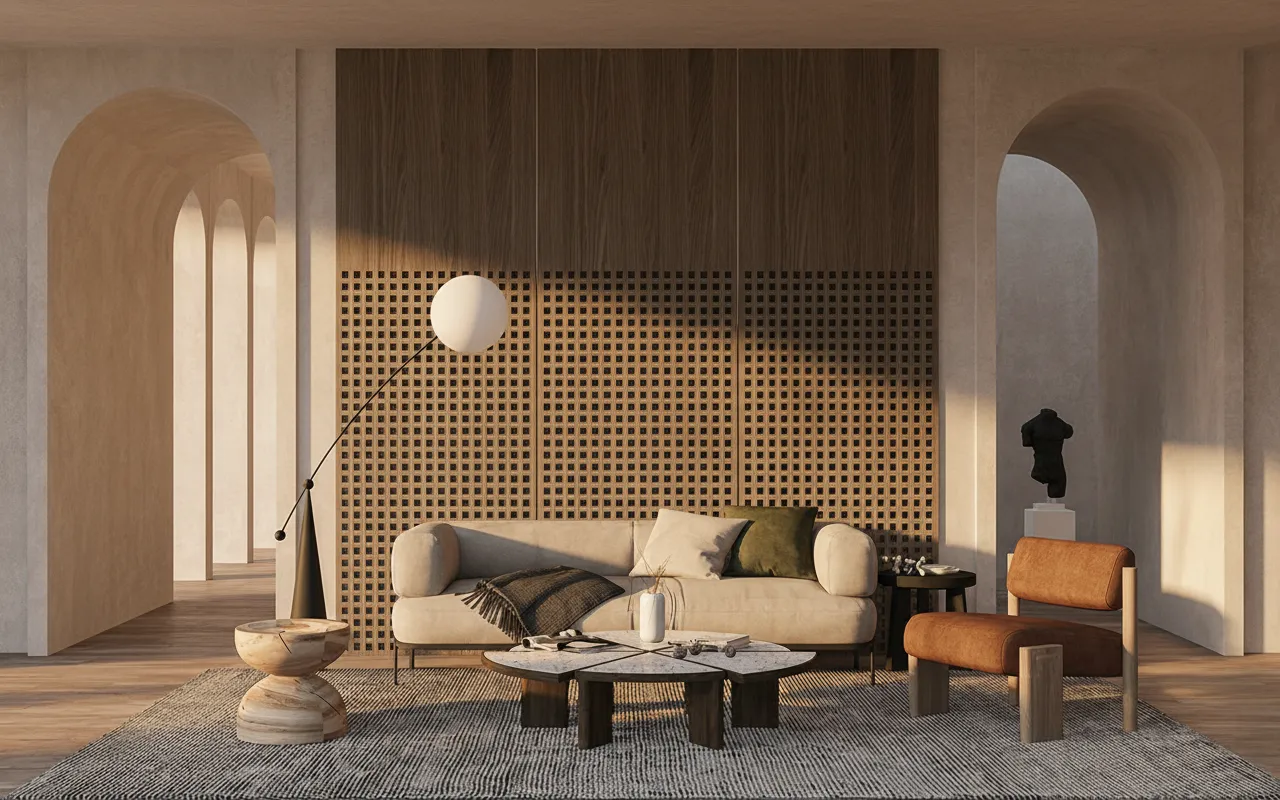
A render goes up on the screen in a client meeting, and the reaction is never a clean yes. It's "can we see the cladding lighter," or "what if the canopy wasn't there" — and the question underneath those notes is the same one every time: can you turn this around today, before the next meeting, or does it wait for next week's render slot? Rendering straight from an ArchiCAD 3D view is what makes "today" possible, because the input is an export you already have, not a scene that has to be rebuilt.
The usual bottleneck isn't the render engine, it's CineRender setup — surfaces, lamps, a scene that takes longer to prep than the meeting itself lasted. Working from an exported 3D view, section or elevation skips that step entirely: export the view as an image, upload it, describe the finish change in a sentence, and a photoreal image comes back in about 30 seconds with the openings, floor heights and massing exactly where ArchiCAD put them.
That matters most in the hour right after a client meeting, when the notes are fresh and specific but the project timeline has no slack for a rebuilt scene. Having a working loop from export to photoreal image — BIM view to render in about 30 seconds — turns "we'll have it for you by Thursday" into "check your inbox before you leave the car park."
Full re-render vs. one-line revision
Not every client note is the same kind of request, and treating them identically wastes time either way. "Change the whole material palette" or "try a different light" is a genuine re-render — run it again with a new brief through Sketch to Render and compare the result to the last pass. "Just make the cladding lighter" or "lose the awning over the entrance" is a single-region edit, and re-running the whole view for it is the wrong tool: lighting and shadow placement drift slightly between generations even on the same brief, so two images that should match except for one wall end up looking like two different days. For that narrower note, Inpainting brushes over just the one element and changes only what's under the brush, or Material Swap swaps one surface and leaves everything else in the frame untouched.
From exported view to a same-day answer
- Export the view. The 3D window, a section or an elevation, saved as an image. White-model or shaded views give the AI the cleanest structure to follow.
- Get a baseline render. Upload it and describe the materials and light in a sentence — the geometry, camera and openings carry through unchanged.
- Log the client's note by type. A full direction change goes back through the same brief with the new wording. A single surface or element goes to Inpainting or Material Swap instead.
- Send the result before the meeting notes go cold. A same-day turnaround on one note is a different conversation than "we'll revisit it next sprint."
What this does not replace
This is a visualization pass, not a BIM update. Nothing about the revision changes the ArchiCAD model itself — wall builds, schedules and dimensions still live in the file, and a confirmed material change still has to be entered there once the client signs off on the image. Treat the render as the fast way to get agreement on a direction, not as the drawing of record.
Who this is for
Architecture offices fielding client revision requests mid-project, where the model is accurate but a presentable image of the next option is actually holding up the decision. It works the same way from a Rhino, Revit or SketchUp viewport capture for offices running more than one modelling package.
What a same-day revision round costs
A baseline render through Sketch to Render is 15 credits on Fast. A single-element fix through Inpainting is 30 credits; a one-surface swap through Material Swap is 20. On the $29 Lite plan (1,000 credits, $0.029 each), a baseline plus two single-element revisions — 15 + 30 + 30 = 75 credits — comes to roughly $2.18. A new account starts with a one-time 100-credit trial, enough to run one real client note through the whole loop before deciding.
Frequently asked
Do I need to export anything other than an image from ArchiCAD? No. A 3D view, section or elevation saved as PNG or JPG is the only input — the model file itself never leaves your machine.
Will a revision move my openings or floor heights? Not on a single-element edit — Inpainting and Material Swap only touch what's inside the brushed area or the selected surface.
Can I turn around a client note the same day? Yes — the baseline render and either revision tool each run in under a minute, so the limit is how fast you can read the client's note and brush the right area, not render time.
Is this ready for a client deliverable commercially? Yes, on any paid plan, which includes a commercial licence. The free trial is for testing the workflow on a real view first.
Next time a client note lands mid-meeting, export the view and try the fix the same afternoon — the first renders are free, no card required.