
AI Bedroom Design: Redesign from One Photo
· 5 min read
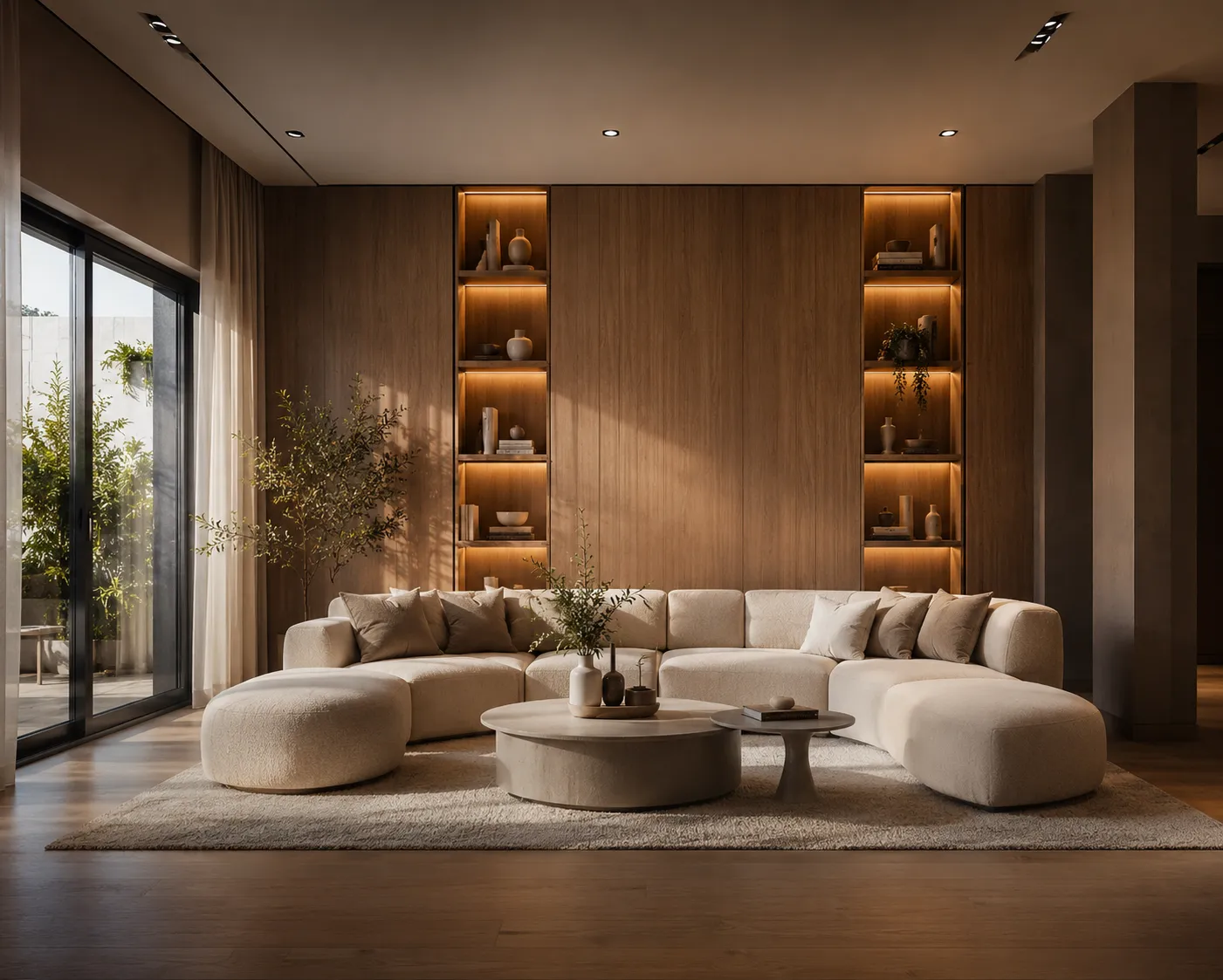
The bedroom is the room people redecorate most often and plan the least — a new duvet here, a lamp there, and somehow it never quite comes together. AI changes the order of operations: photograph the room as it is, and see it fully redesigned — same walls, same window, new everything else — in about 30 seconds. Then you decorate towards a picture instead of guessing.
The workflow
- Photograph the bedroom — from the doorway or a corner, whole bed and window in frame, camera level, curtains open.
- Upload it to Interior AI.
- Pick a style or write a prompt describing how the room should feel, not just what's in it.
- Generate a few directions and compare them side by side. Keep the one that feels like sleep.
Three styles worth trying first
- Japandi: "japandi bedroom, low walnut bed, linen bedding, paper lantern, muted earth tones, quiet morning light" — calm, warm, hard to get wrong.
- Warm minimal: "warm minimalist bedroom, oak floor, limewash walls, soft white bedding, one plant, diffused daylight" — the safest upgrade for a cluttered room.
- Quiet luxury: "luxury hotel bedroom, upholstered headboard, layered bedding, brass wall sconces, heavy curtains, warm evening light" — the five-star-hotel feeling, in your floor plan.
Run all three on the same photo. Seeing your own room in three moods tells you more in two minutes than a month of saved inspiration images — because those images are always someone else's room. (New to prompting rooms? The AI interior design guide covers the basics.)
Small bedroom? Prompt for it
Small rooms fail when they're furnished like big ones. Tell the AI the constraint and it designs around it:
- "small bedroom, wall-mounted bedside shelves instead of nightstands, bed against the wall, light colours, mirror opposite the window"
- Ask for low furniture — a low bed frame makes the ceiling feel higher.
- Ask for one colour family — contrast chops a small room into pieces; a single palette stretches it.
- Ask for curtains mounted near the ceiling — an old designer trick the AI renders convincingly.
Frequently asked
Does it keep my actual room? Yes — walls, window positions and proportions stay put. The AI redesigns furniture, materials, textiles and lighting inside your real geometry.
Can it work with an empty room? Yes, and it's arguably the best use: see the room furnished before buying anything. There's a full guide to furnishing an empty room with AI.
Will the furniture in the render exist in shops? Not as exact products — treat the render as a design direction, then shop for the closest match. It answers "what should this room be", not "which SKU".
Do I need a good camera? No. A level, daylight phone photo beats a dark DSLR shot every time.
What it won't do
The AI won't move a wall, relocate the window or make a 10 m² room 14 m². It shows the best version of the room you have — which, most of the time, is exactly the decision you're trying to make.
Upload your bedroom photo and see it in three styles in the next five minutes — first renders are free.