
Living Room Design AI: Restyle from a Photo
· 5 min read
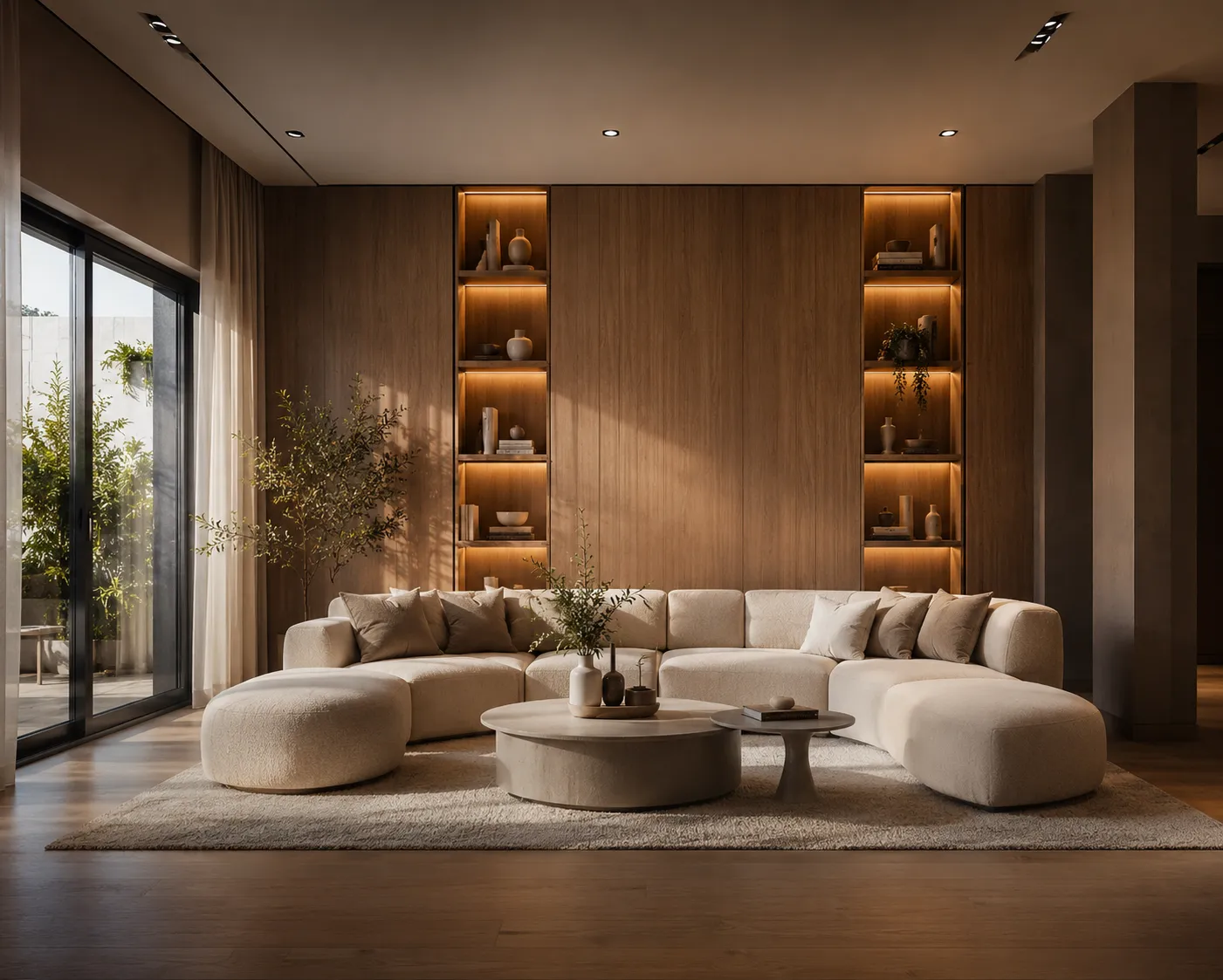
The living room is the most public room in the house and the most expensive to get wrong — the sofa alone can cost more than the rest of the furniture combined. AI takes the guessing out: photograph the room you have, and see it redesigned — real walls, real windows, new layout and style — in about 30 seconds.
How it works
- Photograph the living room from a corner, at chest height, with the main seating and window in frame. Daylight, curtains open.
- Upload it to Interior AI.
- Describe the direction: "warm modern living room, oak floor, linen sofa facing the window, large rug, soft afternoon light".
- Generate, compare, iterate. Change one word — the sofa colour, the light — and run it again.
The before/after logic
The render only helps if you compare it honestly against the room you have. Put the original photo and the AI version side by side and ask one question: what actually changed? Usually it's three things — a bigger rug, fewer small objects, one strong seating arrangement instead of scattered chairs. That's your shopping list. The AI's job isn't to sell you a fantasy room; it's to make the gap between "now" and "could be" visible enough to act on.
Styles worth comparing on the same photo
- Warm minimal: "oak floor, off-white walls, low linen sofa, one large artwork, calm and airy"
- Mid-century: "walnut furniture, leather armchair, brass floor lamp, geometric rug, warm evening light"
- Industrial-soft: "concrete-look wall, black steel shelving, deep green velvet sofa, moody side light"
- Classic: "herringbone parquet, panelled walls, symmetrical seating, chandelier, tall curtains"
Same room, four moods, two minutes. One of them will feel obviously right — that clarity is the product.
Small living room tips
- One anchor, not three: prompt for a single sofa plus one armchair rather than a full suite — the AI will show you how much bigger the room reads.
- Rug bigger than you think: ask for a "large rug under all front furniture legs". A small rug floating in the middle shrinks the room; the render makes this instantly obvious.
- Light colours, low furniture, mirrors opposite windows — the classics, and the AI renders them convincingly enough to convince a sceptical partner.
Testing finishes without redesigning everything
Once the direction is set, stop generating full redesigns. Use Material Swap to change only the floor or only the wall colour while everything else stays pixel-identical — that's how you compare oak vs. walnut for real, instead of comparing two different pictures.
Selling or renting the place?
The same workflow, pointed at a listing, is called virtual staging — furnishing empty or dated rooms so buyers can picture living there. If that's your situation, the AI virtual staging guide covers listing photos, disclosure and what agents actually do.
One honest limit
The AI restyles the room; it doesn't renovate it. It won't knock through to the kitchen or add a bay window. Use it to decide furniture, layout and mood — the decisions you can act on this month.
Upload your living room photo and see four directions side by side — first renders are free.