
ArkoAI Alternative for Architects (2026)
· 6 min read
By Ömer Koç, Architect · Founder of Archome AI
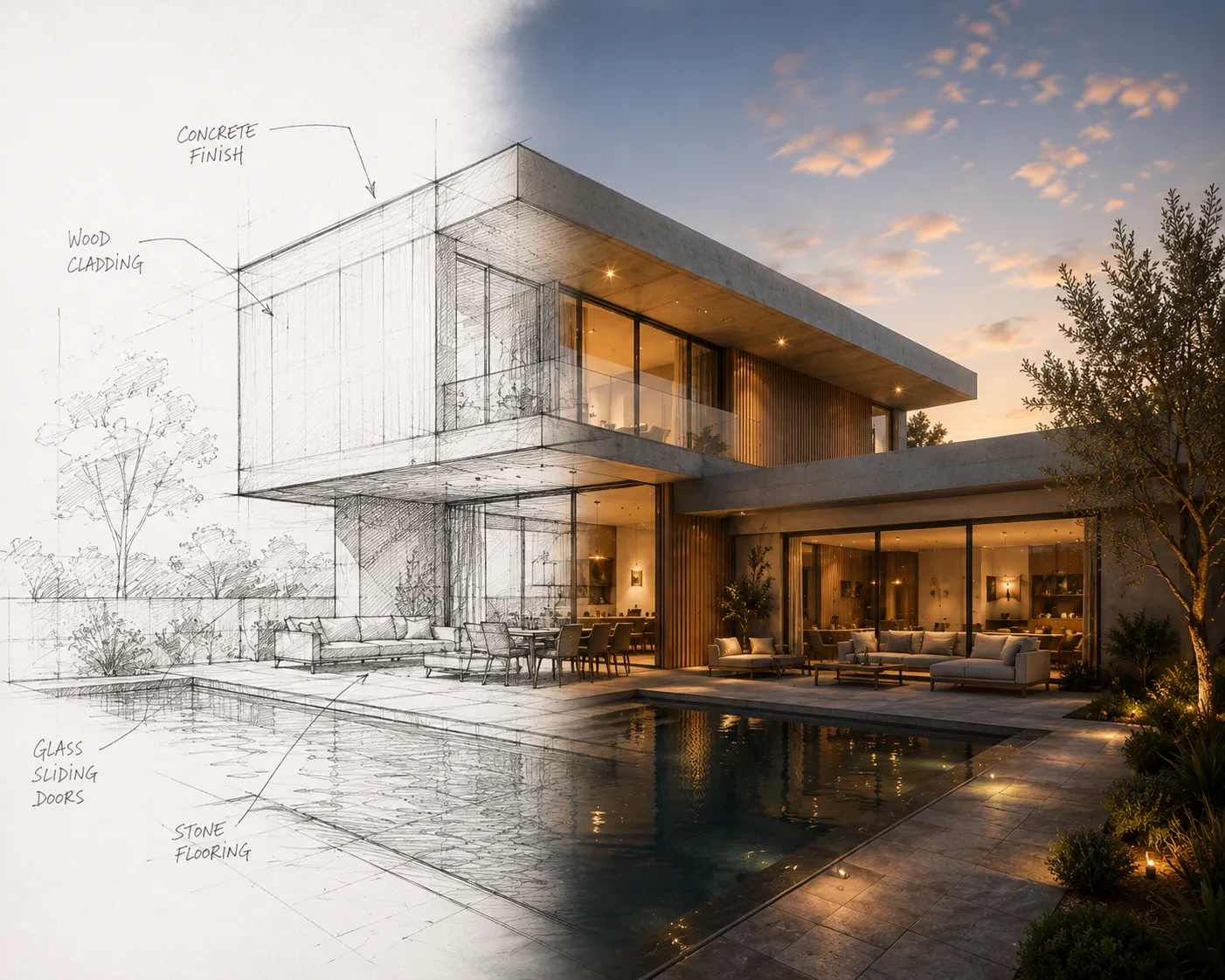
ArkoAI built its following inside the CAD viewport itself: install the plugin for Revit, SketchUp or Rhino, render the active view with AI, and get a photorealistic pass back without ever leaving the modelling software. Render mode keeps the 3D geometry locked while it fills in materials, context and lighting; Ideate mode goes further and lets the AI reshape geometry for early concept exploration. A seed-set feature keeps a chosen style consistent across multiple views of the same project, and negative prompts help steer the AI away from unwanted results. For a practice that lives inside Revit or SketchUp all day, rendering without an export step is a real workflow win. The question worth asking before committing a pipeline to it is what happens outside those three CAD packages.
What ArkoAI gets right
- Renders straight from the viewport. Plugins for Revit, SketchUp and Rhino mean the active view renders in place - no export-screenshot-upload cycle.
- Geometry-preserving render mode. Walls, openings and camera position hold steady while materials and lighting are generated around them.
- Ideate mode for concept work. A separate mode that lets the AI vary geometry itself is a genuine option for early massing exploration, not just material studies.
- Seed sets and negative prompts. Locking a style across views and excluding unwanted elements are the kind of production controls a serious pipeline actually needs.
Where you'll hit the walls
- Three CAD packages, and only those three. Revit, SketchUp and Rhino are covered; a hand sketch, a client's phone photo of a site, or a scanned floor plan has no path into the tool unless it's already modelled in one of those three first.
- Windows-first workflow. The plugin is built around a Windows desktop install, so a Mac-only studio or a borrowed site laptop without the right CAD licence isn't the target setup.
- Rendering and ideation, not the rest of the deliverable set. There's no built-in walkthrough video and no 3D export for a client-facing viewer alongside the render output.
- Paid tier starts once the trial runs out. Plans start from $39/month after the free trial, priced for a practice already committed to the workflow rather than someone casually testing it.
Where a browser toolkit fits differently
Archome starts from a wider input, not just a wider price. Sketch to Render reads a hand drawing or a phone photo directly, with no CAD model behind it required at all. For teams that model in SketchUp, Rhino or 3ds Max, free plugins carry the same CAD-native convenience ArkoAI offers (Revit users export a view and upload it), and the account underneath adds a walkthrough video tool and a 3D export path that a rendering-only plugin doesn't cover.
Honest comparison
| ArkoAI | Archome | |
| Core input | Live view from Revit, SketchUp or Rhino | Sketch, photo, viewport screenshot, floor plan |
| Runs on | Windows desktop plugin | Any browser, no install |
| Geometry control | Render mode locks it, Ideate mode varies it | Locked across sketch, interior, exterior, plan tools |
| CAD plugins | Revit, SketchUp, Rhino | Free SketchUp, Rhino and 3ds Max plugins, plus a Revit workflow |
| Video & 3D export | Not offered | Cinematic video + GLB export via to-3D |
| Free tier | Free trial, then from $39/month | Free - 100 credits to start, no card |
Who should pick which
If a practice models everything in Revit, SketchUp or Rhino before a client ever sees it, and rendering without leaving the CAD software is the priority, ArkoAI's viewport plugin is a genuinely tight fit - Ideate mode in particular is a real option for concept work that a render-only tool doesn't offer. If a project also starts from something that isn't modelled yet - a hand sketch, a site photo, a floor plan scan - or needs the same account to produce a walkthrough video or a 3D file for a client viewer, that's a wider job than a three-package plugin was built for. Sketch to Render takes linework directly, and the free SketchUp and 3ds Max plugins cover the CAD-native side without limiting input to those three programs alone.
A five-minute test
Render the same view two ways: through ArkoAI from inside your CAD software, and by exporting a screenshot of that view into Sketch to Render. Compare how closely each keeps your window counts, wall lines and proportions - then check whether the same account can also take a hand sketch or a site photo that was never modelled at all, and whether it can turn the finished render into a walkthrough clip without opening a separate tool.
Verdict
ArkoAI is a strong, focused choice for a practice that lives inside Revit, SketchUp or Rhino and wants viewport-native rendering plus a real concept-exploration mode. The trade is scope: three CAD packages, a Windows-first install, and no path for inputs that aren't modelled yet. Try Archome on your next sketch or viewport screenshot - first renders are free.