
Best AI Interior Design Tools (2026)
· 6 min read
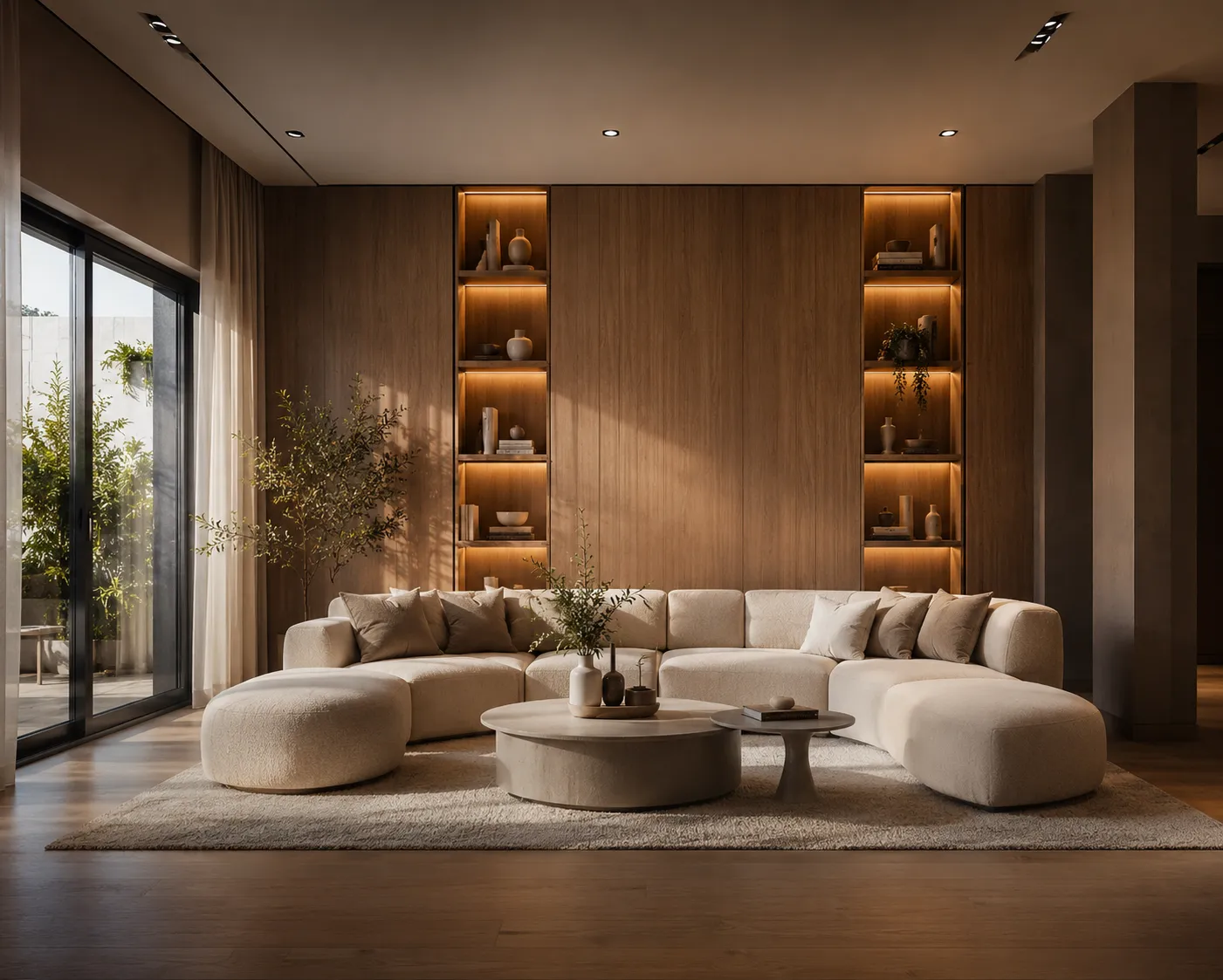
"AI interior design" now covers a wide range of products — free room-restylers, general-purpose image generators pressed into service, and dedicated design platforms with real workflows behind them. They are not interchangeable, and picking the wrong one for the job wastes more time than it saves. Here's an honest look at the tools people actually reach for in 2026, what each does well, and where it runs out of road.
Quick answer
- Fastest free way to test the idea: RoomGPT
- Most style presets to browse: Interior AI (interiorai.com)
- Already in your workflow, decent for mood boards: ChatGPT / DALL·E
- Built for e-commerce shoppable results: Collov AI
- Aimed at designers and retailers: Spacely AI
- Best all-in-one for professional work (interior, exterior, sketch, video, 4K): Archome AI
1. RoomGPT — free and instant
RoomGPT does one thing: upload a room photo, pick a preset style, get a restyled version back in seconds, no account friction. It's the tool that introduced a lot of people to AI interior design, and it's still the fastest way to see the concept work on your own room.
- Strengths: free, zero learning curve, near-instant results.
- Limitations: interior restyling only — no exterior, sketch, floor plan or video tools; output resolution suits a screen, not a print board; limited prompt control beyond the preset list.
2. Interior AI (interiorai.com) — the original style-preset library
One of the earliest tools in the category, known for a long, browsable list of design styles and a straightforward upload-and-generate flow that keeps a room's walls and windows in place.
- Strengths: wide style selection, simple to use for first-timers.
- Limitations: interiors only, preset-driven rather than free-text steering.
3. ChatGPT / DALL·E — convenient, not purpose-built
Because most people already have it open, ChatGPT's image tools get used for interior mood boards and quick "what if" concepts. It's genuinely good at generating an evocative image from a text description.
- Strengths: already installed, flexible for pure text-to-image concepts.
- Limitations: not built to preserve a specific room's actual geometry from a photo, so it tends to invent a new layout rather than restyle your real one — closer to inspiration than a usable client visual.
4. Collov AI — retail and shoppable design
Collov AI leans toward the e-commerce side of interior design, pairing AI-generated room concepts with product recommendations — useful if the point of the image is to sell the furniture in it, not just the room concept.
- Strengths: product-matching angle most design tools skip.
- Limitations: narrower fit for architects and agents who just need a clean visual, no shopping layer required.
5. Spacely AI — designer- and retailer-facing
Spacely AI is positioned for interior designers and furniture retailers who want branded, on-style renders rather than a generic consumer tool.
- Strengths: professional positioning, design-trade focus.
- Limitations: like most single-purpose tools here, it stops at interiors — no exterior, sketch or video in the same account.
6. Archome AI — the all-in-one studio
Interior AI on Archome keeps your room's actual geometry — walls, windows, camera angle — while restyling everything else from a free-text prompt or a preset, and it sits inside a wider toolkit: exterior and facade restyling, sketch-to-render, floor-plan-to-3D, masked inpainting for single-element edits, material swap, a 4K enhancer, cinematic video, and SketchUp / 3ds Max plugins. Free plan includes 100 free credits to start, no card required; paid plans start at $29/mo with commercial-use licensing.
- Strengths: geometry-accurate restyling, browser-based, widest tool coverage in one subscription, 4K output.
- Limitations: browser + plugin workflow, no dedicated Revit plugin yet.
How to choose
| Best for | |
| RoomGPT | Testing the concept on your own room, free, no stakes |
| Interior AI | Browsing a large style library |
| ChatGPT / DALL·E | Loose mood boards, not tied to a real room's layout |
| Collov AI | Shoppable, product-linked room concepts |
| Spacely AI | Design-trade and retail branding |
| Archome AI | Client-facing work: interiors plus exteriors, sketch, video and 4K in one account |
FAQ
Is any AI interior design tool free? Yes — RoomGPT and Archome AI both have real free tiers with no card required; Archome's is a one-time trial of 100 credits to start, which is three images on the free tier.
Which tool keeps my room's actual layout? Photo-based tools built around geometry preservation (RoomGPT, Interior AI, Archome) keep your walls and windows in place. Pure text-to-image tools like ChatGPT tend to invent a new layout instead of restyling the real one.
What if I also need exterior or video, not just interiors? Only the all-in-one studios cover that without a second subscription — see the fuller 2026 AI rendering tools roundup for the wider comparison, or read the RoomGPT alternatives guide if that's your starting point.
Fastest way to decide: run the same room photo through two or three of these and compare at full size, not thumbnail. Try Interior AI on your own room photo — the first renders are free.