
Can ChatGPT Render a SketchUp Model? What Works, What Doesn’t
· 8 min read
By Ömer Koç, Architect · Founder of Archome AI
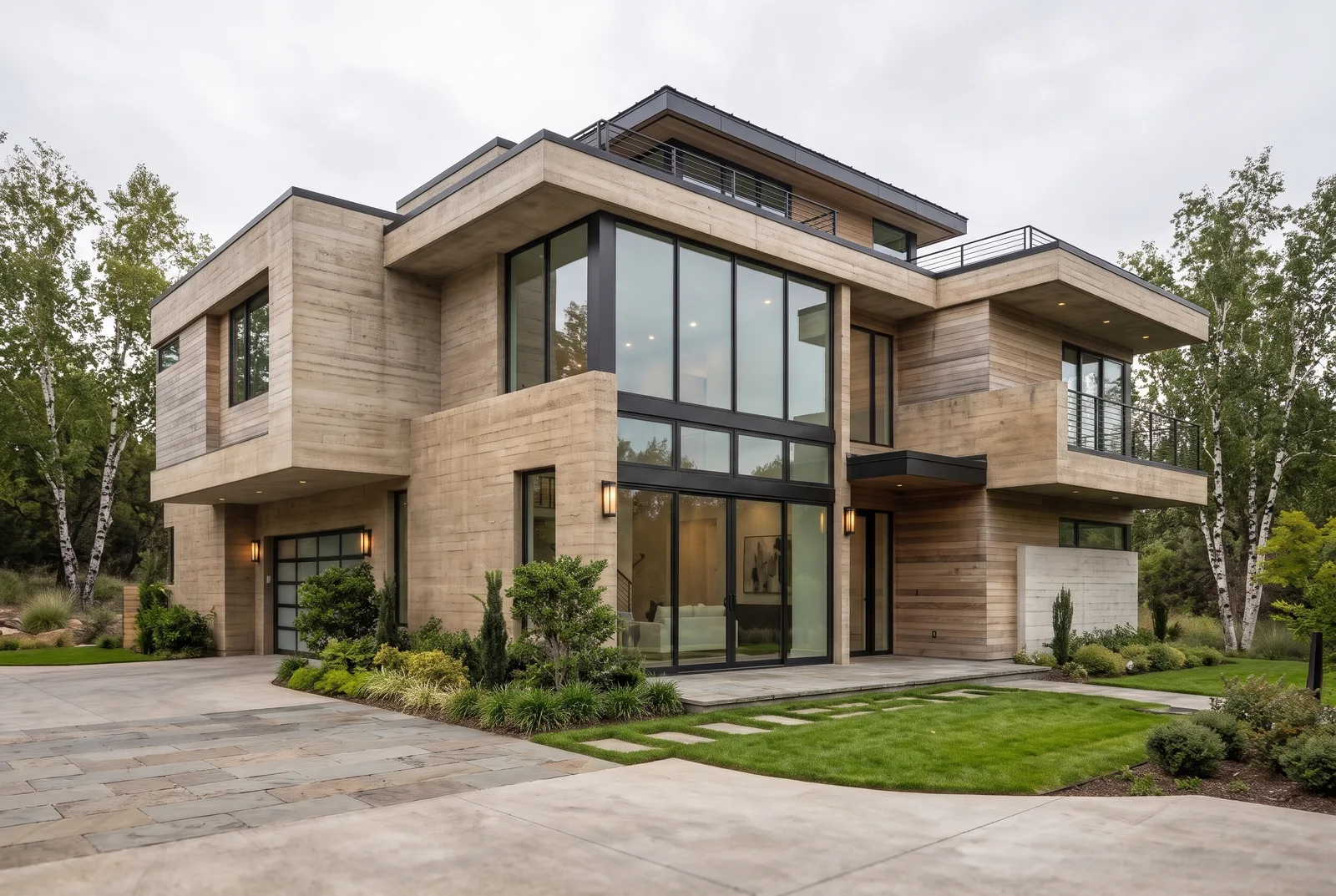
Quick answer: no, not on its own. ChatGPT cannot open a native SketchUp .skp file, and it has no 3D rendering engine. If you screenshot your viewport and ask ChatGPT's built-in image tools to "render" it, you get an image-to-image reinterpretation — not a render — and it commonly shifts walls, windows and proportions. The reliable path is to send the same view through a tool built to preserve geometry: Archome's free SketchUp plugin, or Archome AI's own connector inside ChatGPT, both of which lock the structure while materials, light and style change. Checked against OpenAI's published product pages and Archome's own SketchUp plugin and ChatGPT connector, 11 November 2026.
What "render" actually means here
A render, in the architectural sense, starts from known geometry — walls, openings, a camera position — and calculates or generates an image consistent with that geometry. A traditional renderer like V-Ray or Lumion does this with light simulation on a 3D model. An AI renderer like Archome does it by treating your sketch, photo or viewport capture as a structural constraint and generating materials, lighting and atmosphere on top of it. Neither process is what ChatGPT's general-purpose image tools do by default: those tools generate a new image from a text prompt (optionally guided by an uploaded image), with no concept of "this wall must stay exactly here." The distinction matters, because the two outputs look superficially similar — a photo-style picture of a building — while one keeps your design and the other improvises around it.
Can ChatGPT open a SketchUp (.skp) file at all?
No. SketchUp's .skp format is a proprietary binary that stores a scene graph, materials, components and camera data in a structure only SketchUp (and Trimble's own SDKs and a handful of licensed CAD tools) can parse correctly. ChatGPT's file upload accepts documents, spreadsheets, code and common image formats; it has no SketchUp parser, and nothing in OpenAI's published tool documentation claims one. ChatGPT's Code Interpreter sandbox can load a handful of generic 3D formats such as .obj with a Python library and plot a rough wireframe, but that is a geometry preview, not a render, and it is not a documented, repeatable product feature — treat it as a curiosity rather than a workflow.
In practice this means there is no step where you drag your .skp file into ChatGPT and get a photoreal image back from the model itself. Whatever happens next starts from an exported image, not from the model.
Exporting to a more generic 3D format first does not close the gap either. SketchUp can export .obj, .fbx, .dae or .ifc, and ChatGPT's code sandbox can load a simple mesh format like .obj well enough to plot it, but plotting a wireframe with a Python charting library is not rendering: there is no material shading, no camera lens behaviour and no lighting model behind it, and the result looks like a diagram, not a presentation image. For an actual photoreal output you still end up back at an image — a screenshot or a rendered export — which puts you in the same position described below.
What happens when you upload a viewport screenshot instead
This is the workflow people actually try: screenshot the SketchUp viewport (or export a PNG/JPG), upload it to ChatGPT, and ask for a photorealistic version. ChatGPT's image generation can use that screenshot as a loose visual reference and produce a new image in a requested style. A few things follow from how that works:
- It redraws rather than renders. There is no camera, no material database and no light simulation behind the output — it is a diffusion-style image model inferring a plausible photo from your picture and your prompt.
- Geometry drifts. Window counts and proportions, roof pitch, the number of storeys and the exact camera angle are all things a general image model can and does change, because nothing in the process is told those values are fixed. The more unusual or asymmetric your massing, the more likely it reinterprets it as something more "normal-looking."
- Materials are a guess. If your model is untextured white geometry (a common SketchUp massing study), the model invents a material palette rather than applying one you specified, unless your prompt is very explicit — and even then, consistency across a second or third generation is not guaranteed.
- There is no seed-and-iterate loop built for this. Each new attempt is close to a fresh generation; small, controlled changes ("just change the siding colour, keep everything else") are hard to get reliably from a general chat image tool, because it has no concept of "everything else" as a protected region.
None of this is a ChatGPT-specific flaw. It is true of general-purpose image generation as a category: a tool built to generate any image from any prompt has no reason to treat your massing, your openings or your camera as sacred, because it was never told to. The same caveat applies to any general AI image tool, not just ChatGPT's.
What actually works today
Two paths get you a usable, geometry-consistent render from a SketchUp view, and both avoid the redraw problem above by using a renderer built specifically to treat your input's structure as fixed:
- The free Archome SketchUp plugin. It sends the active viewport straight through to Archome — no screenshot, no export step — and the render keeps massing, openings and camera from that view, applying your requested materials, lighting and atmosphere on top. This is the same structure-lock approach used across Archome's image-to-image tools, and it is what separates a presentation-ready render from a reinterpreted one.
- Archome AI inside ChatGPT. If you would rather stay in the ChatGPT conversation — for example because you are also drafting a client email or a project brief there — Archome AI is installed as a connector in ChatGPT's own plugin directory. You attach the same viewport screenshot in the chat and describe the result, and the image comes back from Archome's rendering engine, not from ChatGPT's general image tool, so the same geometry lock applies. The full setup guide covers installation and the prompts that work on the first try.
Both routes produce the same underlying render quality; the choice is about where you want to work, not a quality trade-off.
A reliable workflow, step by step
- Get the view in front of a geometry-aware renderer. Install the free SketchUp plugin and send the current viewport, or take a clean screenshot if you would rather work from the browser or from inside ChatGPT.
- Describe the result, not the geometry. "Charcoal standing-seam roof, white render walls, warm afternoon light" works; you do not need to ask it to "keep the windows where they are" — that part is structural, not a prompt instruction.
- Iterate on materials and light, not the model. A second or third direction on the same view takes about 30 seconds each, so compare a few options before you pick one for the client deck.
- Upscale and export. Push the chosen result through 4K upscaling if it is going into a printed proposal or a large-format presentation board.
If you work across SketchUp, 3ds Max and Rhino on different projects, the same free-plugin pattern exists for each, and exterior and interior renders draw from the same account and credit balance.
What it costs
New accounts get 100 credits free — enough to test the plugin and the ChatGPT connector on a real view, no card required. A Sketch to Render pass costs 15 credits at Fast quality, which works out to about $0.44 per image on the $29/month Lite plan (1,000 credits); one-time packs start at $15 for 500 credits with no subscription. Full details and the other plan tiers are on the pricing page.
FAQ
Does ChatGPT have a built-in SketchUp renderer? No. ChatGPT has general image generation tools and a code sandbox, neither of which is a SketchUp-aware 3D renderer. It cannot open a native .skp file.
Can I upload a .skp file directly to ChatGPT? You can upload the file, but ChatGPT has no documented SketchUp parser to extract geometry, materials or the camera from it, so nothing useful comes back from the file itself. Export or screenshot a view instead.
Why did my ChatGPT render change the building? Because the image tool behind it is a general-purpose generator with no instruction that your walls, windows or roofline are fixed. It treats your screenshot as a loose visual reference, not as geometry to preserve.
Is there a way to render a SketchUp view inside ChatGPT without this problem? Yes — Archome AI is installed as a connector in ChatGPT and uses the same structure-locked rendering engine as archome.ai, so the geometry from your screenshot is kept rather than redrawn. See the setup guide.
What is the fastest way to render a SketchUp model without ChatGPT at all? The free Archome SketchUp plugin sends the active viewport straight to the renderer with no export or screenshot step.
Does this apply to other AI chat tools too, not just ChatGPT? Yes. Any general-purpose AI image tool without a structure-lock mechanism will tend to reinterpret geometry rather than preserve it, for the same reason — it was built to generate images, not to render a fixed model.