
Decor8 AI Alternative for Architects (2026)
· 6 min read
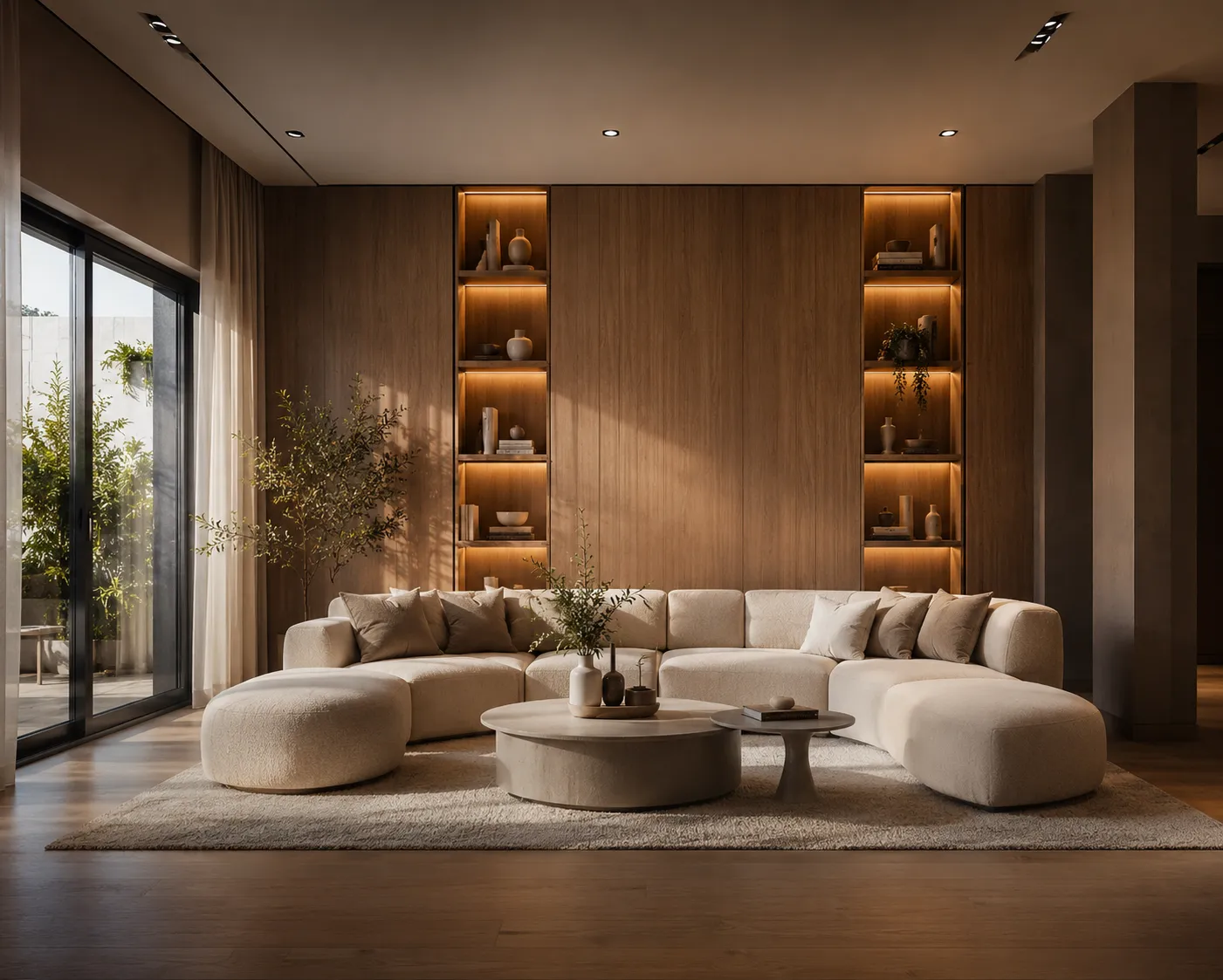
Decor8 AI built a following around a simple promise: upload a photo of a room, pick a style, and get back a redesigned or staged version in under a minute. It covers both ends of the same job - restyling a lived-in room and furnishing an empty one for a listing - and it's aimed squarely at real estate agents, homeowners and platforms that want redesign built into their own product via an API. If you're using it and wondering whether to keep going or add something to the stack, the honest answer depends on what the image needs to survive.
What Decor8 AI gets right
- Fast, one-photo redesign and staging. Upload a room, choose a style preset, and both an empty-room staging and a furnished-room restyle come back in roughly the same short wait - no separate tool needed for each case.
- Built for integration. An API aimed at real estate platforms and marketplaces means the redesign step can sit inside someone else's product rather than requiring a standalone app - useful for a brokerage or listing site building the feature in-house.
- Low friction for non-designers. Style presets do the thinking; nobody needs to write a design brief to get a usable result.
Where you'll hit the walls
- Interior only. It's built for room photos - there's no facade or exterior tool, no sketch-to-render for a design still on paper, no floor-plan visualization, and no video or 3D output. Any project that steps outside a finished room's four walls needs a second tool.
- Preset-driven styling. Picking from a style list is fast but shallow - describing an exact material and light direction in your own words and getting precisely that back isn't the core interaction.
- No architecture-grade geometry work. There's no plugin into SketchUp or 3ds Max, no way to render straight from a CAD viewport, and no masked editing to change just one wall or one material without re-rolling the whole image.
Honest comparison
| Decor8 AI | Archome | |
| Core job | Interior redesign + staging from a photo | 14 tools: interior, exterior, sketch, plan, video, 3D, editing |
| Exterior / facade work | Not offered | Dedicated exterior tool |
| Sketch or CAD input | Not offered | Sketch-to-render, SketchUp and 3ds Max plugins |
| Editing one region | Re-roll the whole image | Masked inpainting |
| Output resolution | Screen resolution | 4K via Enhancer |
| Best fit | Real estate platforms embedding redesign via API | Architecture and design practices needing the full pipeline |
Who should pick which
If the job stops at "make this room photo look furnished or restyled" - a listing photo, a homeowner's living room, a quick style comparison for a client - Decor8 AI does that job cleanly and the API angle is a real advantage if you're building redesign into someone else's platform rather than using it as a standalone app.
The moment a project needs more than a restyled room - a facade study from a massing model, a render from a hand sketch or a Revit export, a walkthrough video, or a single wall changed without disturbing the rest of the image - that's outside Decor8's scope and inside a broader toolkit's. Architecture and design practices juggling both interior and exterior work, or anyone whose inputs start as drawings rather than finished-room photos, will hit that ceiling fast.
A concrete example
An agent photographs a tired living room and a bare facade shot for the same listing. In Decor8, the living room becomes three staged directions in a few minutes - genuinely useful. The facade shot, though, has nowhere to go; there's no exterior tool to age the paint, swap the roofline material or test a landscaping refresh. In a fuller toolkit, the same shoot produces a staged interior and an updated exterior render from the same trip, both from one account.
Verdict
Decor8 AI is a solid, focused choice if interior redesign and staging - especially embedded via API into a real estate product - is the whole job. If the work also touches exteriors, sketches, CAD exports or video, a broader tool closes that gap without adding a second subscription. See the best AI virtual staging software comparison for how the wider field of staging-focused tools stacks up, or try AI virtual staging directly on your own room photo - the first renders are free.