
Redesign My Room with AI Before You Commit
· 6 min read
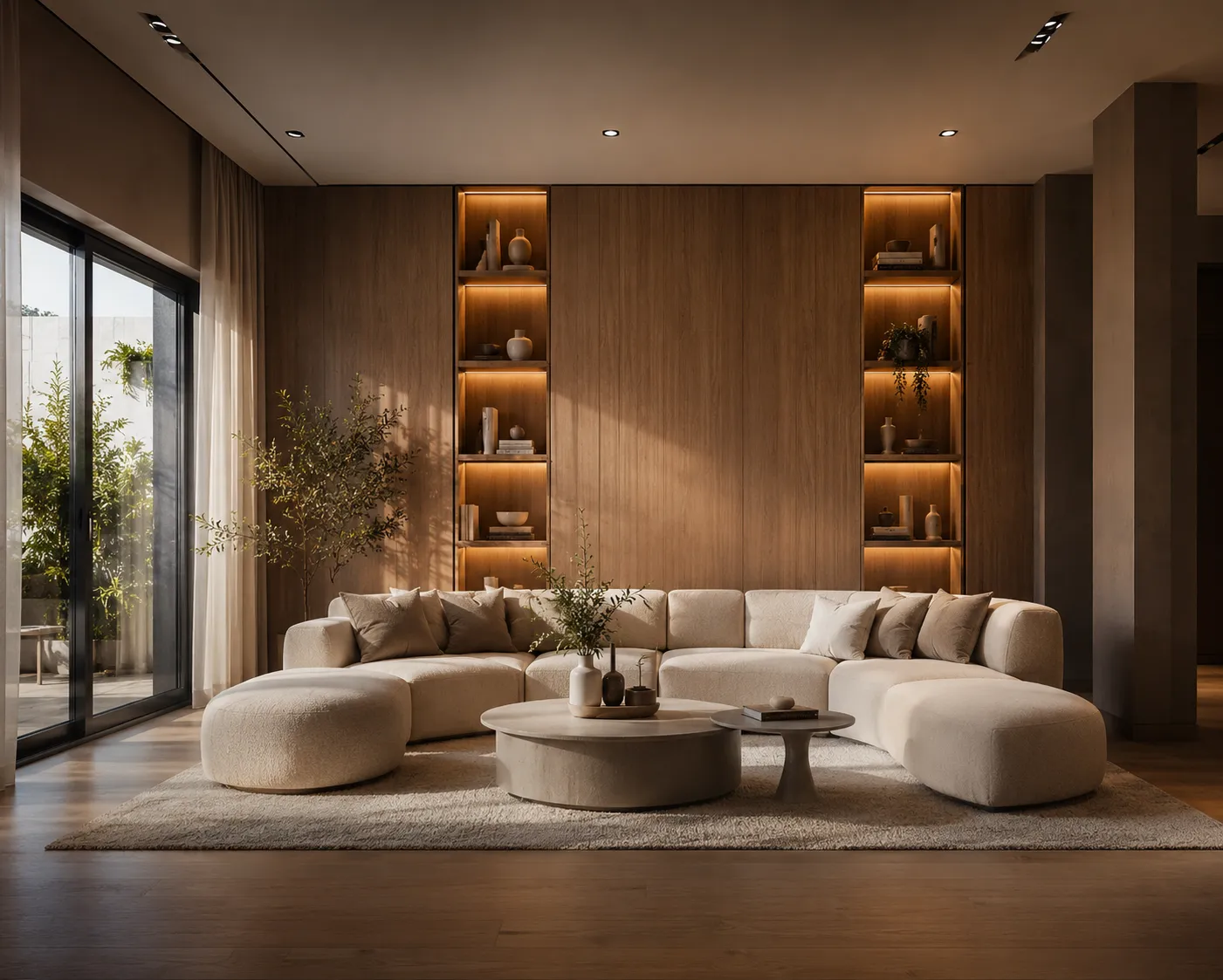
"Redesign my room" is usually the search that happens after the Pinterest board, not before it — once you've saved forty photos of other people's living rooms and still can't picture how any of it would look in yours. The room you're standing in has its own windows, its own light, its own weird alcove by the radiator, and none of the inspiration photos share them. AI closes that gap directly: photograph your actual room, describe the direction, and see your own space — not a stranger's — redesigned in about 30 seconds.
How it's different from a mood board
The model reads the geometry in your photo — walls, windows, the exact proportions of the room — and holds that fixed while it changes what's inside: furniture, wall color, flooring, lighting and mood. You're not looking at a similar room for inspiration anymore; you're looking at yours, redesigned. That's the difference between "I think this style could work" and "here's what it actually looks like in my space."
Three steps
- Photograph the room as it is now — furniture, clutter and all. Stand in a corner, hold the phone level, get the whole room in frame.
- Upload it to Interior AI and describe where you want it to go: "warm Scandinavian, oak floor, linen sofa, soft brass lighting" or just a style name if you're still deciding.
- Generate a few directions and compare them side by side before you buy a single thing.
The decision this actually helps you make
Nobody redesigns a room for the render — the render is a way to test a decision before spending on it. Repainting a wall, swapping a sofa, or committing to a full style change all cost money and are annoying to reverse. Seeing three style directions rendered in your actual room, side by side, turns "I think I'd like it more modern" into a decision you can actually see and compare, before a single can of paint is opened. It's the same logic that makes sense for an empty room before you furnish it — except here the room is already lived-in, and the question isn't what to add, it's what to change.
Prompts that get you further than a style name
- Say what stays and what goes: "keep the existing wood floor, change the walls to warm white, swap the sofa for a linen sectional" gets a more useful answer than "make it modern."
- Name the light you want: "soft afternoon light," "warm evening lamps," "bright and airy" changes the mood more than any furniture swap.
- Describe the feeling, not just the style label: "calm reading corner" or "room that photographs well for guests" produces a more specific result than "cozy."
- Test opposite directions on purpose: run the same room as "minimalist" and "maximalist" — it's often the contrast, not either result alone, that tells you what you actually want.
You don't need a subscription for this
If you're redesigning one room, not running a design business, a monthly plan doesn't make sense — you'll use it once and forget it's billing you. Archome AI's free tier gives every account 100 free credits to start with no card on file, enough to compare a handful of directions in your actual room. For a project that's just "settle on a direction for the living room," a one-time credit pack (from $15, valid for 12 months) covers it without turning into a recurring charge — see the full pricing breakdown for the details. Compare that to a full living room redesign if you want the room-specific walkthrough instead of the general one.
What it won't decide for you
The AI settles the look — color, furniture, lighting and mood, held to your room's real walls and windows. It won't tell you whether your budget covers the sofa you picked, or move a structural wall. Use it to get everyone — you, a partner, a designer — looking at the same picture before money moves, then take that direction to whoever's actually doing the work.
Frequently asked
Does it use my actual room, or a similar-looking one? Your actual room. The walls, windows and proportions in your photo stay exactly as photographed — only the furniture, colors, lighting and mood change.
Can I compare styles side by side before deciding? Yes — generate a few directions from the same photo and compare them directly rather than committing to the first result.
Do I need a subscription to try this once? No — the one-time trial credits or a credit pack both cover a single room project without a recurring plan.
Ready to see your own room redesigned? Upload a photo to Interior AI — your first renders are free.