
3D Renders to Cinematic Property Videos with AI
· 7 min read
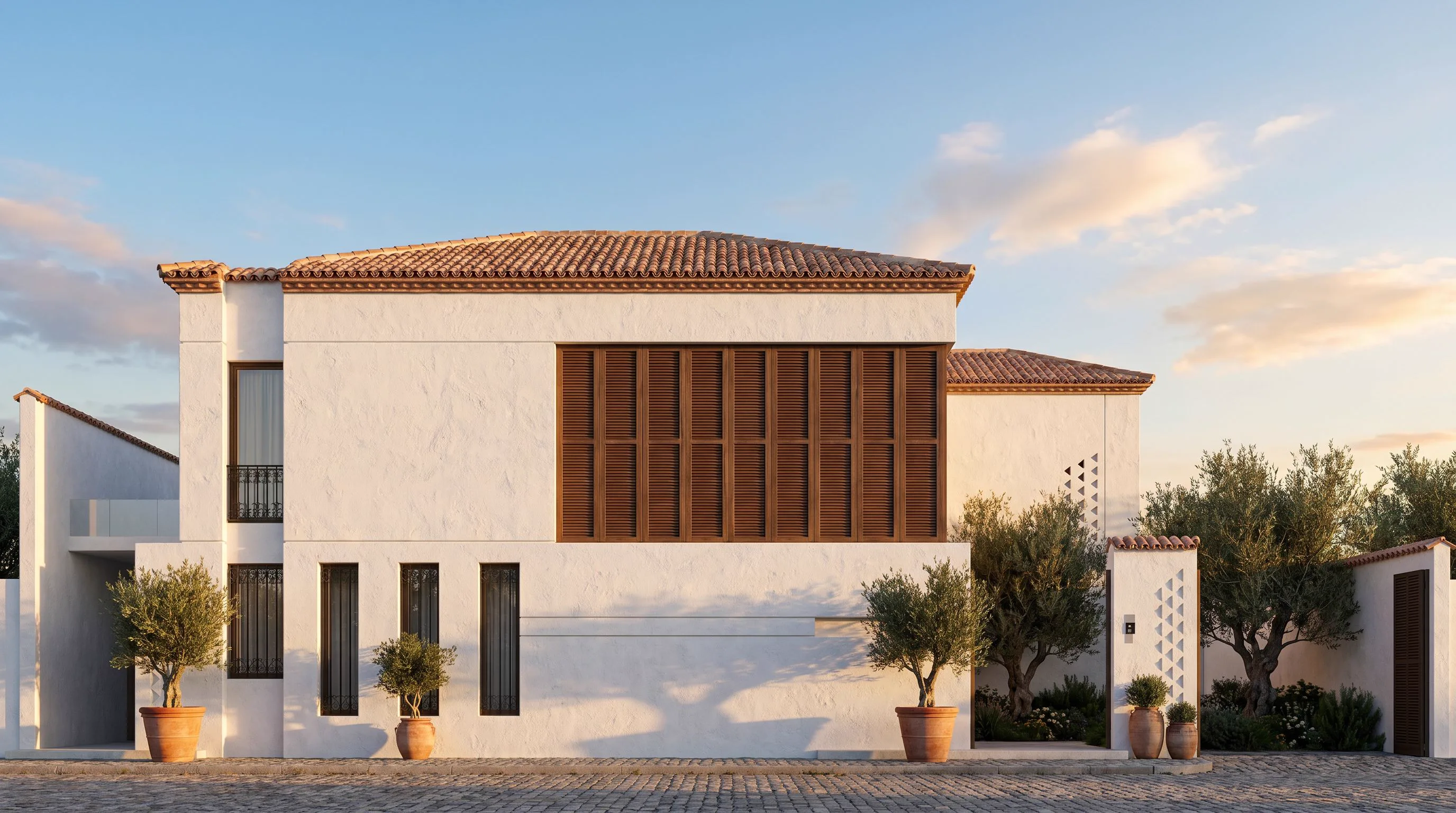
Converting a 3D render into a cinematic property video used to mean a real-time engine, a camera path, and an afternoon of tweaking. The AI version: upload the still, describe the shot, and get a short cinematic clip - camera drift, light shifts, living atmosphere - in a couple of minutes. This guide is the practical workflow, what each choice costs, and where the honest limits are.
What you need
- One finished render or photo - an exterior hero shot, an interior view, even an AI render you made minutes ago
- No 3D model, no keyframes, no editing suite - the motion is generated from the still image (full walkthrough-style guide: AI architecture walkthrough videos)
Step by step: still to cinematic clip
- Start from your strongest frame. The video inherits the still's quality - render first, animate second. If the still needs work, run it through the enhancer before animating.
- Open the video tool and upload the frame.
- Describe the camera move, not the scene. The scene already exists in the image - your words steer the motion: "slow push-in toward the entrance, golden hour", "gentle orbit right, curtains moving in the breeze", "drone pull-back revealing the garden".
- Generate and review. Clips run seconds-long by design - the length of a listing teaser or a social cut, not a feature film.
- Stack shots for a full tour. Render 3-4 views of the property (facade, living room, kitchen, terrace), animate each, and cut them together - a complete cinematic mini-tour from stills alone.
Camera-move prompts that work
- "Slow cinematic push-in, shallow depth of field settling on the doorway"
- "Smooth lateral dolly left, sunlight sweeping across the facade"
- "Gentle rise from ground level to eye level, morning haze clearing"
- "Subtle handheld drift, fireplace flickering, dusk mood"
Traditional animation vs AI video
| Real-time engine walkthrough | AI video from a render | |
|---|---|---|
| Input needed | Full 3D model, materials, camera path | One still image |
| Time to first clip | Hours to days | Minutes |
| Best at | Long navigable tours, exact paths | Short cinematic mood shots |
| Cost | Licence + GPU + operator time | Credits per clip (100-720) |
| Skill required | Animation experience | A sentence |
Where AI video fits in real estate marketing
- Listing teasers - a 6-second facade push-in outperforms a static thumbnail in feeds
- Off-plan marketing - animate renders of unbuilt units so buyers feel the space before construction
- Social content - each project yields several vertical clips for Instagram and TikTok
Honest limits
- Clips are short by design - for a 3-minute narrated walkthrough, a real-time engine is still the right tool
- Motion is generated, not simulated: doors do not open on cue and cars do not drive scripted routes
- Complex reflective surfaces can shimmer in motion; test the shot before building a campaign on it
FAQ
How do I convert architectural 3D renders into cinematic property videos? Upload the render to an AI video tool like Archome Video, describe the camera move in one sentence, and generate - a cinematic clip comes back in minutes, no animation software involved.
What does it cost? On Archome, video generation runs 100-720 credits depending on quality and length - a fraction of one hour of a motion designer's time. Every account starts with 100 free credits.
Can I make videos from photos instead of renders? Yes - the tool animates any architectural still: photos of built projects work exactly like renders.
Is the output good enough for client presentations? For teasers, socials and mood reels, yes. Pair clips with stills in the deck; use a real-time engine only when the client needs to steer the camera live.
The still-to-video step is the cheapest production value upgrade in property marketing right now: the render you already have, one sentence of direction, and the listing moves. Try it on your best frame - video needs a paid plan or a credit pack.