
AI Visualization Workflow for Architecture Firms
· 7 min read
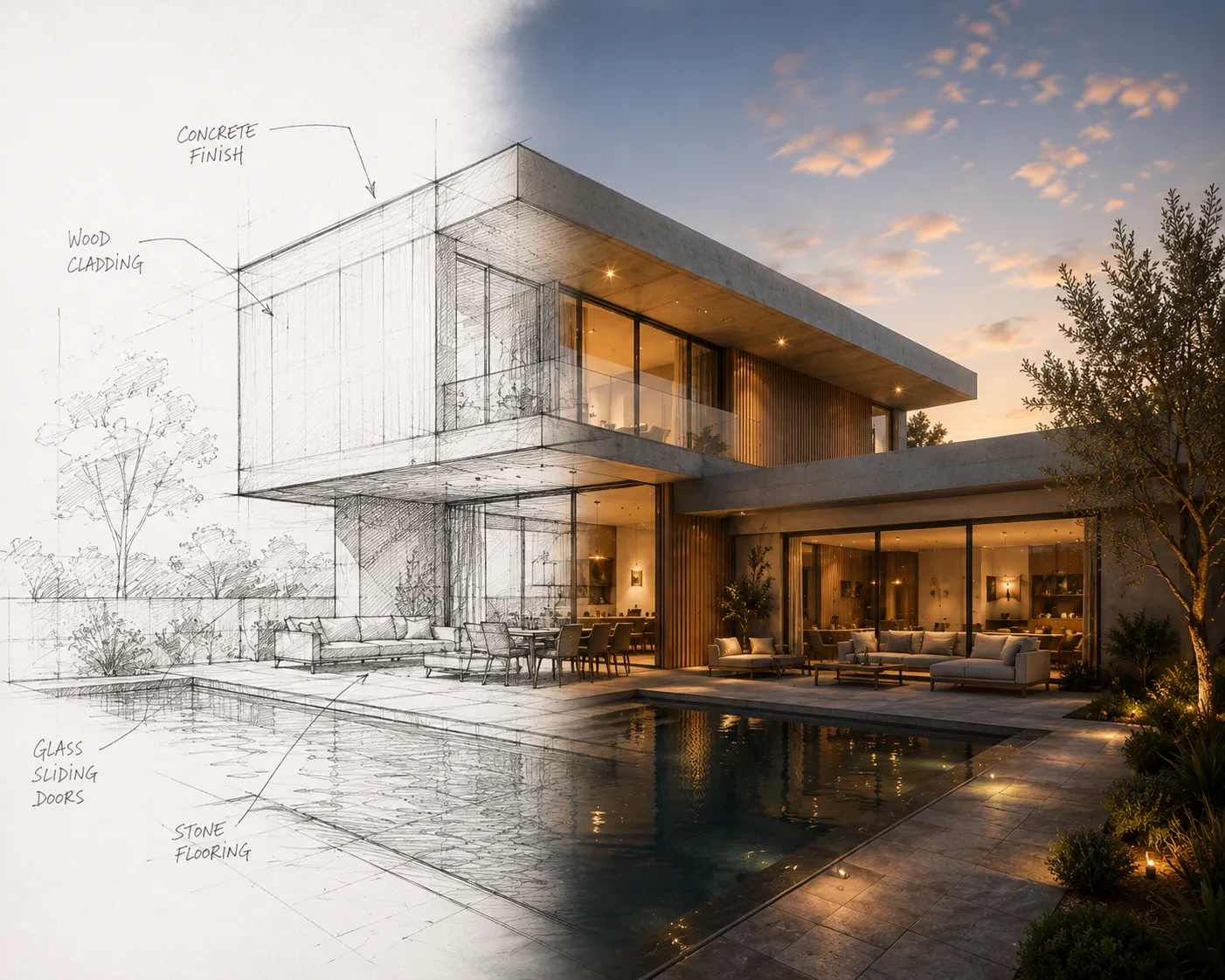
This is not a student render tutorial. It is the workflow a small or mid-size practice actually needs: a way to put a believable image in front of a client on Thursday for a Friday meeting, without a render farm, a dedicated visualization hire, or a week of scene setup. The firms getting the most out of AI rendering are not chasing photoreal perfection — they are chasing turnaround, because turnaround is what wins the next round of revisions before the client loses momentum.
Where the workflow actually breaks today
Most offices already have a rendering pipeline — Enscape, Lumion, V-Ray, whatever the studio standard is — and it works fine for the deliverable that ships at the end. The gap is earlier: the client call where someone asks "can we see it in brick instead" and the honest answer is "give us until Thursday." A full render-engine pass for a single material question is a scene-prep tax on a five-minute decision. That gap — same-day iteration on a question that does not deserve a full render slot — is what an AI pass fills, alongside the main pipeline, not instead of it.
The four-step loop
- Bring in whatever the project is at right now. A hand sketch from the client meeting, a CAD line export, or a 3D viewport screenshot — the tool does not need a finished scene. If the team models in SketchUp, the free SketchUp plugin sends the active viewport straight through with no export step at all.
- Describe the direction, not the geometry. The geometry is already locked from the input — walls, openings and proportions hold. The prompt only carries what changes: material, light, mood, season. "Same massing, board-formed concrete instead of stucco, late afternoon light."
- Generate and screen-share it live. A result lands in roughly 30 seconds — fast enough to run three material directions on a call while the client is still deciding, rather than presenting one option a week later and hoping it lands.
- Send the direction that survives the call back into the real pipeline. The AI pass is for narrowing options fast, not for the final construction-document-quality still. Once a direction is chosen, the studio's own render engine still does the deliverable that ships.
Why revision speed is the actual budget line
A firm billing hourly loses money every time a material or massing question sits in a render queue for two days. A firm on a fixed fee loses margin the same way — the hours do not disappear, they just come out of the fee instead of the invoice. Client presentation rendering that turns around same-day is not a nicety; it compresses the number of billable meetings a revision cycle needs, because the client reacts to something real instead of a verbal description or a rough massing model.
Team usage without a per-seat visualization hire
Smaller practices often cannot justify a dedicated visualizer on staff, so rendering work falls to whoever is free, at whatever skill level that happens to be. An AI pass narrows that gap: any team member who can write a one-sentence prompt can generate a client-ready option, which means the person running point on a project can produce their own client visuals instead of waiting in a queue behind someone else's deadline. It does not replace a visualization specialist on a competition-scale project — it removes the bottleneck on the day-to-day questions that do not warrant one.
Where this fits next to Sketch to Render
The full input-to-output mechanics — file types, prompt wording, what geometry lock actually holds fixed — are covered in the sketch to render guide. This piece is the workflow layer on top: when in a project's lifecycle to reach for the fast pass versus the studio render engine, and why the answer is usually "both, at different moments."
Honest limits
An AI pass will not hold construction-document precision, will not simulate real daylight studies, and will not replace a render engine's control over camera paths and material accuracy for a final deliverable. Treat it as the fast loop for client-facing decisions, not the last render a project needs.
FAQ
Does this replace our existing render pipeline? No. It sits alongside it — for the same-day material and massing questions a full render pass is too slow to answer, not for the final construction-quality still.
Can a whole team share one account? Plans are single accounts with no per-seat logins; a shared team credit balance is arranged on request on the Enterprise tier. Team usage for firms is covered on the Archome for architecture firms page.
What if the project is still just a sketch, not a model? That is the strongest input case — a hand sketch or CAD line export works directly, no 3D model required.
The fastest way to see whether the fast loop earns its place in your office is to run it once on a real client question: open Sketch to Render and test it against your next revision request. First renders are on the house.