
AI Interior Design for Airbnb Listings (2026)
· 6 min read
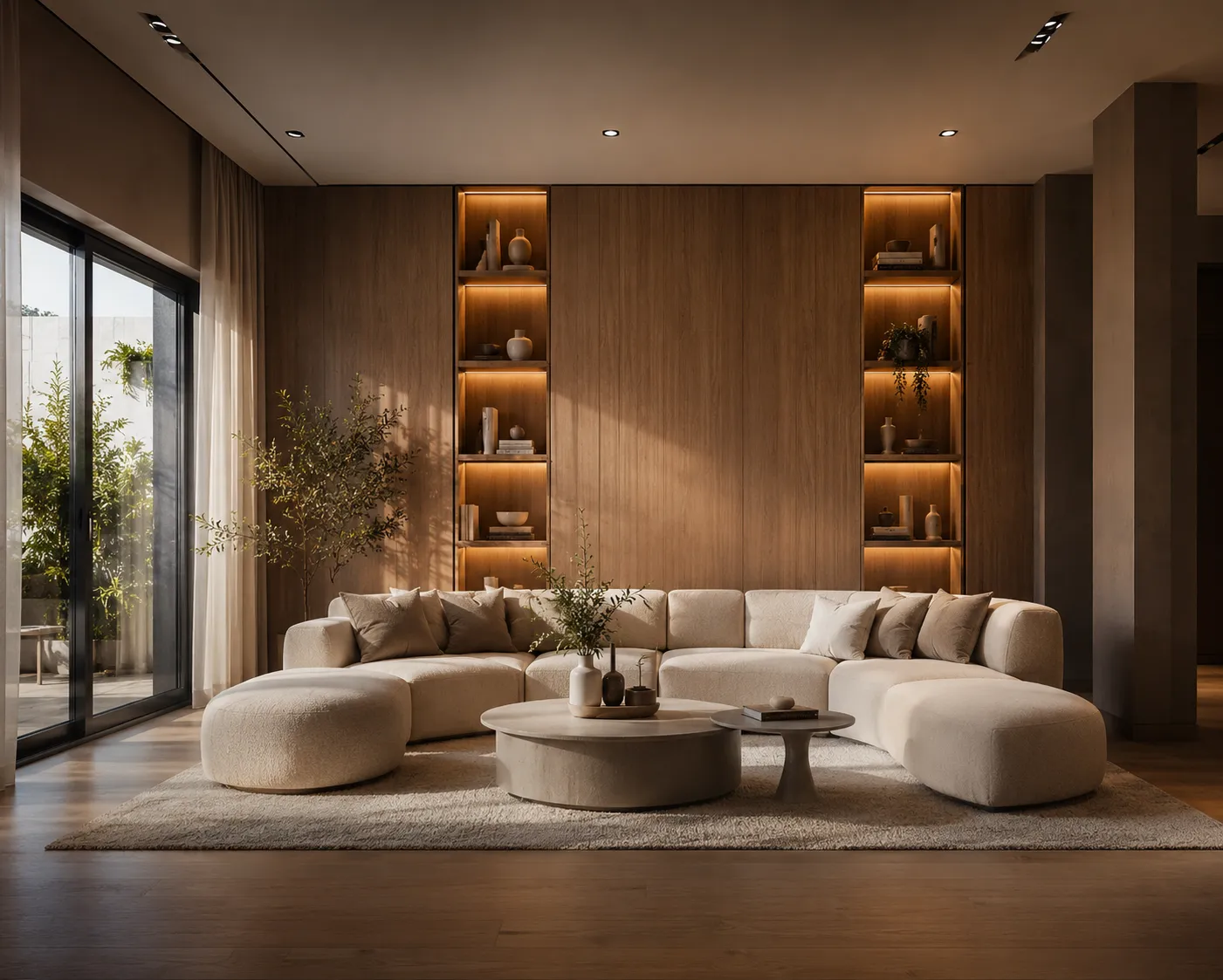
On a booking platform, a listing competes on its photos before it competes on anything else — location, price and reviews only get read once the thumbnail has already earned the click. That puts hosts in an odd spot: the room that decides whether a guest books is also the room they're least willing to gut and refurnish on a guess. AI interior design shortens that gap. Upload a photo of the actual unit and see it restyled — new palette, furniture, lighting — in about 30 seconds, so a host can compare directions before spending a dollar on new decor.
How it works
The model reads the real geometry in your photo — where the walls, windows, doors and existing furniture footprint sit — and holds that fixed while it changes what's applied on top: wall colour, flooring, furniture style, textiles, lighting and small styling details like art and plants. Because the room's true proportions stay locked, what comes back reads as a photo of the actual unit in a new style, not a generic rental-design mood board that happens to share a floor plan.
Who this is for
- New hosts deciding on a style direction for a unit before buying a single piece of furniture.
- Existing hosts whose bookings have plateaued and want to test a refresh before a slow season, without a full renovation.
- Property managers running the same design pass across a portfolio of units to keep a consistent, bookable look.
- Co-hosts and designers pitching a styling direction to an owner using their real photos instead of stock inspiration.
Styles that tend to book well
- Warm minimal: "light oak flooring, warm white walls, linen textiles, a few statement plants, soft layered lighting" — reads calm and current in almost any market.
- Coastal/getaway: "whitewashed walls, natural rattan furniture, woven textures, sheer curtains, lots of natural light" — strong for beach and lake units.
- Bold boutique: "deep green accent wall, brass fixtures, patterned tile, velvet armchair, statement pendant light" — works when a listing needs to stand out in a crowded city market.
- Cozy cabin: "wood-panelled walls, wool throws, a stone-look accent wall, warm amber lighting" — suits mountain and rural stays.
From photo to a style guests will book
- Photograph each room straight-on with the lights on and blinds open — the same shots you'd use for the listing itself.
- Upload one to Interior AI and describe the direction: palette, key furniture pieces, and mood.
- Generate two or three alternatives per room rather than committing to the first pass — a small wording change shifts the whole feel.
- Once a direction gets picked, use it as the actual shopping list: the render shows real furniture types and finishes, not just a vibe.
Why the redesign matters more than one extra amenity
Guests scrolling a search results page decide in seconds whether a listing looks like somewhere they'd want to stay, and that read comes almost entirely from the hero photo's styling, not the amenities list underneath it. A unit with a hot tub and dated furniture routinely loses to a plainer unit that simply photographs better. Testing two or three style directions against the same real room — before buying anything — turns that instinct into an actual comparison instead of a guess, and it's far cheaper than restyling the unit in person and hoping the new photos perform.
Where this fits with the rest of listing prep
A styling pass is only useful once the room itself photographs well. If a unit is sitting empty between design decisions, AI virtual staging covers furnishing a bare room from scratch, and most short-term rentals are compact units, so small apartment design AI goes deeper on layouts that make a tight floor plan feel larger. Once the photos are locked, a short clip built from the same stills — see turning a render into a cinematic video — gives the listing a moving thumbnail for platforms that support one.
One honest limit
The AI settles the look — colour, furniture, lighting and styling of what's visible in the photo — not the actual purchase, assembly or delivery of new furniture, and not platform photo-authenticity rules. Some platforms require listing photos to represent the unit as it currently exists; treat AI concepts as a shopping and styling guide to execute in person, then reshoot the real result for the listing itself.
Ready to test a new look for your listing? Upload a photo to Interior AI — your first renders are free.