
Best AI Rendering Tools for Revit (2026)
· 12 min read
By Ömer Koç, Architect · Founder of Archome AI
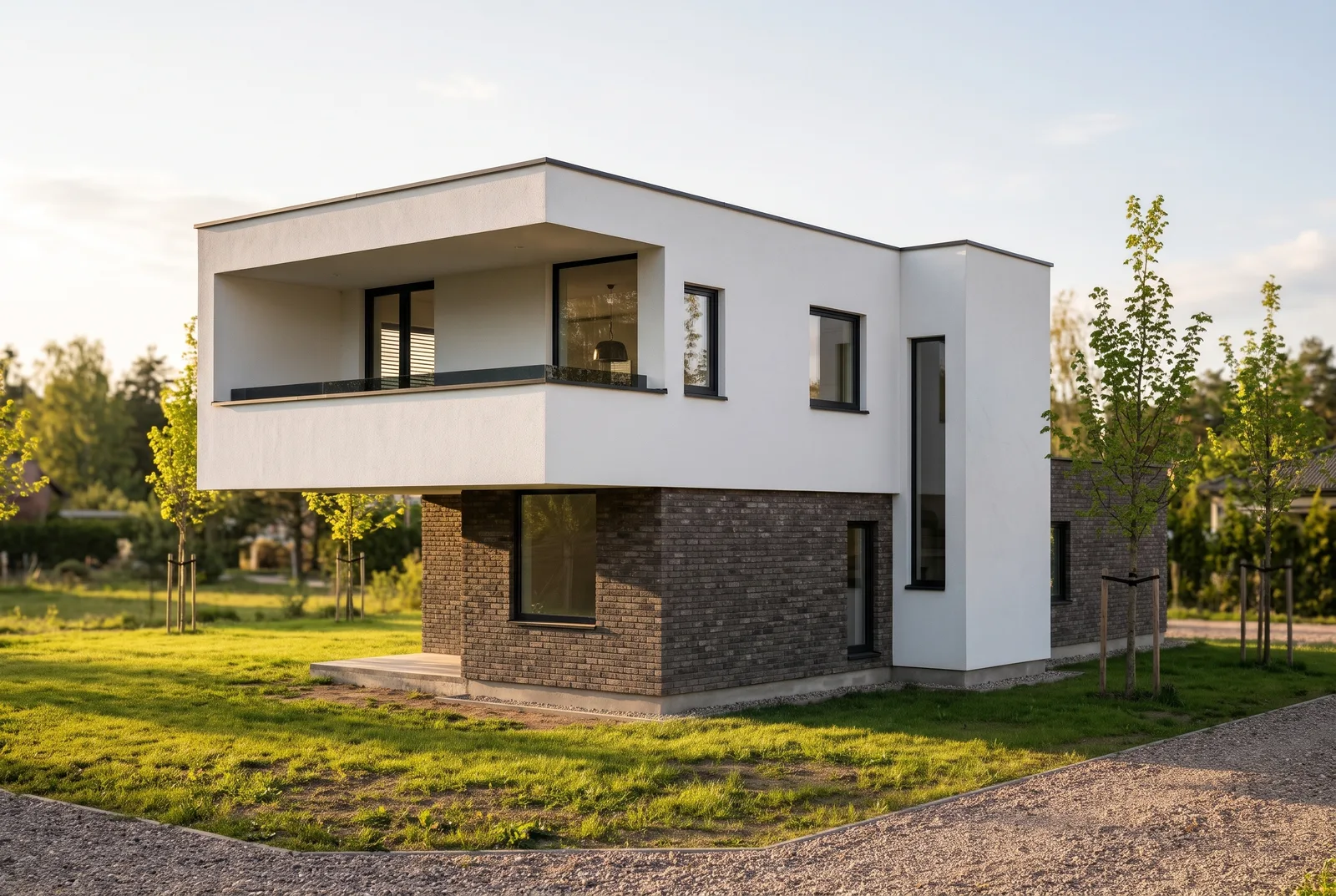
What is the best AI rendering tool for Revit? Revit has no built-in AI render feature of its own, so the choice is between a live plugin and a browser tool that works from an exported view. For most teams the fastest, lowest-commitment route is Archome AI: export or screenshot the Revit viewport and get a photoreal image back in about 30 seconds, no plugin install, no GPU and no per-seat licence — starting with 100 free credits. If you want the render to update live inside Revit as you move the camera, Veras or Enscape are the real plugin options. Archome AI is our product; we rank it first for the reasons below, and we say plainly where a plugin is still the better call.
Compiled 10 November 2026. Vendor features and pricing were read from each vendor's own page on that date and are cited below; Chaos, Autodesk Marketplace developers and mnml.ai all revise tiers and supported hosts regularly, so confirm current terms on their own sites before buying.
Revit AI rendering tools at a glance
| Tool | How it connects to Revit | Input | Output | Pricing model |
|---|---|---|---|---|
| Archome AI | No plugin — export or screenshot the Revit viewport and upload it in the browser | Exported view or screenshot, plus a style and a prompt | Still image; 4K enhance and video in the same account | 100 free credits at signup, no card. Lite $29/mo, Plus $49/mo, Studio $119/mo, or one-time packs $15 / $39 / $99 |
| Veras (Chaos) | Live plugin inside Revit (also SketchUp, Rhino, Archicad, Vectorworks, Forma, Allplan) | Live viewport or uploaded image | Still image, image-to-video | Subscription sold in credits; check chaos.com/veras for current tier prices (the on-page monthly and annual figures did not reconcile cleanly as of 10 Nov 2026) |
| Enscape (Chaos) | Live plugin inside Revit (plus SketchUp, Rhino, Archicad, Vectorworks); bundles Veras's AI Enhancer and Upscaler since May 2026 | Your actual Revit model, materials and lights | Physically based still, panorama, animation, plus an AI finishing pass | Solo $47.90/mo, Premium $55.90/mo, Collection $60.90/mo, all billed yearly (chaos.com/enscape/buy-online, as of Nov 2026) |
| mnml.ai | Free plugin for Revit (also SketchUp, Rhino, Grasshopper) | Viewport or image | Still, plus browser tools for plans and video | Credits; check mnml.ai pricing |
| SmartRender (Autodesk Marketplace) | Add-in for Revit and Navisworks | Current view plus a text prompt | Still image, revisable with a new prompt | Free trial; 250 renders included on activation; additional renders via in-app credit purchases (marketplace.autodesk.com, read 10 Nov 2026) |
How we compared
We checked what each tool actually needs as an input, whether it lives inside Revit or works from an exported image, what it costs to start, and whether a free route exists to test it on a real model. Features and prices were read from each vendor's own page or marketplace listing on 10 November 2026, cited above and in the sections below. Where a vendor's own numbers didn't add up — Veras's pricing page showed monthly and annual figures that didn't reconcile — we say so rather than print a number we can't stand behind. We have a commercial interest in ranking Archome first, and the reason is narrow: if the job is a still image from a view you already have, skipping the plugin install is the fastest way to one. If the job is a live, navigable view tied to the model as it changes, rank Veras or Enscape above us.
Why Archome AI ranks first
- No plugin, no licence seat. Revit itself has no Mac release, and a per-seat plugin licence is one more thing to manage across a team. Exporting a view and uploading it works from any machine that can open Revit's export, including a teammate's laptop without a licence at all.
- No GPU and no render settings. The image comes back from the cloud in about 30 seconds. There's no lighting setup, no render-quality slider and no wait for your own machine to catch up.
- One account past the first render. The same credits also cover interior restyling, exterior renders, a 4K upscale and short walkthrough video — a Revit export is one input among several, not a separate tool to learn.
Your geometry, openings and camera angle are kept; the AI adds materials, light and context from a short text prompt.
How the export-and-render workflow works
- Set up the view in Revit. A 3D view or camera view with the Shaded or Consistent Colors visual style reads cleanest; hide annotation and dimension categories first.
- Export the image. File → Export → Image, or a high-resolution screenshot of the viewport.
- Upload and describe materials and light. On the Revit AI rendering page, upload the export, describe finishes and mood in a short prompt, and render. The result keeps your proportions and camera; only materials, light and atmosphere are added.
The full step-by-step, including what Revit view settings read cleanest, is in render from Revit with AI.
What it costs
| Option | Price | What you get | Best for |
|---|---|---|---|
| Free start | $0 | 100 credits once, no card | Testing on one real Revit view |
| Lite | $29/month (list $34) | 1,000 credits, about 100 Fast renders | Regular weekly use |
| Plus | $49/month (list $58) | 3,000 credits, about 300 Fast renders | Daily use or a small team |
| Studio | $119/month (list $140) | 10,000 credits, about 1,000 Fast renders | Firm-wide, frequent use |
| Credit pack | $15 / $39 / $99 one time | 500 / 1,500 / 5,000 credits (about 50 / 150 / 500 renders), valid 12 months | Project-based work with quiet months, no subscription |
A Fast render costs 10 credits, which works out to about $0.29 on the Lite plan and about $0.12 on the Studio plan. See current plans and credit packs.
Veras: where it wins, where it falls short
Veras renders live inside Revit, SketchUp, Rhino, Archicad, Vectorworks, Forma and Allplan, with a geometry slider that lets you hold the model tightly or give the AI more freedom (chaos.com/veras, as of 10 Nov 2026). Where it wins: one tool across almost every BIM host, a live view that updates with the model, and the backing of Chaos's larger vendor relationships. Where it falls short: it's a per-seat subscription, and Chaos's own pricing page carried monthly and annual figures that didn't add up when we checked — check chaos.com/veras directly and confirm the actual bill before buying. More in the Veras alternative comparison.
Enscape: where it wins, where it falls short
Enscape is also a Chaos product and also plugs into Revit, rendering your actual model live as you move the camera, with Veras's AI Enhancer and Upscaler bundled into every paid tier since May 2026. Pricing runs Solo $47.90/month, Premium $55.90/month and Collection $60.90/month, all billed yearly (chaos.com/enscape/buy-online, as of Nov 2026). Where it wins: the render never drifts out of sync with a changing Revit model, and the AI finishing pass ships inside the subscription rather than as a separate purchase. Where it falls short: Revit itself has no Mac release, so that specific combination stays Windows-only regardless of renderer, and every seat is a recurring annual cost. Full comparison: Enscape vs Lumion.
mnml.ai: the free plugin option
mnml.ai publishes a free plugin for Revit, alongside SketchUp, Rhino and Grasshopper, that sends the current view into its browser tools. It runs on a credit balance shared across tool types, including plans and masterplans. Plans and prices change, so check mnml.ai directly rather than relying on a number printed here. The line-by-line comparison is in mnml.ai alternative.
SmartRender: the Marketplace-listed option built for Revit and Navisworks
SmartRender, published by PROISAC-BIM-VDC on the Autodesk Marketplace, is narrower than the others on this page by design: it's built specifically for "Autodesk Revit or Autodesk Navisworks" and describes itself as "the only add-in that allows you to create renderings from Navisworks" (marketplace.autodesk.com, read 10 Nov 2026). It generates AI renderings from the current view guided by a text prompt and lets you revise with a new prompt. A free trial includes 250 renders on activation, with further renders bought as in-app credits; exact ongoing pricing past the trial isn't stated on the listing, so confirm it before committing. Where it fits: a team that also needs Navisworks coverage, which none of the other tools on this page offer.
Does Revit have its own built-in AI renderer?
No, not the way SketchUp does. Revit ships a traditional, physically based renderer (Autodesk Raytracer); as of this check, Autodesk hasn't shipped an equivalent to SketchUp's own "AI Render" feature inside Revit itself. Every AI option for Revit in this comparison, including ours, is a third-party add-in or an external browser tool.
Which one should you pick?
| You need | Pick |
|---|---|
| A photoreal still today, from an exported view, with no plugin to install | Archome AI |
| A live, navigable render that updates as you edit the Revit model | Veras or Enscape |
| The AI enhancer bundled with a real-time Revit plugin you already budget for | Enscape |
| A free plugin to try without committing to a subscription first | mnml.ai |
| Renderings from both Revit and Navisworks in one add-in | SmartRender |
Where Archome falls short
- No live link. Each change in the model means exporting and uploading again, not a real-time update the way Veras or Enscape show one.
- It renders a picture, not the model. Exact material swatches, schedules and Revit parameters aren't read; the AI interprets the exported image.
- An extra step in the workflow. Export, then upload, is one more action than a plugin that's already open inside Revit.
- Free credits are a trial, not a workload. The 100 free credits cover three renders.
FAQ
What is the best AI rendering tool for Revit? It depends on the workflow. For a fast still from an exported view with no plugin, our pick is Archome AI. For a live render tied to the model as it changes, Veras or Enscape are the real plugin options.
Is there a free AI rendering plugin for Revit? Yes — mnml.ai's Revit plugin is free to install, and SmartRender gives 250 renders on activation during its free trial. Archome needs no plugin at all and gives 100 free credits at signup, no card.
Does Revit have built-in AI rendering? No. Revit's own renderer is physically based, not AI; there is no Trimble-style "AI Render" feature built into Revit the way there is in SketchUp.
Can I render a Revit view without a plugin at all? Yes. Export or screenshot the viewport and upload it to Archome's Revit AI rendering page; the result keeps your geometry and camera while adding materials and light.
Do Veras and Enscape both use AI now? Veras is AI end to end. Enscape is a physically based real-time renderer that added Veras's AI Enhancer and Upscaler as a bundled finishing pass starting May 2026.
Is SmartRender only for Revit? No — it also renders from Navisworks, which none of the other tools in this comparison cover.
Does AI rendering replace Veras or Enscape for Revit teams? Not for a live design-development loop tied to a changing model. It's useful earlier, and for teams or individual reviewers without a licensed plugin seat at all.
How much does Archome cost compared with a Revit plugin? Archome starts free (100 credits, no card) with paid plans from $29/month. Veras and Enscape are per-seat subscriptions; check chaos.com for current tier prices before comparing totals.
The practical move: export one real Revit view, run it through the Revit AI rendering page on the free credits, and put the result next to whatever plugin your firm already owns before deciding whether a live link is worth the seat.