
Enscape vs Lumion (2026): Which Fits Your Revit/SketchUp Workflow
· 11 min read
By Ömer Koç, Architect · Founder of Archome AI
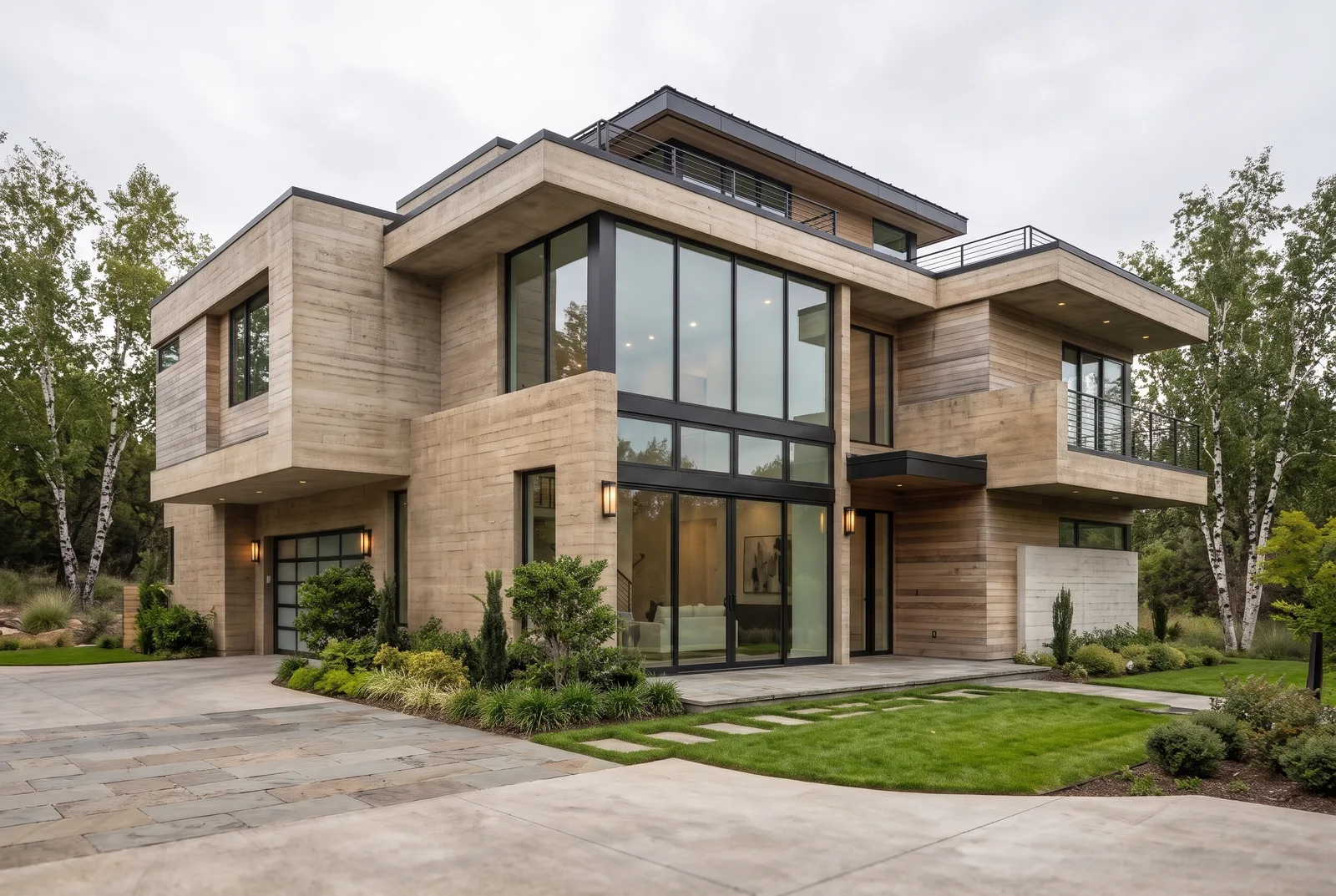
Enscape or Lumion? Pick Enscape if your team lives inside Revit, SketchUp, Rhino, ArchiCAD or Vectorworks and wants the render to update live as you move the camera in that software — it is a plugin, not a separate app, and it now bundles Veras's AI Enhancer and Upscaler on every paid tier (chaos.com, as of Nov 2026). Pick Lumion if you want a dedicated real-time application with its own asset library and a workflow built around importing or live-linking a model rather than staying inside your CAD tool — it is Windows-only, with no official Mac version, while Enscape now also runs on Apple Silicon Macs for every host except Revit (Revit itself has no Mac release, plugin or not). Both are real-time engines; neither does BIM, technical drawing or physically measured lighting. This page compares price, platform, the plugin-vs-app workflow and built-in AI, then shows where an AI render fits before either one.
Compiled 7 November 2026 from Chaos's and Lumion's own product and pricing pages. Both vendors revise tiers and supported versions regularly, so confirm current figures on chaos.com/enscape and lumion.com before buying.
The short version
| Enscape | Lumion | |
|---|---|---|
| What it is | Real-time plugin that renders live inside your modelling software (Chaos) | Standalone real-time desktop app you import or live-link a model into (Act-3D) |
| Works inside | SketchUp, Revit, Rhino, Archicad, Vectorworks (chaos.com, as of Nov 2026) | Imports or live-links from SketchUp, Revit, Rhino, Archicad and others |
| Platform | Windows, plus Apple Silicon Mac for every host except Revit (chaos.com, as of Nov 2026) | Windows only (lumion.com/requirements, as of Nov 2026) |
| Price | Solo $47.90/mo, Premium $55.90/mo, Collection $60.90/mo, all billed yearly (chaos.com/enscape/buy-online, as of Nov 2026) | Paid annual subscription; third-party sources disagree on the current tier price, check lumion.com |
| Built-in AI finishing pass | Veras AI Enhancer + Upscaler bundled since May 2026, with a monthly AI-credit allowance per tier (chaos.com, as of Nov 2026) | Lumion Cloud AI Enhancer, included free with every plan since Aug 2026 (lumion.com, as of Nov 2026) |
What Enscape is
Enscape is a plugin, not a separate application. It installs into SketchUp, Revit, Rhino, Archicad or Vectorworks and adds a live viewport: move the camera, change a material or swap the sun angle in your own software, and the render updates in real time in a second window. There is no import step and no separate scene to maintain, because Enscape reads your model directly. That tight loop is Enscape's whole pitch — the render never drifts out of sync with the model you are actually editing.
Pricing is per named seat, billed yearly: Solo at $47.90/month ($574.80/year), Premium at $55.90/month and Collection at $60.90/month, each tier adding a larger monthly allowance of AI credits for the bundled Veras Enhancer and Upscaler (chaos.com/enscape/buy-online, as of Nov 2026). Enscape runs on Windows, and since the Mac open beta it also runs on Apple Silicon Macs for SketchUp, Rhino, Archicad and Vectorworks — Revit itself has no Mac release at all, with or without Enscape, so that combination stays Windows-only regardless (chaos.com, as of Nov 2026).
What Lumion is
Lumion is a standalone desktop application built by Act-3D. You import or live-link a model from SketchUp, Revit, Archicad, Rhino or another CAD tool into Lumion itself, then dress the scene with Lumion's own library of terrain, vegetation, people, vehicles, weather and water. The viewport is real time, so once the model is in, moving the sun or swapping a material shows up immediately — but you are working in Lumion's window, not inside your modelling software.
It ships a 14-day free trial and a free one-year Pro Student licence for verified students (non-commercial). Outside education there is no revenue-based free tier, and pricing tiers are reported inconsistently across independent sources, so rather than print a disputed number this page points you to lumion.com for the current figure. Lumion's 2026 release requires Windows 10 (build 19041 or newer) or Windows 11 (build 26100 or newer), with no Mac version (lumion.com/requirements, as of Nov 2026) — a real constraint for a mixed Windows/Mac studio that Enscape no longer shares for most of its host software.
Enscape vs Lumion: feature by feature
| Criterion | Enscape | Lumion |
|---|---|---|
| Workflow | Plugin — renders live inside the host CAD app, no import step | Standalone app — model is imported or live-linked into a separate window |
| Host software | SketchUp, Revit, Rhino, Archicad, Vectorworks | SketchUp, Revit, Archicad, Rhino and others via import or live-link |
| Platform | Windows + Apple Silicon Mac (not for Revit) | Windows only |
| Asset library | Smaller, tuned for quick material/lighting presets | Larger built-in library for dressing a scene from scratch |
| Camera behaviour | Follows your CAD viewport directly | Independent camera inside Lumion's own scene |
| Built-in AI enhancer | Veras (since May 2026), credit allowance scales with tier | Lumion Cloud AI Enhancer (since Aug 2026), included with every plan |
| Free trial | Yes, time-limited | 14 days |
| Student licence | Education pricing available | Free 1-year Pro licence (non-commercial) |
| Animation | Supported | A core strength, widely used for walkthroughs |
| Best output | Stills that stay perfectly in sync with an evolving BIM model | Exterior stills and populated walkthroughs with Lumion's own look |
Confirm your exact software version against each vendor's compatibility page before buying — supported host releases and Mac support both move year to year.
Where Enscape wins, where it does not
Wins
- Zero import step. The render is a live view of the model you are already editing, which matters most on projects that change daily through design development.
- Mac support for most hosts. SketchUp, Rhino, Archicad and Vectorworks users can now run Enscape on Apple Silicon — Lumion offers no equivalent.
- AI enhancer bundled, scaled by tier. Veras's AI Enhancer and Upscaler ship inside the subscription rather than as a separate purchase.
Does not
- Help on Revit if you are on a Mac. Revit itself has no Mac release, so that specific combination is Windows-only no matter which renderer you pick.
- Match Lumion's library depth for scenes built from nothing. Enscape assumes your model already carries most of the scene information.
- Offer a free commercial tier. Every paid seat is a per-user annual subscription.
Where Lumion wins, where it does not
Wins
- A distinct, well-liked look. Many architects who have used Lumion for years prefer its default materials, sky and lighting presets for exterior stills.
- Library depth. Dressing a bare model with terrain, people, vehicles and weather is Lumion's core strength, independent of how detailed your CAD model is.
- Animation. A long-standing reputation for walkthroughs, built on the same real-time engine as stills.
Does not
- Run on Mac at all. Not for any host software, unlike Enscape.
- Stay synced to your CAD model automatically the way a plugin does. A model change means re-importing or refreshing the live link, not an instant update in your own CAD viewport.
- Publish one stable, agreed-upon price. Independent pricing pages disagree on the current tier cost, which makes budgeting harder than it should be.
Which one should you choose?
| Your situation | Lean towards |
|---|---|
| You want the render tied directly to your Revit or SketchUp model with no import step | Enscape |
| Your studio is on Apple Silicon Macs and the host is SketchUp, Rhino, Archicad or Vectorworks | Enscape |
| Your studio is Revit-heavy and includes Mac users | Neither renderer fixes this — Revit itself has no Mac release |
| You want a deep built-in asset library to dress a bare scene | Lumion |
| Your team already has years of Lumion presets and muscle memory | Lumion |
| You mostly work from a laptop without a strong GPU | Neither is comfortable; see the AI section below |
Two real project types, two different answers
A Revit-based commercial practice iterating through design development
The model changes several times a day as the design resolves, and the team wants to see each change rendered without an export/import round trip. Enscape's live-link-by-default behaviour fits that rhythm directly — the render is never more than a camera move away from the current model state.
A studio building a populated exterior hero scene from a relatively settled model
The model is close to final, and the job now is landscaping, people, vehicles, weather and a signature look for a marketing image or walkthrough. Lumion's deeper built-in library and its independent scene (not tied directly to live CAD edits) gives more room to dress the shot without the model changing underneath it.
Both now ship their own AI finishing pass
As of 2026, neither vendor leaves AI enhancement to a third party. Chaos began bundling Veras's AI Enhancer and Upscaler into Enscape's paid tiers in May 2026, with a monthly AI-credit allowance that scales from Solo up to Collection (chaos.com, as of Nov 2026). Lumion followed in August 2026 with its own AI Enhancer inside Lumion Cloud, included free with every Lumion plan (lumion.com, as of Nov 2026). Both work the same way — you export or capture a still, then run it through a browser-based AI pass — rather than generating anything live inside the viewport.
Where AI rendering fits
Archome AI is our product, so read this section as a vendor note, not a ranking. It does not replace Enscape or Lumion, and it is not the tool for a live-linked design-development loop or a populated animated walkthrough — both remain squarely their job. It fits earlier and alongside: the concept and option stage before a model is detailed enough for either renderer to look its best, a teammate or client without a licensed seat, or a finishing pass that starts from something that never touched Enscape or Lumion at all — a hand sketch, a plain screenshot, or a floor plan.
Take a screenshot of a SketchUp or Revit viewport, an Enscape or Lumion capture, or a hand sketch, upload it to Exterior AI or Interior AI, describe materials and light, and a photoreal version comes back in about 30 seconds with your geometry and camera kept. There is a free SketchUp extension that sends the current viewport with one click, and a Revit workflow for teams without an Enscape seat at all. Cost: a free account starts with 100 credits (three free renders, no card); paid plans start at $29 a month for 1,000 credits, roughly 100 Fast renders. See pricing.
Honest limits:
- The output is a photoreal image, not a live viewport. There is no camera that follows your model edits the way Enscape's does.
- Fine detail — exact material swatches, measured light levels, mullion profiles — is interpreted, not simulated.
- For a design-development loop tied to a changing model, or a populated walkthrough animation, Enscape or Lumion remains the right tool.
A practical pairing: use AI for fast material and lighting options while the model is still rough, let the client pick a direction, then build the winner out properly in Enscape or Lumion for the live-linked presentation or the walkthrough. For the Twinmotion side of this same trade-off, see Lumion vs Twinmotion and the V-Ray side in Lumion vs V-Ray; for straight feature pages, see the Enscape alternative and Lumion alternative tool pages.
FAQ
Is Enscape better than Lumion? Neither is better across the board. Enscape's plugin workflow keeps the render tied directly to your CAD model with no import step and now runs on Apple Silicon Macs for most hosts; Lumion offers a deeper built-in library and a long-standing look many architects already prefer, but stays Windows-only. The right choice depends on your workflow and platform.
Does Enscape run on Mac? Yes, for SketchUp, Rhino, Archicad and Vectorworks on Apple Silicon. Revit itself has no Mac release at all, so that combination is Windows-only regardless of renderer (chaos.com, as of Nov 2026).
Does Lumion run on Mac? No. Lumion's 2026 release is Windows-only (Windows 10 build 19041+ or Windows 11 build 26100+), per Lumion's own system requirements page.
Which is cheaper, Enscape or Lumion? Enscape publishes clear yearly-billed tiers: Solo at $47.90/month, Premium at $55.90/month, Collection at $60.90/month (chaos.com, as of Nov 2026). Lumion's current tier pricing is reported inconsistently across independent sources, so check lumion.com directly before comparing totals.
Do Enscape and Lumion both have AI rendering built in now? Yes. Enscape has bundled Veras's AI Enhancer and Upscaler since May 2026, and Lumion added its own AI Enhancer inside Lumion Cloud in August 2026, free with every plan. Both apply AI to an already-rendered still rather than generating live in the viewport.
Which works better with Revit? Enscape, because it is a plugin that renders your Revit view directly with no import step. Lumion requires importing or live-linking the model into a separate application.
Can AI rendering replace Enscape or Lumion? Not for a live-linked design loop or a populated walkthrough animation. AI is useful earlier, for fast concept stills from a sketch, screenshot or floor plan. Archome renders one in about 30 seconds and starts free with 100 credits.
Can I use Enscape and Lumion on the same project? There is little reason to run both day to day since they solve the same problem, but some studios keep both licences during a transition to compare output before committing.