
ChatGPT Floor Plan to Render: Prompts That Work
· 6 min read
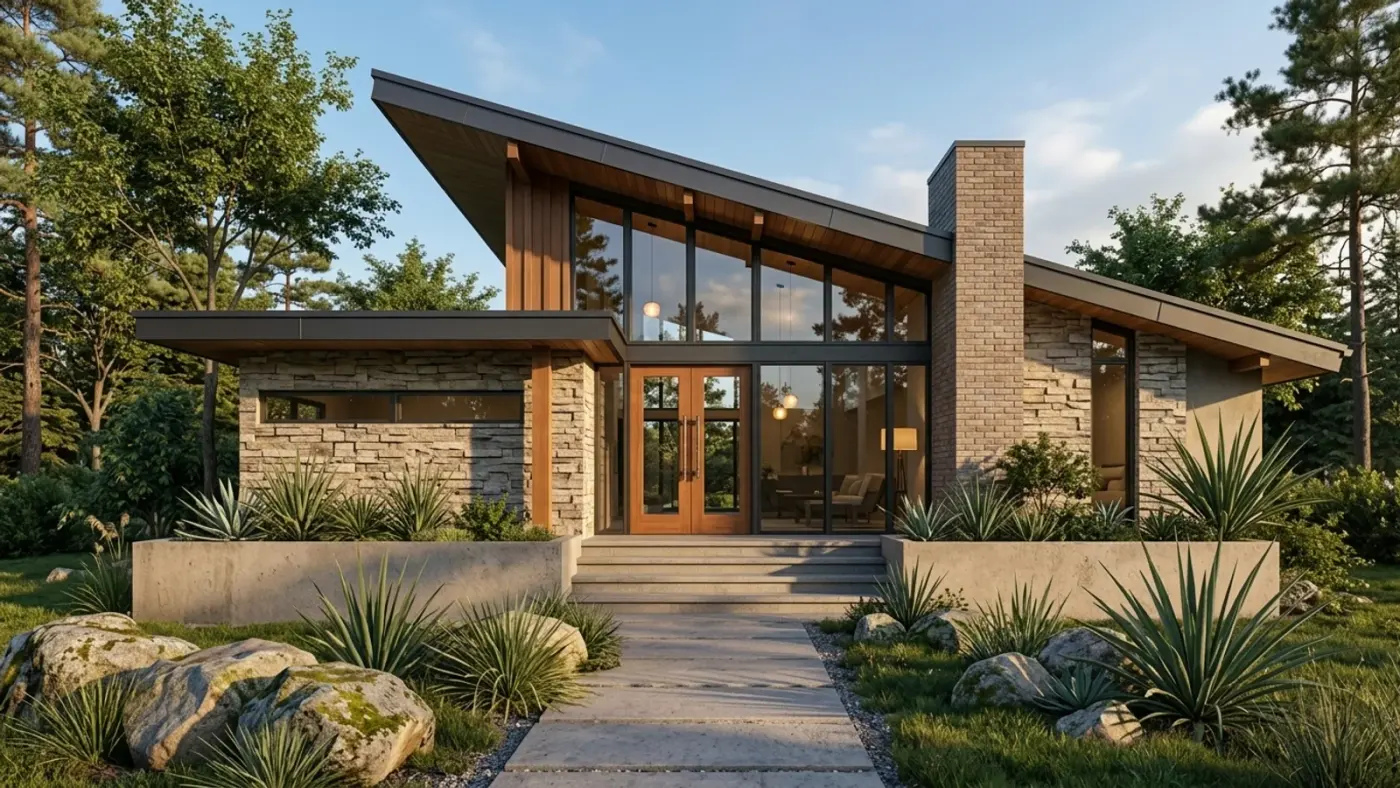
Can ChatGPT turn a floor plan into a 3D render? Yes, it will give you an image. Upload the plan, ask for a furnished 3D view, and a picture comes back in under a minute. The catch is that it is a picture inspired by your plan, not a render of it: rooms change size, doors move, a bedroom quietly disappears. This guide gives you prompts that reduce the drift, shows where it still breaks, and explains how to get a render that keeps your layout exactly.
Copy-paste prompts
Upload the plan image first, then paste one of these. Each one names the three things a plan render needs: the viewpoint, the style and the rule that the layout stays fixed.
- Aerial dollhouse view: "Turn this floor plan into a 3D isometric dollhouse render, roof removed, viewed from 45 degrees above. Keep every wall, door and window exactly where it is in the plan. Scandinavian interior, pale oak floors, white walls, soft daylight."
- Listing-style plan: "Make a clean 3D floor plan render of this layout for a property listing. Top-down view, furniture in every room sized to the room, neutral modern finishes, room labels removed. Do not add or remove rooms."
- One room at eye level: "Using this floor plan, render the living room at eye level from the entrance door, looking toward the windows. Keep the window positions from the plan. Warm contemporary style, walnut and linen, evening light."
- Two options side by side: "Render this plan twice as a top-down 3D view: once in Japandi style and once in modern industrial. Same layout in both, only the materials and furniture change."
Two habits help more than any wording. Strip dimensions, hatching and the title block before you upload, because the model treats them as drawing and paints them into the floor. And label the rooms; "kitchen, bath, bedroom" on the plan gets furnished far more sensibly than unlabelled boxes.
Where ChatGPT breaks: doors, walls and scale
ChatGPT's image model redraws the whole image from scratch every time. It reads your plan as a strong hint, then paints something that looks like a plausible apartment. In practice that means:
- Door and window positions drift. Openings slide along walls or swap sides, which is exactly the detail a client will check first.
- Room proportions change. A 3 m by 4 m bedroom comes back square; a long corridor gets shorter.
- Rooms merge or vanish on plans with more than five or six spaces.
- Asking it to fix one thing redraws everything. "Move the sofa" can move a wall as well.
For a mood image that is fine. For anything you will show a buyer, a client or a contractor as "this is the space", it is not.
Keep the layout exact: read the plan first, then render
The fix is to stop asking an image model to guess the geometry. Archome's 3D floor plan rendering reads your plan into walls, doors, windows and furniture as editable objects. You can correct a misread wall or move a sofa, check the plan in a 3D view, and only then render it. The render follows the geometry instead of reinventing it.
- Upload the plan you already have: a PDF screenshot, JPG, CAD export or a phone photo of a printed drawing. (For PDFs, see how to convert a PDF floor plan.)
- Click "Read & create plan" and check the walls and openings.
- Describe the style, the materials and the view (dollhouse, top-down or one room), using the same prompts as above.
- Render. About 30 seconds; try two or three styles from the same plan.
The step-by-step version with before/after examples is in turn a 2D floor plan into a 3D render.
Using Archome inside ChatGPT
Archome AI is also an app inside ChatGPT (install it here). Inside the chat it renders sketches, stages rooms and restyles photos. Plan reading with editable walls currently lives on archome.ai, so the best workflow is to use ChatGPT for the brief and the prompts, and Archome for the plan render itself.
What it costs
ChatGPT image generation is included in a ChatGPT plan. On Archome a plan render costs 30 credits. Every new account gets 100 free credits, enough for three plan renders. After that, a 1,500-credit pack is $39, so a plan render works out at about $0.78. See pricing.
FAQ
Can ChatGPT read a floor plan? It can describe one and use it as a reference for an image. It does not turn it into measured geometry, which is why the rendered layout drifts.
What is the best ChatGPT prompt for a floor plan render? Name the view (isometric dollhouse or top-down), the style and materials, and add "keep every wall, door and window exactly where it is". Upload a clean plan without dimensions.
Can ChatGPT generate a floor plan for me? It can sketch a rough layout from a brief, but it is not dimensionally reliable. Have the plan drawn properly, then render it.
Is there a free way to render my own floor plan in 3D? Yes: the 100 free credits on Archome cover three plan renders, with no card required.