
Palladio AI Alternative: Honest 2026 Look
· 6 min read
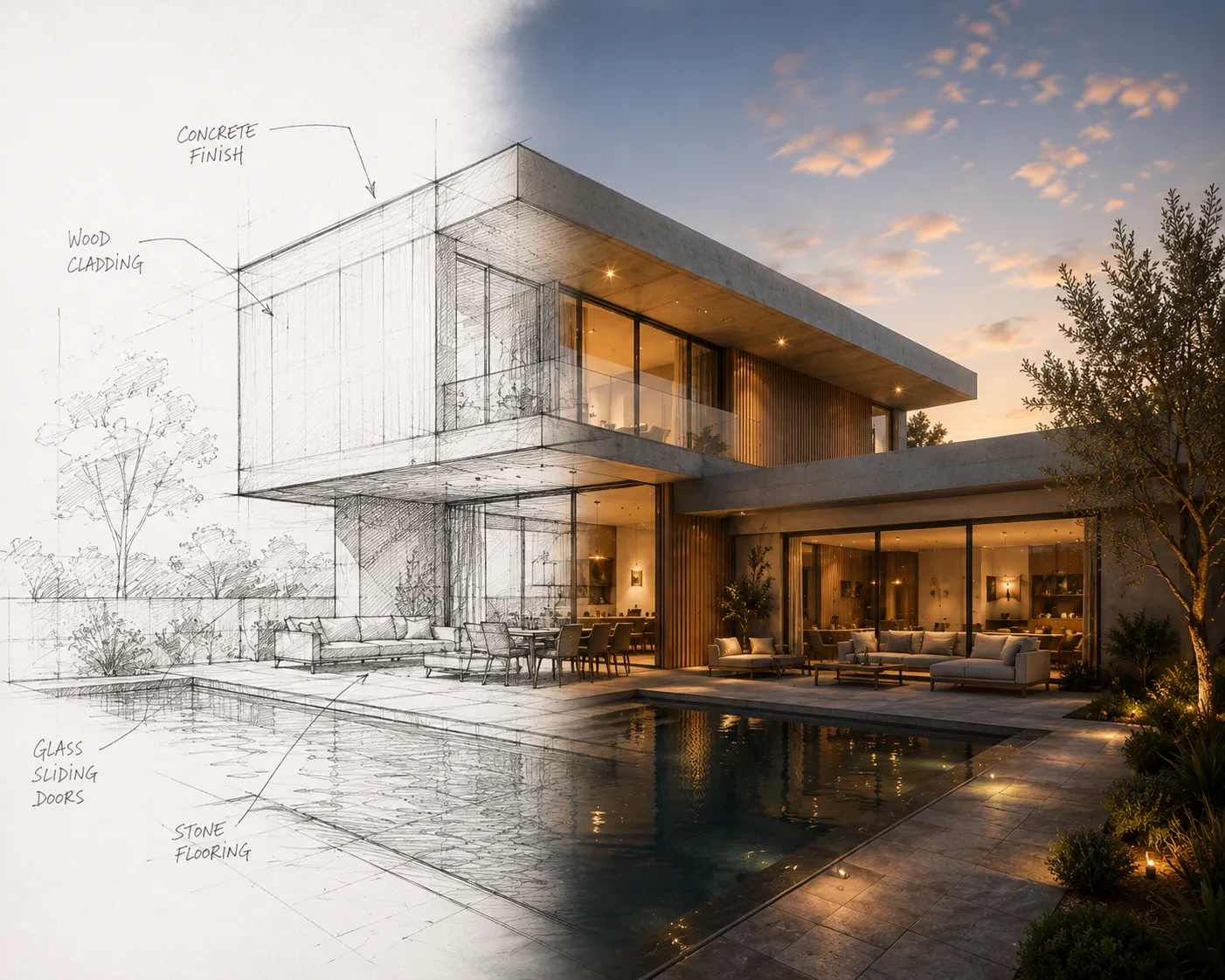
Palladio built a real following among architects and architecture students for one specific job: turning a massing model or a rough sketch into an atmospheric concept image fast. It's a diffusion-based rendering tool with a Rhino plugin, aimed squarely at the early design phase where mood and material direction matter more than pixel-perfect accuracy. This isn't a takedown — Palladio earned its reputation. Here's an honest look at where it shines, where the fit gets narrower, and how a browser-first alternative compares.
What Palladio does well
- Fast concept atmosphere from rough input. Feed it a massing screenshot or a loose sketch and it returns a moody, presentation-ready image quickly — strong for early design reviews and studio crits.
- Rhino plugin for Rhino-native workflows. If your practice or studio models in Rhino, rendering from the viewport without exporting first is a genuine convenience.
- Structure-aware generation. It's built to respect the edges and massing in your input rather than inventing an unrelated building from scratch, which is what separates it from a general image model.
Where it's harder to judge
- Rhino-centric. The plugin workflow is built around Rhino; if your team works in SketchUp, Revit or 3ds Max, you're uploading screenshots like everyone else rather than getting a native in-app button.
- Concept-stage strength, not a full production suite. The published feature set centers on image rendering from massing and sketches — checking your own project against needs like interior restyling from a photo, video walkthroughs or 4K upscaling is worth doing before assuming they're covered.
- Credits run out fast on iteration. Concept work usually means dozens of variations per project; confirm the free allowance against how many passes your process actually needs before relying on it for a full design phase.
Where a browser-first toolkit fits differently
Archome starts from the same idea — geometry leads, the AI adds realism — but widens the surface. It's fully browser-based with no host software required, so a sketch photographed on a phone, a viewport screenshot from any CAD app, or an existing photo of a real room all go through the same pipeline. And rendering is one of several tools: Sketch to Render sits alongside interior, exterior, floor-plan, a 4K enhancer, video and 3D output — 14 tools under one account rather than a single render mode built around one host app.
Honest comparison
| Palladio | Archome | |
| Best stage | Early concept / massing | Concept through final client render |
| Native plugin | Rhino | Free SketchUp and 3ds Max plugins |
| Input | Massing, sketch | Sketch, photo, viewport, plan |
| Geometry preservation | Strong on structure and massing | Preserves walls, windows and proportions |
| Tool breadth | Concept rendering | 14 tools: interior, exterior, plan, video, 3D, 4K enhancer |
| Free tier | Limited free credits | Free — 100 credits to start, no card |
Who should pick which
If your process lives in Rhino and the job is a wide spread of atmospheric concept images fast — competition boards, early client conversations, studio reviews — Palladio's Rhino coupling and structure-aware model fit that phase well.
If you need one account to carry a project from a rough sketch through a client-ready interior render, a facade study and a walkthrough clip — or your team doesn't standardize on Rhino — a broader browser-based suite covers more of the pipeline without switching tools mid-project. Sketch to Render covers the same massing-to-image job Palladio leads with, inside a toolkit that also handles the stages after it.
Verdict
Palladio is well-regarded for what it's built for, and if Rhino-native concept rendering is your exact need, it's worth trialling on its own merits. The honest trade is scope: one host application, one stage of the workflow. Archome trades that native Rhino coupling for reach across input types and project stages. Weighing the wider field? The 2026 AI rendering tool roundup covers nine tools in depth — or just run one sketch through Archome free and compare the output yourself.
FAQ
Is Palladio free? Palladio offers a limited free allowance with paid tiers above it; check their site for current pricing. Archome AI gives 100 free credits once at signup, with no credit card required.
Do I need Rhino to use Archome AI? No. Archome AI is browser-based and works from any screenshot, sketch or photo — Rhino, SketchUp, Revit, or a phone photo of hand-drawn linework all work the same way. Rhino users get a free plugin too — the Rhino AI rendering page covers the Food4Rhino install and the viewport workflow.
What's the main difference between Palladio and Archome AI? Palladio is focused on concept-stage rendering from massing and sketches, tightly coupled to Rhino. Archome AI covers the same input types plus interior restyling from real photos, floor-plan rendering, 4K upscaling, 2D-to-3D and cinematic video from one account.
Which gives more realistic results? Both preserve input structure rather than inventing a new building, and quality depends heavily on the input — a clean sketch or a well-framed viewport outperforms a rough one on either tool. Testing the same input on both with free credits is the fastest way to judge for your own style.
Can I switch between them without losing work? Yes. Both take standard image inputs and return standard image outputs, so there's nothing proprietary to migrate — the same sketches and screenshots you already have work on either platform.