
ArchiCAD AI Rendering: The 2026 Workflow
· 7 min read
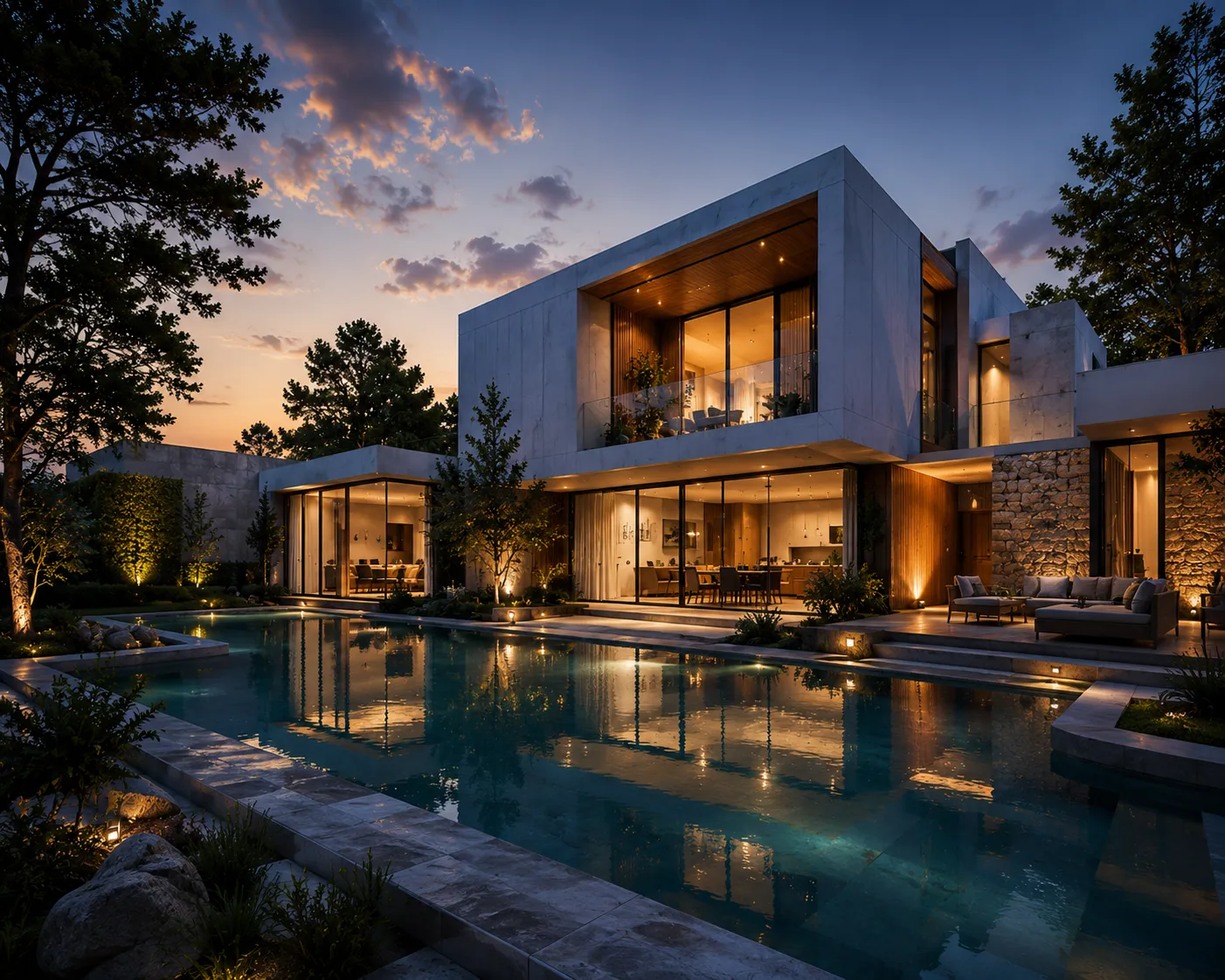
Short answer: ArchiCAD ships with a built-in renderer, CineRender, based on Cinema 4D's rendering engine. But "archicad ai rendering" usually means something else: does ArchiCAD turn a plain BIM view into a photoreal image from a prompt? No — CineRender is a traditional renderer: assign surfaces, place lights, tune a sun study, then press render. This guide covers what CineRender does well, where it costs real time, and how architects get an AI-generated photoreal image from an ArchiCAD view in about 30 seconds, no plugin involved.
What CineRender actually does
- Physically-based rendering of your actual BIM model — walls, slabs, roofs and openings exactly as modelled, with correct proportions and floor heights
- Manual surface and lighting control — materials, artificial lights and sun position set by hand, view by view
- Interior and exterior output, panoramas and animation, all from the same coordinated model
What it does not do: turn a white-model or shaded 3D view into a presentation-ready image without assigning every surface first, or let you compare five material directions without reassigning and re-rendering each one.
Where the time actually goes
The BIM modelling is rarely the bottleneck — the model is usually accurate well before a client needs to see it. The render pass is: real-world materials need assigning (not the schematic ones used for documentation), lights need placing and balancing, and a sun study needs the right date, time and location before the image reads as a place rather than a coordination model with better shadows.
Adding AI rendering on top of ArchiCAD — no plugin
- Export a view. Save the 3D window, a section or an elevation as an image — a shaded or white-model view reads best, no material assignment needed first.
- Upload it. Drop the export into Archome's ArchiCAD AI rendering tool. It runs in the browser; only the exported image is uploaded, never the ArchiCAD file.
- Describe the palette. "White render facade, anthracite window frames, timber soffit, soft overcast light" — openings, floor heights and massing stay fixed; the AI adds materials, light and context on top.
- Generate and compare. Each direction takes about 30 seconds, so three or four options land inside one client meeting instead of three separate CineRender passes.
Interior perspectives from the 3D window work the same way through Interior AI — the camera you set up in ArchiCAD carries over.
ArchiCAD/CineRender vs AI rendering
| CineRender (native) | AI rendering from an export | |
|---|---|---|
| Setup before first image | Assign surfaces, place lights, tune sun study | Export the view, upload it |
| Time to a presentable image | Often an hour or more per view | About 30 seconds |
| Comparing material directions | Reassign and re-render each one | Edit the prompt, regenerate |
| Hardware | CPU/GPU time on your machine | Runs in the browser, cloud-side |
| Model data leaves the office? | No | No — only the exported image is uploaded |
When to stay in CineRender, and when AI rendering wins
- Stay native for a full animation or walkthrough, surfaces already assigned for documentation, or a precise sun-angle study for a planning submission
- Switch to AI rendering when the design is still moving and a client needs a believable image today, when you want to test several material directions before assigning any for real, when the machine at hand has no serious GPU, or when the starting point isn't even a finished model — a sketch, a hand drawing or a photo
FAQ
Does ArchiCAD have AI rendering built in? Not in the generative sense. CineRender is a traditional physically-based engine — accurate, but it needs manually assigned surfaces and lighting. Prompt-to-image generation happens outside ArchiCAD, in a tool that takes an exported view as input.
Do I need to export my ArchiCAD file to use AI rendering? No — only an image of the view: a 3D window capture, a section or an elevation. The BIM file, schedules and layers stay on your machine.
Will window positions and floor heights stay correct? Yes. The exported view fixes the geometry, so openings, storey heights and massing are preserved exactly as modelled — the AI adds materials and light on top, it does not move walls.
What does it cost next to CineRender? CineRender is included in your licence but costs render time and setup on every view. Archome starts with 100 free credits to start, no card required, with paid plans from $29/month.
A client note comes in right after the meeting — can I turn it around the same day? Yes, and whether to re-render the whole view or edit one element depends on the note; same-day client revisions for architects covers that split in detail.
The workflow does not care which BIM package produced the view — see the Revit rendering workflow for the same walkthrough if your office runs both, or the Rhino viewport version if it's Grasshopper on the other screen. Export the view you have open right now, upload it, and compare the result with your last CineRender pass — the first ones are free.