
Nano Banana Architecture Rendering
· 6 min read
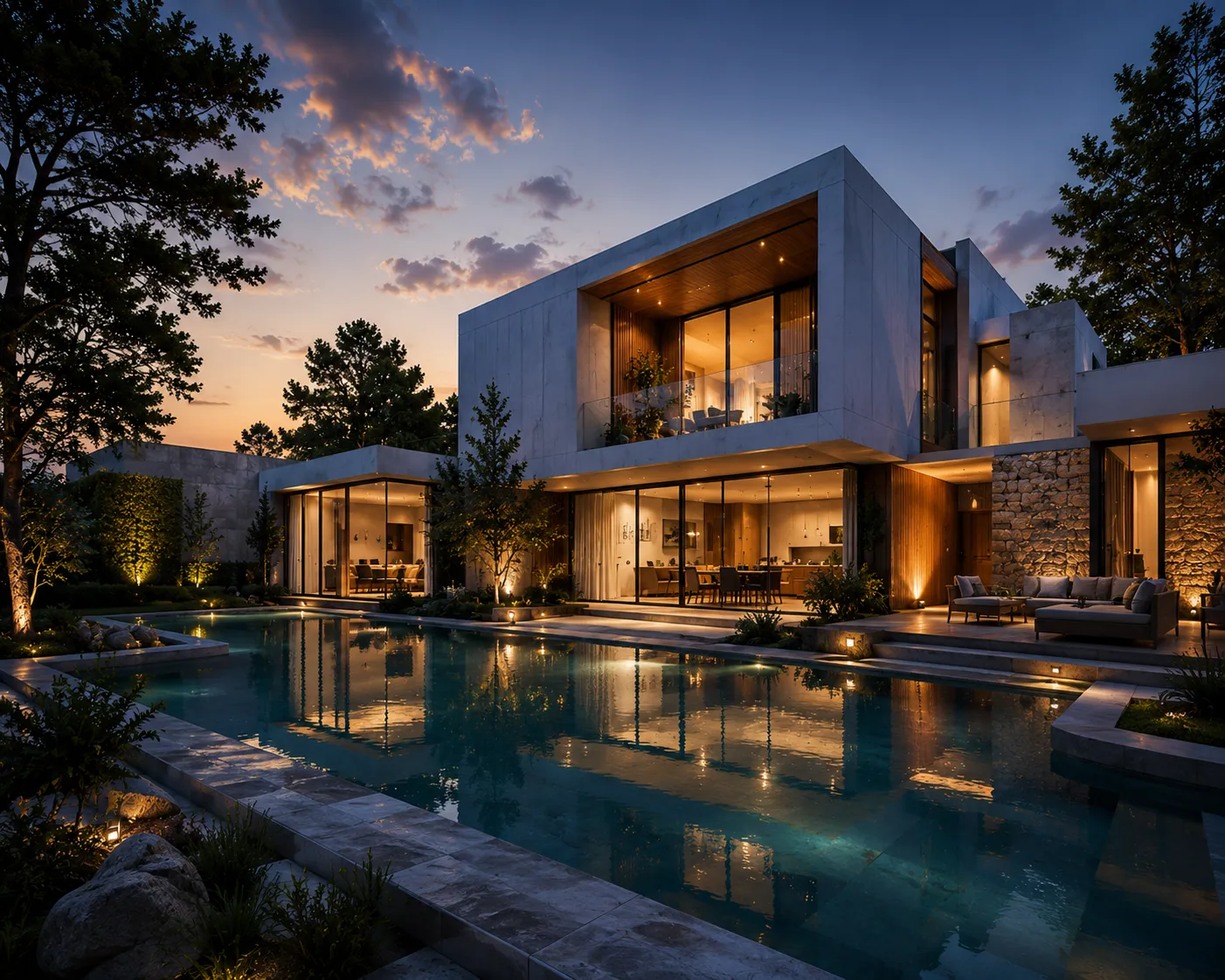
"Nano Banana" started as a codename on a benchmark leaderboard and turned out to be Google's Gemini image family — now the strongest image-editing models available for architectural work. Archome runs them in production: our Ultra engine is the large Nano Banana Pro model, and our Fast engine runs the smaller Nano Banana. This post is not a review from screenshots; it's what we've learned routing thousands of real renders through these models — including the failures.
Why it's different from the diffusion generation
Most AI rendering tools still run Stable Diffusion derivatives or Flux — diffusion models with a bolted-on control layer. They produce beautiful texture but they don't read an image; they pattern-match it. Nano Banana comes from the Gemini multimodal family, which means it genuinely parses what's in the frame before editing it. In architectural terms, that gap shows up immediately:
- Floor plans: give a diffusion model a floor plan and ask for a building, and you'll usually get a hallucinated room that ignores the drawing. Nano Banana reads the plan — in our tests it picked up an open ground-floor parking requirement, shop layouts, even street widths written on the sheet.
- Instructions: "keep the camera, change the facade material" is a sentence Nano Banana mostly obeys and diffusion models mostly don't.
- Multi-image input: it accepts several images at once and understands roles — a base photo plus a style reference, for example.
What we learned prompting it (the hard way)
Three production lessons that will save you time in any Nano Banana tool, including ours:
- Adjectives don't work; commands do. "Photorealistic, ultra detailed, 8K" barely moves the output. "The output is a PHOTOGRAPH of the finished building, not a drawing — real materials, real people, captured by a camera" transforms it. We rewrote every prompt template around this and the difference was night and day, especially on sketch input.
- Scope your style words. If a style request ("classical facade, stone columns") sits next to a preservation request ("keep the geometry"), the model has to guess which wins. Say explicitly: style applies to materials and lighting only, geometry comes only from the input.
- Ban text explicitly. Nano Banana likes to copy labels, dimensions and captions from the input image into the output — in any language. If your input is a plan or a catalog sheet, tell it the output must contain no text at all.
Where it still fails
Honesty section. Counting is hard: "add exactly two floors" often returns the same building or one extra floor — structural arithmetic is not reliable yet, on the small or the large model. Screenshots confuse it: feed it a phone screenshot and it sometimes preserves the phone's interface as if it were part of the scene. And capacity wobbles: on heavy days Google rate-limits the Pro model, which is why a serious tool needs retries and an honest error path rather than silently swapping in a cheaper model.
Nano Banana vs Flux for architecture
We ran both as our fast engine within the same week, on the same real user inputs. Flux Kontext is sharp and fast on photo restyles, and it's what several competitors fine-tune for their house look. But on drawings — plans, sketches, option sheets — it ignored the input and invented rooms, while Nano Banana understood the brief at the same price point. If your work starts from photographs only, both are defensible; if it starts from drawings, the choice is not close. Full background on the older stack in our Stable Diffusion for architecture guide.
Using it without writing code
You can use Nano Banana through Google's own apps, but they aren't built for architectural workflows — no structure lock, no credit-safe retries, no plan-specific handling. On Archome it's wired in behind the tools: Exterior and Interior restyle within a geometry lock, Sketch to Render carries the photograph-command prompting described above, and every render logs the exact model that produced it. The free tier includes three images, once, no card — enough to test the claims in this post on your own project, which is the only benchmark that matters.
Related reading: the 2026 rendering tool landscape and sketch to render, step by step.