
Best App to See New Siding Colors and Roof on Your House (2026)
· 11 min read
By Ömer Koç, Architect · Founder of Archome AI
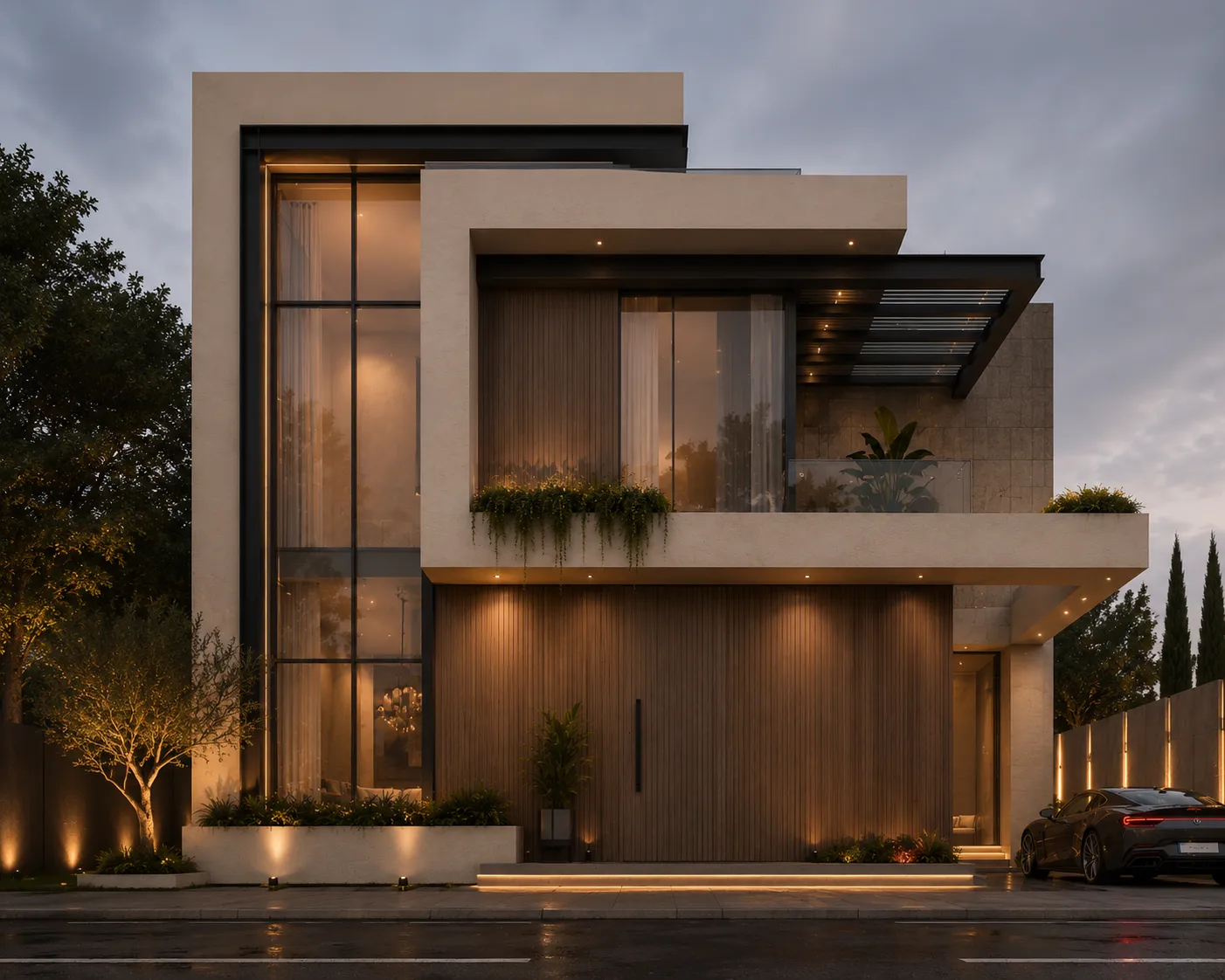
Short answer: To see new siding colors and a new roof on a photo of your own house, use an exterior visualizer that works from your photo. Archome AI's exterior tool is one: upload a photo of the house, describe the siding, roof and trim you want, and it returns a photoreal restyle in the browser. New accounts get 100 free credits with no card. It is a visualization to help you decide, not a measured quote and not a match to one manufacturer's exact product line. If you need an exact product SKU, use the manufacturer's own visualizer as a second step. The rest of this page compares the options so you can pick the right one for the decision you are actually making.
Updated: November 5, 2026. Written by Ömer Koç, architect and founder of Archome AI. Archome is our product; we flag where other tools are the better choice.
Key takeaways
- There are three kinds of siding and roof visualizers: photo-based AI tools that restyle your own photo, manufacturer visualizers with real product catalogs, and measurement platforms built for contractors and estimates.
- Use a photo-based AI tool to explore colors, contrast, and roof and trim combinations quickly. Use a manufacturer tool once you have narrowed down to a specific product line.
- An AI image is a visualization. It does not measure your house, count squares of siding or replace a contractor's quote.
- The photo matters more than the app. A straight-on, evenly lit photo with the whole house in frame gives noticeably better results than a dusk shot from the side.
- For competitors, we only describe what their category does in general terms. Check each vendor's own page for current features and pricing.
What app can show new siding colors and a roof on a photo of my house?
Several kinds of app can. The right one depends on whether you are still exploring or already choosing a product.
| Option | Best for | Works from your own photo? | Real product catalog? |
|---|---|---|---|
| Archome AI exterior | Exploring siding colors, roof colors, trim and overall style | Yes | No. Describes materials and colors; not a SKU catalog |
| Manufacturer visualizers (James Hardie, Sherwin-Williams and similar) | Matching an exact product and color name | Check vendor | Yes, for that brand |
| Hover | Measured 3D models and estimates, usually through a contractor | Check vendor | Check vendor |
| Renoworks | Contractor and dealer visualization | Check vendor | Check vendor |
| remodelai.io and other AI remodel apps | Quick AI redesigns from a photo | Check vendor | Check vendor |
We have not re-verified competitor features or prices from our working session today, so the table describes each category in general terms and sends you to the vendor for specifics. That is deliberate: tools in this space change quickly, and a stale claim on a comparison page helps nobody.
How do you see new siding colors on a photo of your house with Archome?
- Take the photo. Stand far enough back to fit the whole front elevation. Shoot in even daylight, ideally on an overcast day or when the sun is behind you. Keep the camera level so vertical lines stay vertical.
- Open the exterior tool and upload it. The tool keeps the house's shape, windows, doors and the surrounding yard, and restyles the surfaces you describe.
- Describe the change. Name the material and color for each part: for example, “warm gray fiber cement lap siding, white trim, dark charcoal architectural shingle roof, black window frames.” Specific beats vague.
- Generate a few variations. Change one thing at a time (siding color first, then roof, then trim) so you can tell which change made the difference.
- Compare and save the favorites. Put the options side by side, share them with your partner or contractor, and note the descriptions that worked.
Credits are spent per render, and new accounts begin with 100 free credits and no card required. If you decide to continue, one-time credit packs start at $15 for 500 credits, about 50 Fast renders, with no subscription. Our guide to AI rendering without a subscription explains the pack math. Free output is for personal use, which covers visualizing your own house.
Can an app show a new roof as well as siding?
Yes. A photo-based exterior tool treats the roof as another surface to restyle. You can describe the roof material and color (for example, standing-seam metal in dark bronze or asphalt shingles in weathered gray) alongside the siding, so you see the combination rather than judging each in isolation. That combination is the real decision. A roof that looks fine in a swatch can clash with a warm siding tone in daylight.
Two practical tips. First, include the roof clearly in the photo; a tight crop that cuts off the roofline gives the model less to work with. Second, test the roof against the trim and window frame colors in the same render, because contrast between roof, trim and siding is what makes an exterior look intentional or accidental.
What colors should you try first?
Rather than scrolling through hundreds of swatches, test a few deliberate pairings and judge them in your own light.
- Neutral siding, dark roof, white trim. The safe, durable baseline. Try greige or warm gray siding with a charcoal roof.
- Dark siding, dark roof, black windows. A modern, low-contrast look that depends heavily on landscaping to avoid feeling heavy.
- Light siding, contrasting roof. Off-white or soft sage with a darker roof gives a classic, clean silhouette.
- Natural wood tone accents. A single wood-look section by the entry can warm a cool palette. Our guide to modern farmhouse exteriors shows one version of this.
For more ideas that make a house look better from the street, see curb appeal ideas with AI and house facade design with AI. For paint specifically, the AI wall paint visualizer guide covers undertones and finishes.
Where does Archome AI fall short for siding and roof visualization?
These limits are real, and they are the reason a second tool sometimes belongs in your process.
- No exact product matching. Archome does not carry a manufacturer product catalog or SKU database. You describe a color and material; it does not guarantee a match to a named Hardie, Sherwin-Williams or other manufacturer color. When you pick a real product, confirm the color against a physical sample.
- A visualization, not a measured quote. The tool does not measure wall area, count squares of siding or price a job. Contractors use measurement platforms for that. Treat our image as the “what will it look like” step, not the “what will it cost” step.
- Lighting and screens distort color. Any image on a screen differs from paint or siding in sunlight. Do not choose a final color from a render alone.
- Details can drift. AI restyling can alter small details such as window grid patterns or trim profiles. Check the result against your actual house before showing it to a contractor.
- Photo quality limits results. Heavy shadows, trees covering the facade, or a steep side angle make the output less reliable.
The honest summary is that this is a decision tool for the exploration stage. For the final order, use the manufacturer's color tool, a physical sample, and a written quote.
When should you use a manufacturer visualizer or Hover instead?
Use a manufacturer visualizer (such as the ones James Hardie and Sherwin-Williams offer) when you have already decided on a brand and need to see their named colors on your house. The catalog is the point. Use a measurement platform such as Hover, or ask a contractor who uses one, when you need accurate dimensions and a material estimate. Use Renoworks-style contractor tools when your installer already works with them. Check each vendor for whether it accepts your own photo, what it costs and whether it is aimed at homeowners or at the trade.
A sensible workflow combines them: explore broadly with an AI photo tool, shortlist two or three looks, then confirm exact products with the manufacturer tool and a physical sample, and finally get measured quotes.
Is this useful for contractors and remodelers too?
Yes, with the same caveat about quotes. Siding and roofing contractors can show a homeowner several color options on the homeowner's own house during a first visit, which makes the conversation concrete. A paid plan includes a commercial license. Our page for exterior contractors describes how siding and roofing teams use the tool, and the AI exterior design guide covers the wider workflow. Pricing is on the pricing page: one-time packs from $15, or Lite at $29 a month for 100 Fast renders and Plus at $49 a month for 300.
Tips for a photo that gives good results
- Shoot the whole front elevation, with a little sky and ground visible around it.
- Use even light: overcast or a shaded front, not harsh midday sun with deep shadows.
- Stand level and avoid extreme angles. Two straight-on shots of different facades beat one dramatic corner shot.
- Trim back anything covering the house when you can, or choose a shot with fewer obstructions.
- Keep the file reasonably high resolution; a blurry photo gives a blurry result.
- Save the original, so you can compare each render to the real house.
FAQ
What app can show me new siding colors on a photo of my house? Photo-based exterior visualizers such as Archome AI's exterior tool restyle your own photo. Manufacturer visualizers show their named products, and measurement platforms like Hover are built for estimates. Many people use an AI tool to explore, then a manufacturer tool to confirm.
Can it show a new roof too? Yes. Describe the roof material and color along with siding and trim so you see the whole combination in one image.
Is it free? New Archome accounts get 100 free credits with no card. Free output is for personal use. After that, credit packs start at $15 for 500 credits, about 50 Fast renders, with no subscription.
Will the colors match a real siding product? Not exactly. Archome does not carry a manufacturer catalog or SKUs. Use it to choose a direction, then confirm the exact product color with the manufacturer's tool and a physical sample.
Can it give me a quote or measure my house? No. It is a visualization. For measured dimensions and pricing, use a contractor or a measurement platform.
What kind of photo works best? A straight-on, evenly lit photo that includes the whole front of the house and the roofline.
Can contractors use the images with customers? Paid plans include a commercial license. See the exterior contractors page for how teams use it.
Do I need a subscription? No. You can use the free credits, then buy a one-time pack, or choose a monthly plan if you render often. See pricing.