
VirtualStagingAI Alternative for Agents (2026)
· Updated · 8 min read
By Ömer Koç, Architect · Founder of Archome AI
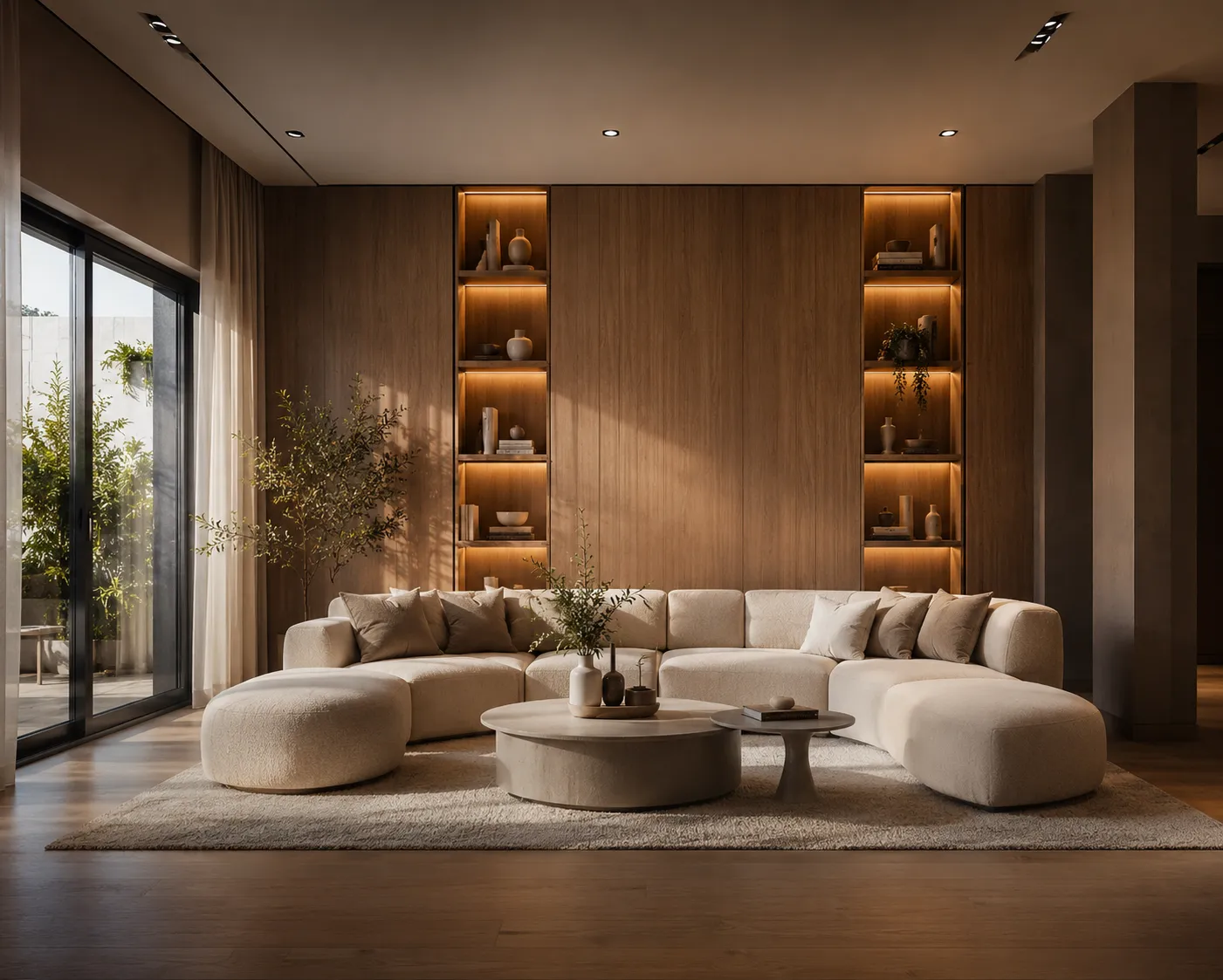
VirtualStagingAI made virtual staging a solved problem for a huge chunk of the real estate industry: upload an empty room, pick a style, get furniture back in under a minute. It's cheap, it's fast, and it's the tool a lot of agents reach for first. If you're using it and wondering whether to keep going or look elsewhere, the honest answer depends on what the photo is actually for.
What VirtualStagingAI gets right
- Fast, and genuinely cheap at full quota. Upload, pick a style preset, done in under a minute. Read off its own pricing page on 10 September 2026, the plans are $16/mo for 6 photos, $19/mo for 20, $39/mo for 60 and $79/mo for 150 — $2.67 down to $0.53 a photo. Against a human-edited service at US$23-30 a photo, that is a real and defensible saving, and the reason the tool got popular.
- Purpose-built for listings. It does one job - furnish an empty room photo - and does it without a learning curve.
- Good enough for a quick MLS upload. For a single room on a fast-moving listing, the output clears the bar most buyers are scrolling past anyway.
Why people actually go looking for an alternative
Search volume for "VirtualStagingAI alternative" is not made up of people who think the tool is bad. It is a competent product at a fair price. Four specific frictions send agents looking anyway, and it is worth knowing which one is yours before you switch — because two of them are not solved by moving to a different staging tool at all.
- You hit the quota mid-listing. The most common one. The fix is either a bigger allowance you will not always finish, or a pooled balance that does not reset. That is the whole reason credit-based tools exist.
- The job stopped being staging. The listing needs the tired facade refreshed, the brochure floor plan made legible, or a fifteen-second clip for the reel. No staging-only tool solves that — and no other staging-only tool will either. This is the switch that actually pays for itself.
- The presets will not say what you mean. "Modern" is not a brief. A three-bed family house in a school catchment and a city studio for a first-time buyer want different furniture, and a preset category cannot separate them. Free-text steering can.
- You want to stop paying monthly for something seasonal. If you shoot in bursts, any subscription is the wrong shape and a prepaid balance is the right one. That is a pricing-model complaint, not a quality one.
If your reason is 1 or 4, you are shopping for a pricing model and almost any credit-based tool will do. If it is 2 or 3, you are shopping for a different product. The rest of this page assumes the second.
Where you'll hit the walls
- Staging only. No exterior restyling, no sketch-to-render, no floor plans, no video, no 3D. The moment a listing needs a facade shot or a walkthrough clip, you're opening a second tool.
- Preset styles, limited steering. You choose from a style list; asking for "warm minimal, oak floor, brass fixtures, morning light" and getting exactly that isn't the workflow.
- The quota is a cliff, not a slope. This is the detail most roundups get wrong by calling it pay-per-photo. It is a monthly photo allowance: run out on the 20th and you either upgrade a tier or stop staging until the reset, and photos you did not use do not roll into next month. Listing work is lumpy — three vacant listings in one week, none for a fortnight — so an allowance sized for your average month is wrong in both directions.
- No wider toolkit for the rest of the shoot. A dated facade, a rough sketch of a proposed renovation, a 4K pass for print - none of that lives in the same account.
Honest comparison
| VirtualStagingAI | Archome | |
| Pricing model | Monthly photo quota — $16/6, $19/20, $39/60, $79/150 (checked 10 Sep 2026). Unused photos do not roll over | One-time packs with no monthly reset — $15/500, $39/1,500, $99/5,000 (valid 12 months) — or $29/mo for 1,000 credits that refresh each month |
| Price to start | Free editing trial | Free — 100 credits to start, no card |
| Tools | Virtual staging only | 14 tools: staging, interior, exterior, sketch, plan, video, 3D |
| Style control | Preset categories | Free-text prompts, material swap, masked edits |
| Max output | Standard resolution | 4K via Enhancer |
| Geometry preserved | Yes, for the staged room | Yes - walls, windows, camera angle locked |
| Beyond one room | Not built for it | Exterior, facades, full listing shoot |
The upgrade path, concretely
The core trick is the same everywhere in this category - furnish the empty room, keep the walls where they are. What changes with a fuller toolkit is everything around that one trick. Archome's Virtual Staging tool does the one-photo furnish with free-text prompting instead of a preset list, then the rest of the account picks up the parts VirtualStagingAI doesn't touch: exterior restyling for the curb-appeal shot, a 4K enhancer pass for the hero image, and a monthly credit plan instead of a per-photo bill once you're staging more than a handful of rooms a month.
A concrete example
An agent shoots a five-room listing: three empty bedrooms, a bare living room, and a dated exterior facade. Staging all four interior rooms through a per-image tool is four separate charges - and the facade still needs a different service entirely, or gets skipped. In a single account, the same shoot becomes four staged interiors and one refreshed facade for the same listing gallery, priced against a monthly credit pool instead of four line items, with a 4K pass on whichever shot becomes the hero image.
How to check every claim on this page in ten minutes
Comparison pages are written by people with an interest in the outcome, this one included. So settle it with your own photo instead of taking anyone's word for it. Take one badly lit empty bedroom — not your best shot, your most awkward one — and run it through both.
- Geometry test. Open the source and the staged version side by side at 100%. Look at the window mullions, the ceiling line and the skirting board, not the sofa. Both tools are built to hold those; neither can promise it on a hard photo, and this is how you find out which one drifts on your kind of room.
- Steering test. Ask for something a preset cannot express: "warm minimal, white oak floor, brass fixtures, morning light, no rug". A preset list cannot take that instruction at all, so the difference shows up in a single attempt.
- Scope test. Now take the same listing's exterior shot and try to refresh the facade in the same account. This is where a staging-only tool stops, and where the reason to switch either exists or it doesn't.
- Revision test. Change your mind. Ask for the same room in a different direction and time the second attempt. Both tools are fast here; against a human-edited service this single test is the entire argument.
One honest caveat before you run it: geometry preservation on any AI stager, ours included, is what the model is built and prompted to do rather than something it can guarantee. Ordinary rooms hold. Mirrored wardrobes, hard reflections and corner shots that show two rooms at once are where drift appears. There is no review pass on an AI tool other than you, so make the side-by-side check a habit rather than a one-off.
Verdict
If you're staging one room for one listing and speed is the only thing that matters, VirtualStagingAI is a perfectly reasonable, low-commitment choice - use it. If you're staging every room of every listing, or the shoot also needs an exterior refresh, a sketch turned into a render, or a print-ready 4K file, a fuller toolkit earns its place fast. Read the AI virtual staging guide for the full step-by-step, or stage your own listing photo - the first renders are free.
Frequently asked
Does VirtualStagingAI change the room's layout, or just add furniture? Just furniture, lighting and decor - the walls, windows and camera angle stay exactly as photographed. That's true of the wider AI staging category, Archome included.
Can VirtualStagingAI also handle an exterior or facade photo? No - it's built for interior staging only. A dated facade or curb-appeal shot needs a separate tool, such as Archome's Exterior AI, in the same account as the staging tool.
Do I need a card or subscription to try a fuller toolkit first? No — Archome accounts start with 100 credits and no card required. Be precise about what that buys: on the free tier every render costs a flat 30 credits whatever the engine, so 100 credits is three staged images. Enough to judge geometry lock and realism on your own listing photo against what VirtualStagingAI's trial produced, which is the only comparison that settles anything.
Most people comparing these tools are doing it for a job, not a hobby. If that job is shooting and delivering listing photos, the economics matter more than the feature list — see virtual staging for real estate photographers for how the per-photo cost changes when staging moves in-house.