
Twinmotion AI Rendering 2026: What Exists
· 8 min read
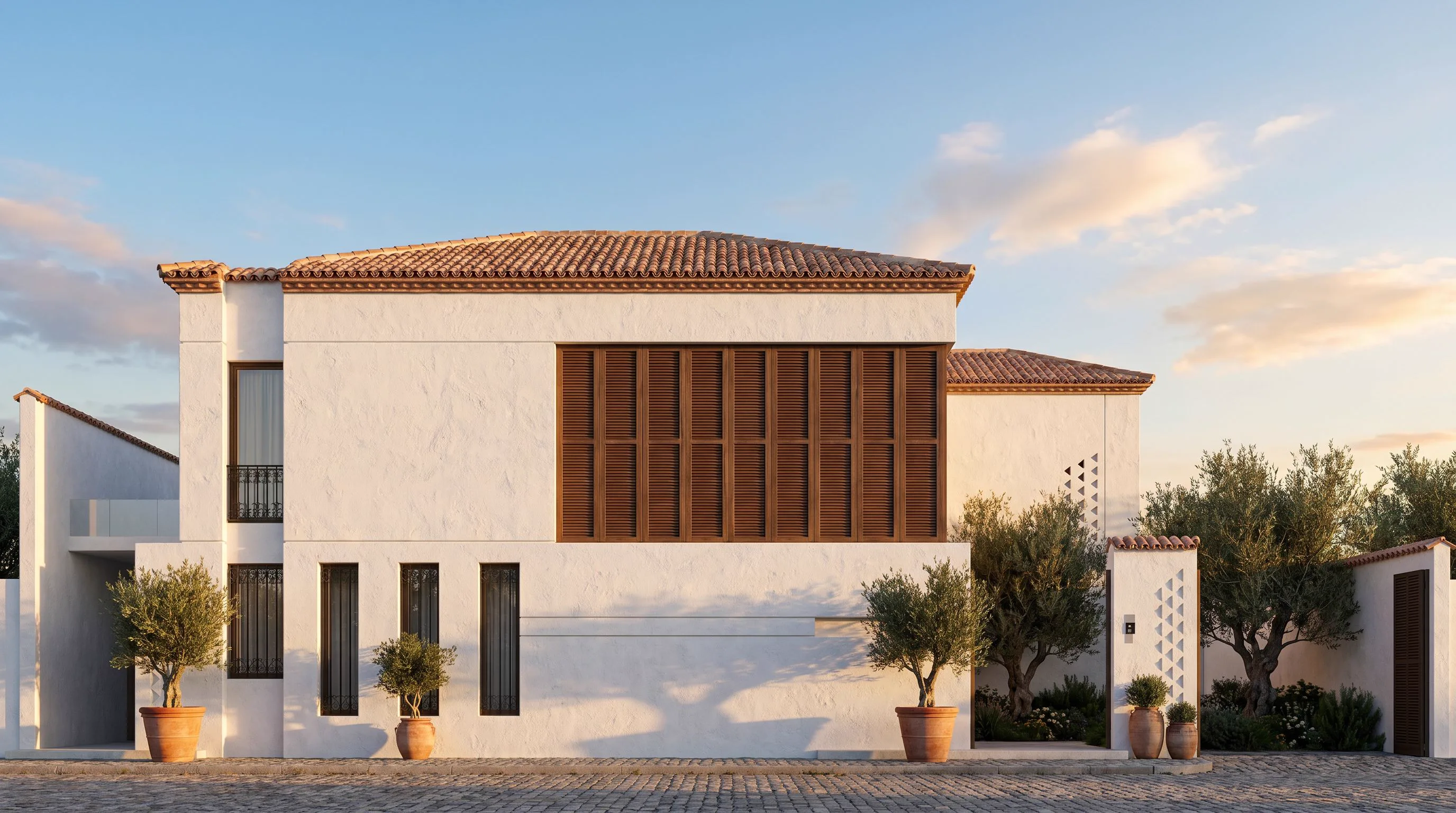
Short answer: as of 2026, Twinmotion does not generate photorealistic images from a text prompt and it does not restyle a view with AI. It is a real-time visualisation engine — an excellent one — but "Twinmotion AI rendering" as most people imagine it (type a mood, get a photograph) happens outside Twinmotion, in an AI renderer that takes your viewport as input. This guide covers exactly what is built in, what is not, and the 30-second workflow architects use to combine the two.
What "AI" Twinmotion actually has
Twinmotion's strength is speed of navigation, not generative imagery. What it offers today:
- Real-time rendering — rasterised or path-traced frames of your actual model, with manually assigned materials and lighting
- Asset library and scan-based content — placed by you, not generated
- Upscaling and denoising — quality helpers, not image generation
What it does not do: turn a white-card massing into a finished photorealistic scene from a one-line description, reimagine materials from a prompt, or produce concept variations without you modelling and assigning everything first.
Twinmotion vs AI rendering — what each is for
| Question | Twinmotion | AI renderer (Archome) |
|---|---|---|
| Walk the client through the model live? | Yes — its core strength | No |
| Photorealistic still from a rough view? | Only after full material/light setup | Yes — about 30 seconds |
| Try 5 material directions before modelling them? | Each must be assigned by hand | One prompt edit per direction |
| Hardware | Serious GPU recommended | Runs in the browser, cloud GPU |
| Input needed | The full model | Any image of any view |
If you want the longer head-to-head — hardware, cost and which one to buy this year — read Twinmotion vs AI rendering.
How architects add AI rendering to Twinmotion (step by step)
- Capture the view. In Twinmotion, frame the camera you care about and export an image — even a flat, unlit working view is enough.
- Upload it to an AI renderer. Open Archome's browser tool and drop the capture in. Nothing installs; the model file never leaves your machine.
- Describe materials and mood. "Corten steel and larch cladding, wet asphalt, overcast Copenhagen light." Geometry, openings and camera stay exactly as modelled.
- Iterate. Each variation takes about 30 seconds, so material studies that would cost an afternoon of assignment happen inside one meeting.
When to stay in Twinmotion
- The deliverable is a live walkthrough or a navigable executable
- You need frame-accurate animation along a path
- The model is fully materialled already and you need many consistent stills of it
When AI rendering wins
- The design is still moving and you need presentation images today
- You want material and mood options before committing modelling time
- The machine at hand has no GPU — site laptop, client office, home
- The input is not even a model yet: a sketch, a photo, a hand drawing
FAQ
Is there an official Twinmotion AI feature coming? Epic has shown research around generative tools across its ecosystem, but nothing shipping in Twinmotion today turns prompts into photorealistic architecture. Treat any "Twinmotion AI" claim you read against what the current build actually does.
Do I need to export my model to use AI rendering? No — only an image of the view. That is the point: the AI works from pixels, so any package (Twinmotion, Lumion, Enscape, SketchUp, or a Revit viewport) feeds it equally well.
Does the AI change my design? Architectural AI renderers preserve geometry: wall lines, window counts and proportions stay as modelled. What changes is materials, lighting and atmosphere — the parts you described.
What does it cost next to a Twinmotion licence? Archome starts free (100 credits to start, three renders); paid plans from $29/month with a commercial licence. See the full comparison on the Twinmotion comparison page.
Still deciding which AI renderer to pair with Twinmotion? The 2026 comparison of AI rendering software puts ten of them side by side on inputs, output and pricing model, with Twinmotion included so the boundary between engine and renderer stays clear.
Bottom line: Twinmotion and AI rendering are not rivals — one is the engine you present in, the other is the fastest way to get a finished-looking image out of whatever stage your model is in. Most studios we see end up using both, captured view in, rendered image back, thirty seconds apart.
Looking for a Twinmotion alternative?
If what brought you here is the search for an alternative rather than a pairing: the honest comparison depends on what you produce. Twinmotion remains strong for real-time walkthroughs from your own models; browser AI rendering wins on iteration speed from photos, sketches and plans. We keep straight side-by-sides on the comparison index (including D5 Render and Enscape/Lumion), and a workflow-first breakdown in Archome for architects. Testing costs nothing — 100 free credits at signup, no card.