
Virtual Furniture Removal for Listing Photos
7 min read
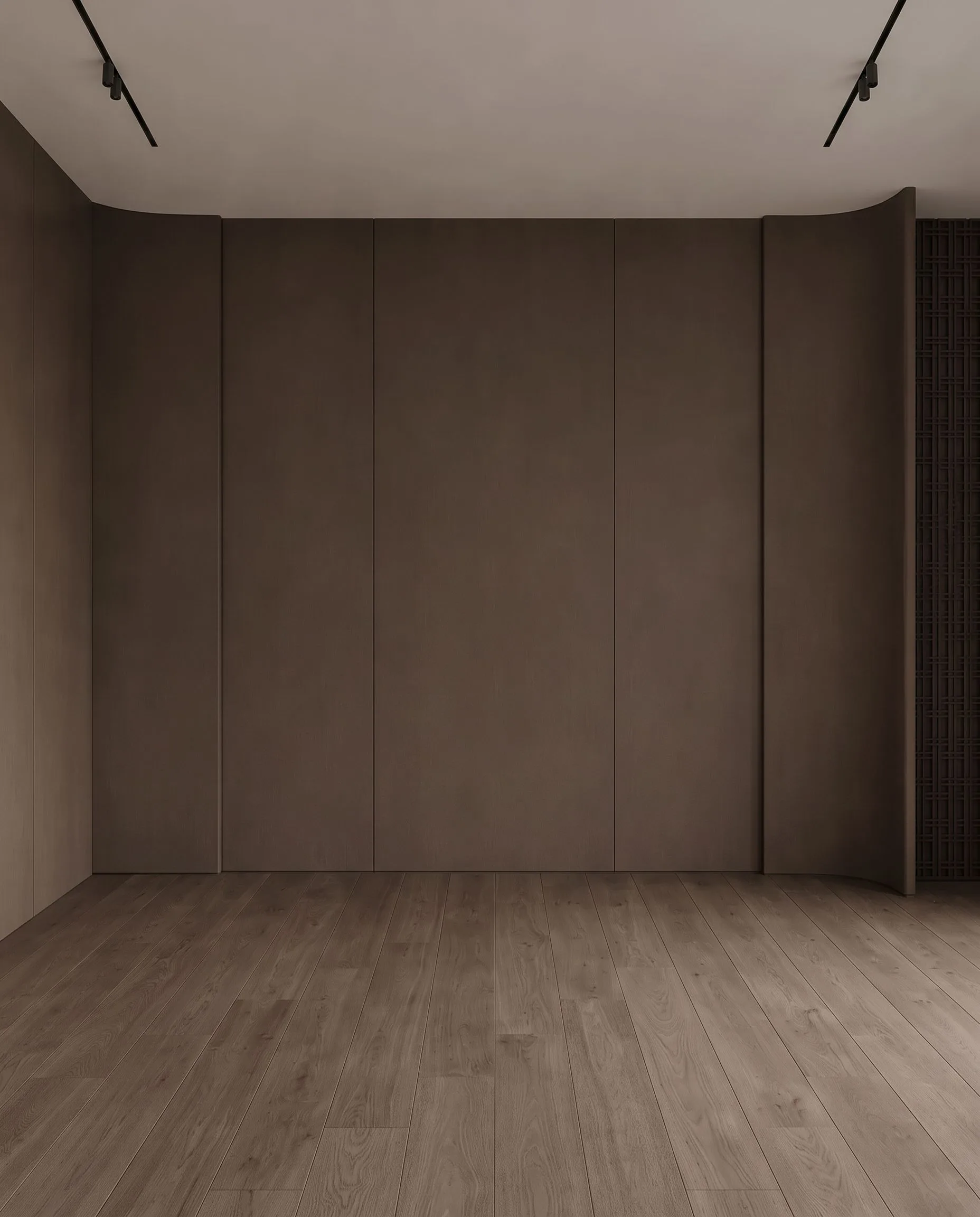
Most listings are photographed while someone still lives in them. The sofa is the wrong size for the room, the bed has a mismatched duvet, and the kitchen counter is covered in appliances. Virtual furniture removal digitally clears those items so the photo shows the room itself, either empty or ready for virtual staging. Done honestly, it is one of the cheapest ways to make an occupied home photograph like a vacant one. Done carelessly, it is the fastest way to earn an MLS complaint. This guide covers both sides.
What virtual furniture removal actually does
The editor, human or AI, removes selected objects from the photograph and reconstructs what was behind them: floor, wall, skirting board, window frame. Good removal keeps the room's real geometry, lighting and finishes exactly as they are. The result is a photo of the same room with less in it.
It is used in three situations:
- Occupied homes where the owner's furniture hides the space or dates it.
- Clutter: personal items, cables, counter appliances, toys, laundry, pet beds.
- Before virtual staging: clear the room first, then furnish it digitally so the staged image is consistent and the scale is right.
What it is not: a tool for removing damage. A stain, a crack, water marks or worn flooring are the property's condition, not furniture. Removing them misrepresents the home, and no label makes that acceptable. Our guide to virtual staging disclosure rules covers the MLS and portal side in detail.
The disclosure rule, in one sentence
If a photo has been digitally altered, the viewer must be told. Virtual furniture removal is an alteration, so the same rule that applies to virtual staging applies here: a label on the image or in the caption (agents commonly use "digitally decluttered" or "furniture digitally removed"), a note in the public remarks, and the untouched original kept on file. Many MLS boards also require the original photo to be uploaded alongside the edited one. Check your own board's photo policy once; it is usually a single page.
What it costs: human editors versus AI
Human photo-editing services price object removal per photo and usually by complexity. A single item on a plain wall is cheap; emptying a fully furnished living room with patterned flooring is not. Across the well-known US services the per-photo range commonly runs from a few dollars for a simple removal to $30 or more for a full clear-out, with 24 to 48 hour turnaround and rush fees on top.
| Job | Human editing service | Archome AI (credit packs) |
|---|---|---|
| Remove a few items from one photo | Typically $5–15, 24–48 h | $0.59–0.90, about 30 seconds |
| Fully empty a furnished room | Typically $15–30+, 24–48 h | $0.59–0.90, one or two passes |
| Empty, then virtually stage | Removal plus staging fee, two queues | Removal plus staging from $0.29, same session |
The AI price above is the inpainting tool at 30 credits per edit on Archome AI credit packs: $0.90 on the $15 pack, $0.59 on the $99 pack. New accounts start with free credits, so the first edits cost nothing. Staging prices are in our virtual staging cost guide.
Step by step: empty an occupied room with AI
- Shoot for removal. Photograph from the corner at about chest height, keep the camera level, and make sure floor and wall edges are visible around the furniture. The more real floor and wall the AI can see, the cleaner the reconstruction.
- Mark what goes. In the inpainting tool, brush over the items to remove: sofa, rug, coffee table, wall art. Leave built-in fixtures, radiators, outlets and flooring untouched.
- Describe the surface, not the object. The prompt should say what should be there instead: "empty room, continue the oak floor and white wall, keep the window and skirting." That keeps the result tied to the real room.
- Check the geometry. Compare with the original: floor pattern continuous, skirting straight, window and door positions unchanged, no invented outlets or vents. Redo any patch that looks smeared.
- Stage if you want to. Take the cleared image into the virtual staging tool, pick a style and let the furniture land on the real floor plane.
- Label and file. Add "digitally decluttered" or "virtually staged" to the image and caption, keep the original next to it, and mention the edit in the remarks.
When removal is the wrong tool
- The furniture is the selling point. A well-furnished, well-lit room usually photographs better than an empty one. Remove clutter, keep the furniture.
- The owner's belongings cover a defect. If the sofa hides a damaged floor, removing it reveals the damage, which is exactly what the buyer should see. Never "repair" what the removal exposes.
- Rentals with specific amenities. Do not clear a room in a way that implies space or features the unit does not have, and keep people out of the images.
- Heavily reflective rooms. Mirrors and glossy floors reflect the removed furniture. Either remove the reflection consciously and check it, or photograph from an angle that avoids the mirror.
A realistic expectation of quality
AI removal is excellent at plain walls, continuous floors and single objects, and very good at full rooms when the floor pattern is simple. It struggles with complex patterned carpets, ornate wallpaper behind large objects, and heavy shadows that have nowhere to go. In those cases run two passes, or remove fewer items and stage over the rest. Every result should be judged against one question: would a buyer who later walks into this room feel the photo told the truth about it?
For agents and photographers, the practical shift is this: a job that used to go into a 24 to 48 hour queue at several dollars a photo can be done in the time it takes to write the listing remarks, and the compliance work is the same label you were already adding. Our real estate page shows the full listing workflow, from decluttering to staging to twilight exteriors.
Frequently asked questions
Is virtual furniture removal allowed in MLS listings? Yes, as a disclosed edit. Label the image, mention it in the remarks and keep the original. What is not allowed is removing defects or altering permanent features.
Can I remove furniture and then virtually stage the same photo? Yes, and it is the most common use. Clear the room first, then stage the cleared image so the new furniture sits on the real floor and the scale is right.
How much does virtual furniture removal cost? Human editing services commonly charge from a few dollars for a simple removal to $30 or more for a full room, with 24–48 hour turnaround. With Archome AI an inpainting edit is 30 credits, which is $0.59–0.90 per photo on credit packs.
Does removing furniture count as misrepresenting the property? Not when it is disclosed and only furniture or decor is removed. It becomes misrepresentation when damage, stains, fixtures, walls, windows or views are changed.
What photos work best for AI removal? Level, corner-angle shots with visible floor and wall edges around the furniture, even lighting and few mirrors. Patterned carpets and ornate wallpaper behind large objects are the hardest cases.
Should I show the original photo too? Keep it on file always, and upload it alongside the edited version where your MLS requires it. Many agents include both; buyers trust the pairing.