7 Best Twinmotion Alternatives for Architects (2026)
· 11 min read
By Ömer Koç, Architect · Founder of Archome AI
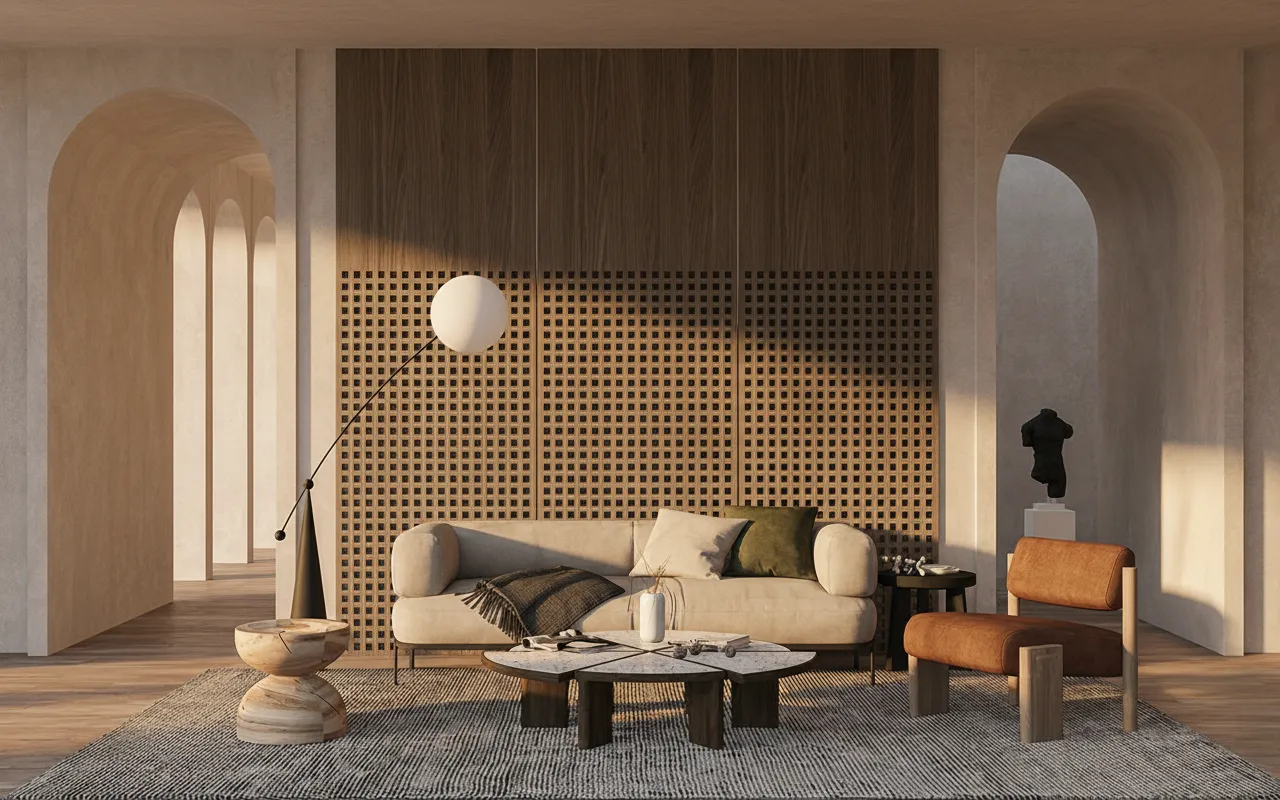
What is the best Twinmotion alternative? It depends on why you are leaving. For fast stills without building a scene, Archome AI renders a photoreal image from a sketch or viewport screenshot in about 30 seconds. For a similar real-time workflow, D5 Render and Enscape are the closest. For the most control, Unreal Engine or Blender. This guide ranks seven options, with what each does well, where it falls short, and what it costs.
Archome AI is our product; we rank it first for the reasons below. Competitor prices change often and some vendors show different figures to different regions, so for tools other than ours we describe the pricing model and tell you to check the vendor's current pricing. Facts compiled 4 November 2026.
Why people look for a Twinmotion alternative
Twinmotion is a good real-time tool, built by Epic Games on Unreal Engine technology, with direct links to common modelling software. The reasons people look elsewhere are usually practical:
- The scene has to be built first. Import, materials, assets, lighting. For a quick concept image that is a lot of setup.
- Hardware. Real-time engines like a strong graphics card, and a laptop without one struggles.
- Look and control. Some users want more physically accurate light, others want a quicker, more polished result with less tweaking.
- Licence terms. Commercial use, team seats and renewal terms differ between tools, and they change from release to release.
Which alternative fits depends on which of those four applies to you. That is how the list below is organised.
Quick picks
| Tool | Best for | Pricing | Free option? |
|---|---|---|---|
| 1. Archome AI | Photoreal stills from a sketch, photo or viewport screenshot in about 30 seconds | Plans from $29/mo (1,000 credits = 100 Fast renders); packs from $15 | Yes: 100 credits, three renders, no card |
| 2. D5 Render | Real-time scenes with a similar workflow to Twinmotion | Free tier plus paid plans; check d5render.com | Yes, free tier with restrictions on commercial use |
| 3. Enscape | Live rendering inside Revit, SketchUp, Rhino and Archicad | Named-user subscription; check enscape3d.com | Time-limited trial |
| 4. Lumion | Landscape-heavy scenes, library and animation | Annual subscription tiers; check lumion.com | 14-day trial (at last check) |
| 5. Unreal Engine | Maximum control, interactive and VR experiences | Free to download; check Epic's licence terms for commercial use | Yes |
| 6. Blender (Eevee and Cycles) | Full pipeline for people who will learn it, at no licence cost | Free and open source | Yes, entirely |
| 7. Chaos Vantage | Real-time ray tracing of V-Ray scenes | Check chaos.com | Trial; check chaos.com |
1. Archome AI: stills without building a scene
Archome is an AI renderer, not a real-time engine, and that is the point. You give it the view you already have, such as a SketchUp viewport screenshot, a CAD elevation, a sketch or a photo, describe the materials and light, and it returns a photorealistic still in about 30 seconds. Your geometry and camera are kept; the AI supplies materials, light and atmosphere. It runs in the browser, so there is nothing to install and no graphics card requirement.
Where it wins
- No scene to build: the first image takes seconds, not hours.
- Works from sketches, photos, floor plans and Twinmotion screenshots alike.
- Easy to compare five material directions on the same view.
- Free to start: 100 credits (three renders, no card). Paid plans are $29 for 1,000 credits (100 Fast renders), $49 for 3,000 and $119 for 10,000; packs are $15 for 500, $39 for 1,500 and $99 for 5,000. There is a 14-day money-back guarantee if no credits are used. See pricing.
Where it doesn't
- No navigable scene: you cannot walk through it or fly a camera path. Animation is limited to short clips made from a still.
- No measured accuracy. Fine detail is interpreted, so it is not the tool for tender or contractual images.
- Each change is a new render rather than a live update.
Try it from a Twinmotion capture on Sketch to Render, or read the full Archome vs Twinmotion comparison.
2. D5 Render: the closest real-time match
D5 Render is a real-time engine with a workflow familiar to Twinmotion users: import the model, assign materials, place vegetation and lighting, and see the result update live. It has a free tier and has added AI-assisted features around its core over successive releases.
Where it wins
- Real-time navigation and animation, like Twinmotion.
- A free tier makes it easy to test on your own model.
- Live links to common modelling software.
Where it doesn't
- You still need a finished model and a capable graphics card.
- The free tier is limited and, per its terms, not for commercial use; confirm the current terms before you rely on it.
- Same set-up burden as any real-time engine.
Our own comparison is on the D5 Render alternative page.
3. Enscape: live rendering inside your modelling software
Enscape runs as a plugin in Revit, SketchUp, Rhino, Archicad and Vectorworks. You keep modelling and a live window shows the space as you change it. For practices that live in Revit or Archicad all day it removes the export step entirely.
Where it wins
- Live link: change the model, see the render.
- Walkthroughs and VR from the same scene.
- Widely adopted in Western practices, so colleagues and clients are familiar with its output.
Where it doesn't
- It needs a modelled scene, with materials assigned in the host software.
- Licences are tied to named users and paid; check the current tiers.
- Less of an asset library than a standalone engine.
See Enscape alternative and the longer Enscape and Lumion vs AI guide.
4. Lumion: library, landscape and animation
Lumion is a standalone Windows application with a large built-in library of vegetation, people, vehicles and weather. It is one of the better options for landscape-heavy scenes and for animation, and most users reach a presentable image quickly.
Where it wins
- Large asset library included.
- Strong animation and a gentle learning curve.
- Good for bringing one scene to many views.
Where it doesn't
- Annual subscription only; there is no perpetual licence.
- Windows only, with real graphics-card requirements.
- Not a physical light simulation.
More on Lumion against V-Ray in Lumion vs V-Ray, and our Lumion alternative page.
5. Unreal Engine: the engine under Twinmotion
Unreal Engine is the game engine Twinmotion is built on. Used directly, it gives you far more control: custom lighting, interactivity, VR, and real-time presentations that respond to the user. It is free to download, and Epic publishes licence terms for commercial use, so read them for your case.
Where it wins
- The highest ceiling for real-time visuals and interactive experiences.
- No per-seat licence fee to start.
- Large community, tutorials and marketplace content.
Where it doesn't
- It is a game engine. The learning curve is the steepest on this list.
- Importing architectural models and getting clean materials takes real work.
- Needs a powerful machine.
It is the right choice if you have, or can hire, a visualisation specialist. For everyone else, Twinmotion exists to hide this complexity.
6. Blender (Eevee and Cycles): free and capable
Blender is free, open-source 3D software with two render engines. Eevee is real time; Cycles is a physically based path tracer. Between them you can build almost any still or animation with no licence cost.
Where it wins
- Free, with no commercial restriction on what you make.
- Cycles produces high-quality stills; Eevee gives fast previews.
- A full pipeline for modelling, texturing, rendering and animation.
Where it doesn't
- It is not architecture-specific; there is no BIM live link and no built-in architectural asset library.
- A real learning investment, particularly for materials and lighting.
- Importing from CAD or BIM takes cleanup work.
7. Chaos Vantage: real-time ray tracing of V-Ray scenes
Chaos Vantage is a real-time ray-tracing viewer made by the company behind V-Ray. It works with scenes prepared for V-Ray and relies on a modern graphics card. It is a different idea from Twinmotion: instead of a separate engine, it lets you explore the physically based scene you already built.
Where it wins
- Physically based quality in real time.
- Fits teams that already use V-Ray.
- Good for client walkthroughs of a finished V-Ray scene.
Where it doesn't
- It is not a starting point for a team without V-Ray scenes.
- Needs a recent, powerful graphics card.
- Pricing and bundles vary; check Chaos for the current structure.
How we compared
We scored each tool on the same questions: what input does it need, how long to a first usable image, what hardware does it expect, what does it cost to start, and is there a free route to test on your own model. We read vendor documentation and our own published comparisons. Where a vendor price is not stable or not readable, we say so and describe the pricing model rather than print a number. We have a commercial interest in ranking Archome first, and the reason is narrow: if the deliverable is a still image and you do not need a navigable scene, skipping the scene is the quickest way to get one. If the deliverable is a walkthrough, rank D5, Enscape or Lumion above us.
Which one should you pick?
| You need | Pick |
|---|---|
| A photoreal still today, from a sketch or screenshot | Archome AI |
| A real-time engine like Twinmotion, with a free tier to test | D5 Render |
| Live rendering inside Revit or Archicad | Enscape |
| Landscape-heavy scenes and animation, fast | Lumion |
| Interactive VR or custom experiences | Unreal Engine |
| A free full pipeline and the time to learn it | Blender |
| Real-time walkthroughs of V-Ray scenes | Chaos Vantage |
Many studios use two: a real-time engine for the walkthrough, and AI for the ten options that come before it. Our Twinmotion vs AI rendering guide covers that workflow in detail, and the AI rendering software comparison lists ten AI renderers if stills are what you want.
FAQ
What is the best free alternative to Twinmotion? Blender is free with no commercial restriction but takes real learning. D5 Render has a free tier with restrictions. Archome AI gives new accounts 100 free credits, enough for three renders, with no card.
Is there a Twinmotion alternative that works without a graphics card? Yes. Archome AI renders in the cloud and runs in a browser, so a laptop is enough. Real-time engines such as D5, Lumion and Unreal expect a capable graphics card.
What is the closest alternative to Twinmotion? D5 Render. It follows a similar import, materials, assets and lighting workflow with live navigation, and it has a free tier to test.
Is Enscape better than Twinmotion? They suit different workflows. Enscape is a live plugin inside your modelling software; Twinmotion is a standalone engine with its own asset library. If you spend all day in Revit or Archicad, Enscape's live link is its main advantage.
Can I use a Twinmotion image in Archome AI? Yes. A screenshot of your Twinmotion view is a good input: geometry, camera and openings are kept while materials and light are re-rendered in about 30 seconds.
Does AI replace Twinmotion? Not for walkthroughs, VR or frame-accurate animation. It replaces the early stage, when you need several photoreal options before the model is final.
How much does Archome cost compared with Twinmotion? Archome starts free (100 credits, no card). Paid plans are $29, $49 and $119 per month for 1,000, 3,000 and 10,000 credits. For Twinmotion, check Epic's current pricing, because tiers and terms change between versions.
Which Twinmotion alternative is best for SketchUp users? If you want live rendering, Enscape or D5 connect directly. If you want a fast AI still of the current view, Archome has a free SketchUp extension that sends the viewport.